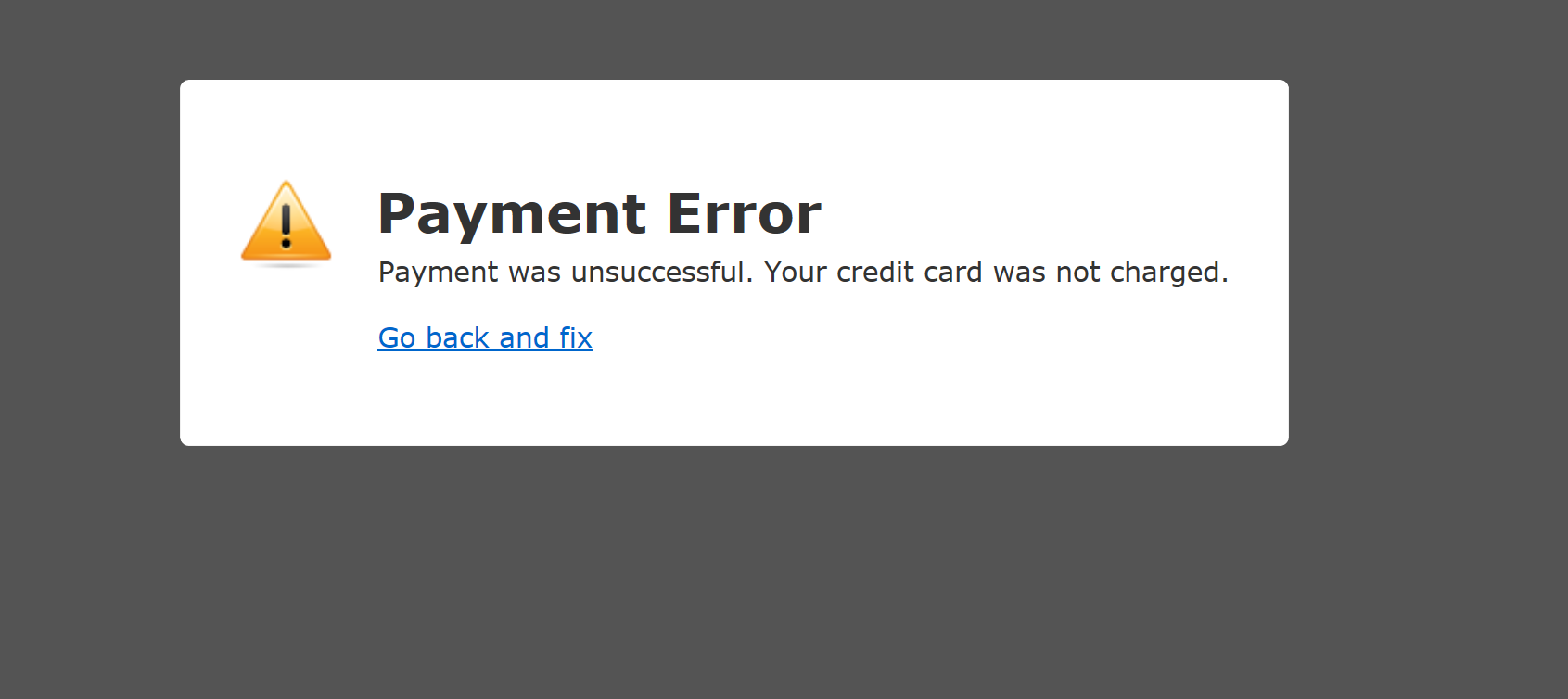
In this article we cover Payments Failed and -
Payment taken more than once.
Payments failed:
Your payment can be declined by either your bank our ours, unfortunately we are not allowed to know the reasons why. Here are some tips to help:
1) Make sure the billing address matches the card
2) Ensure the name is spelt the same way as the card account holder
3) Try a different card
Retrying the same card without changing something is a bad idea and will usually just make the problem worse.
Next steps if you cannot use another payment method
1) Call your bank, go through to the fraud department and explain you are trying to make a payment to us.
If the payment is being blocked by our bank, there is little we can do unfortunately, as they do not speak with us regarding your payment details, or cards.
Unfortunately, due to risk prevention, payments can be stopped for any reason if either bank feels it's a risky transaction or that there is something that does not look right.
Payment Taken more than once:
Have you tried to purchase products from our website and had trouble getting a card payment through, only to notice what seems like a double charge on your bank statement? Before hitting the panic button, let's unravel the mystery behind these apparent duplicates and put your mind at ease.
Authorization Unveiled:
When you make a purchase at Laptop-LCD-Screen.co.uk, the first step is the authorization dance. Here, the payment system taps into your bank to ensure your card is legit and that you've got the necessary funds. During this stage, the money is momentarily set aside in your account. Don't be alarmed – this isn't a real deduction but a precautionary move to verify your funds.
This happens to ensure that you have the funds to complete the purchase and that those funds are not spent elsewhere whilst you complete our checkout process.
Please note that this is not how we operate, but how the merchant banks that handle our payments operate, so we don't have any control over how this system works.
The Capture Saga:
Once the authorization is victorious, the bank can proceed to capture the actual payment. This is when the real money is taken from your account. However, if your payment encounters a detour during the authorization party, like a decline, or an error with the checkout process, that temporary placeholder may linger in your account for a while. Fear not – it's brief and will eventually reverse back to you.
Double Trouble:
Now, the plot thickens when users attempt the payment again after a hiccup. The initial temporary hold might still be visible, making it appear as if you've been charged twice. Here's the scoop: the initial hold is not a charge, and it should gracefully reverse in due time. The failed payment authorisation will never be captured and so will be released back into your account. We don't know exactly how long this is, but could be around 24-48 hours.
Surviving the Confusion:
To avoid a rollercoaster of emotions, keep a keen eye on your bank statements. Remember, these temporary holds are not permanent charges. If doubts persist, consider reaching out to your bank for a comforting chat.
Getting help from Laptop-LCD-Screen.co.uk
Merchants, too, can play a role by communicating clearly on their websites how the checkout processes work. Understanding the ins and outs of this authorization and capture tango can turn what seems like a double charge drama into a smooth online shopping experience.
If you have waited 48 hours and still see a charge that you believe is incorrect then please log a support ticket with our customer services who will be able to investigate this further.
