




Cart
£0.00
Discover next-level replacement displays engineered for extraordinary contrast, vivid colour and lightning-fast response.
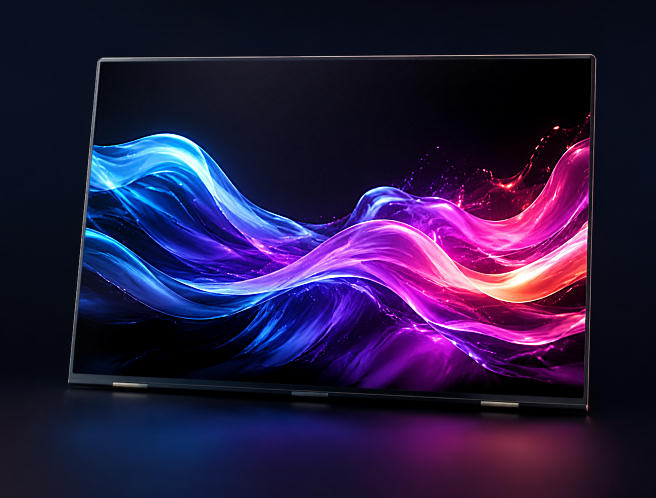
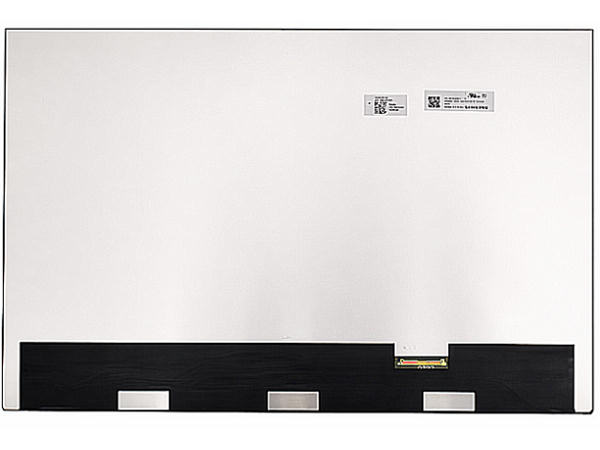
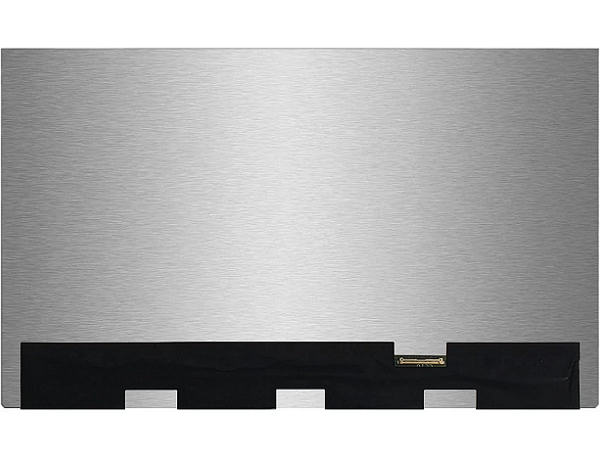
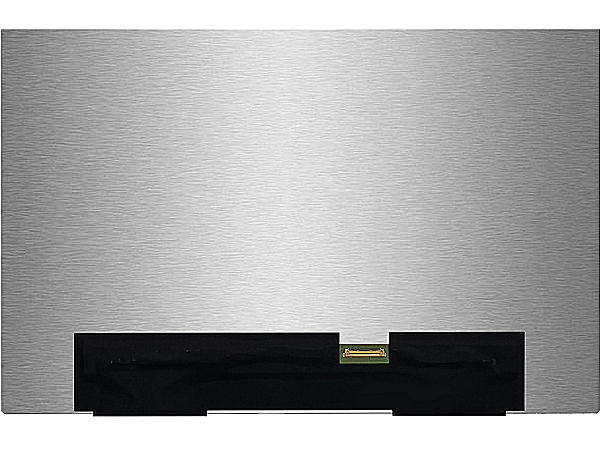
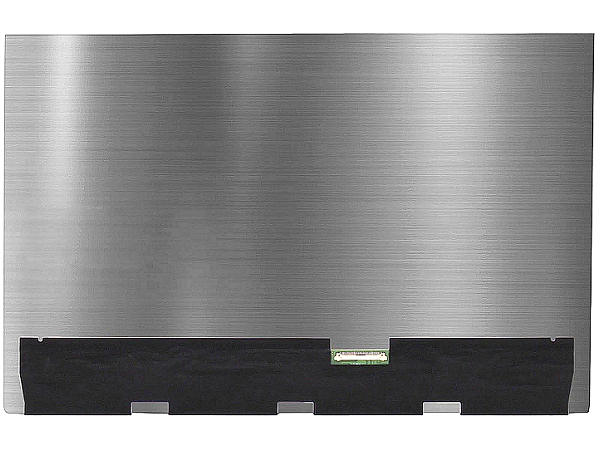
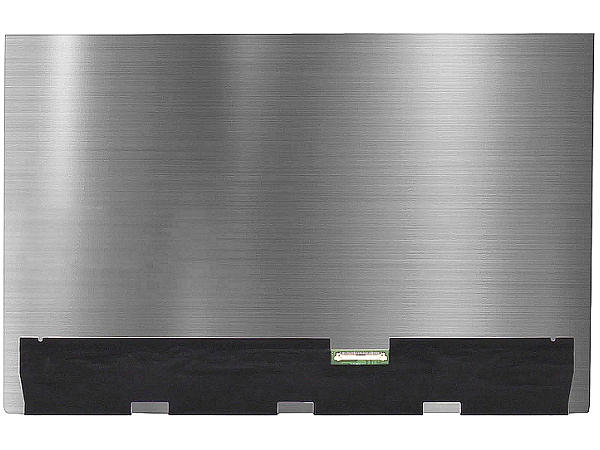
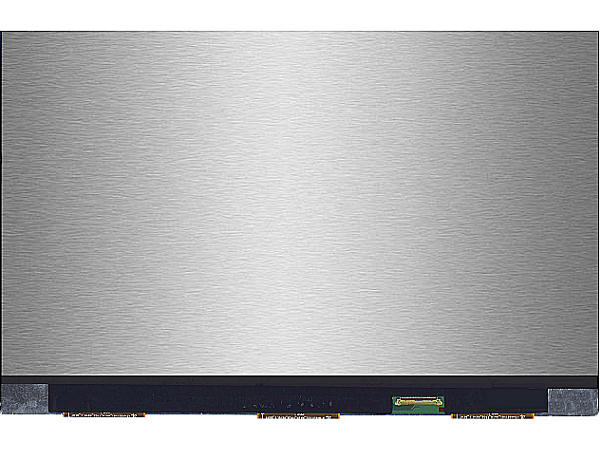
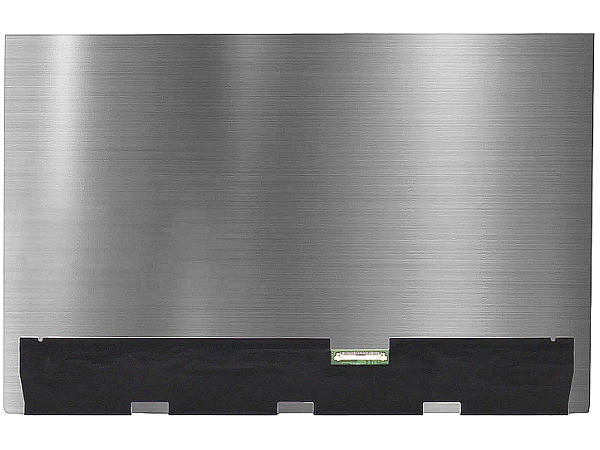
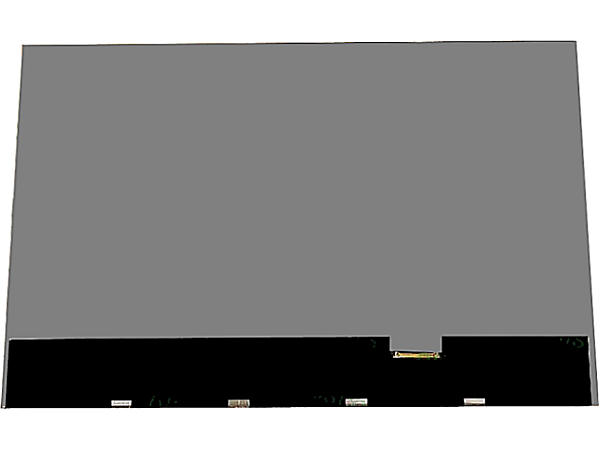
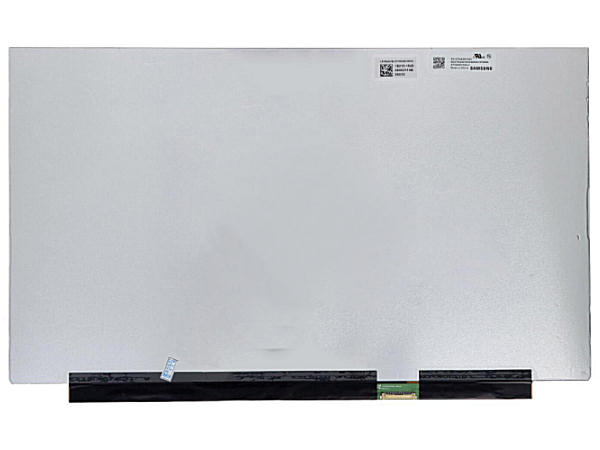
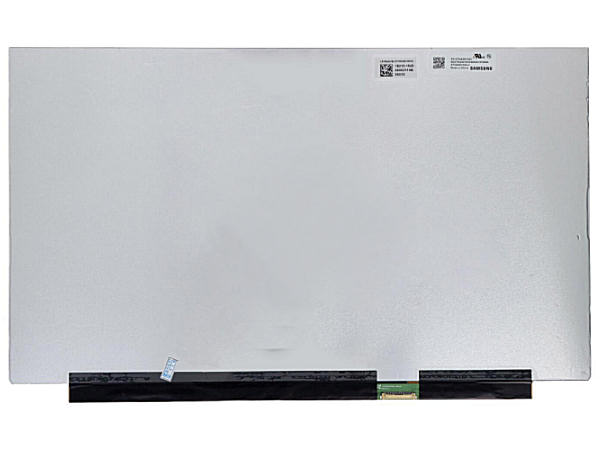
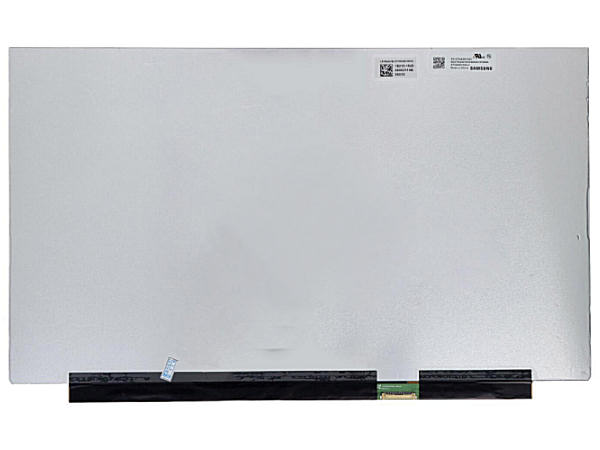
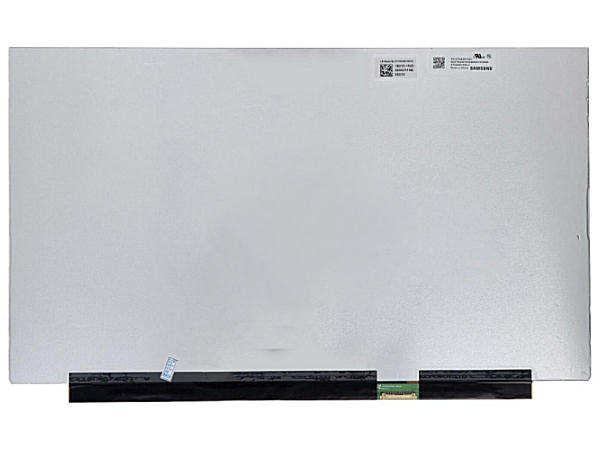
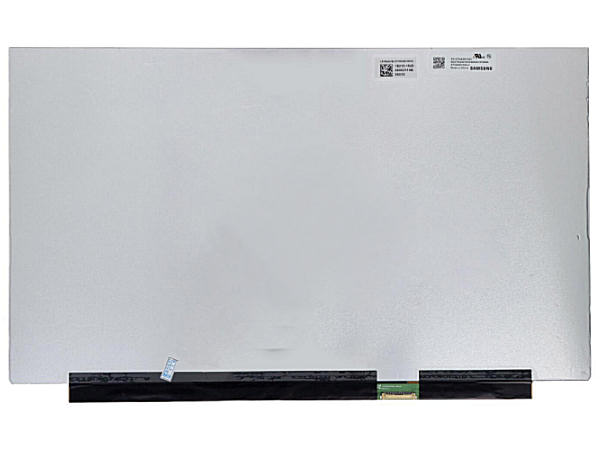
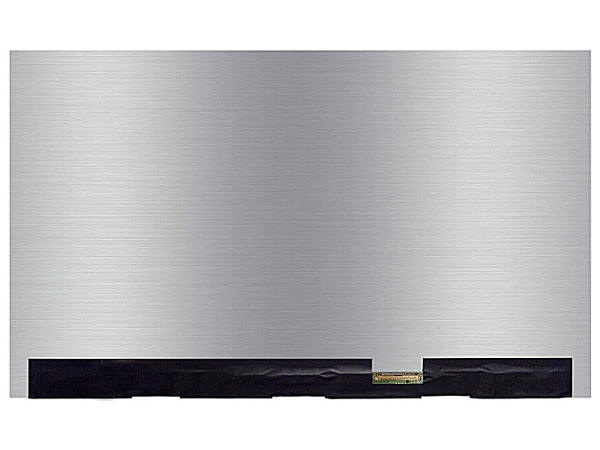
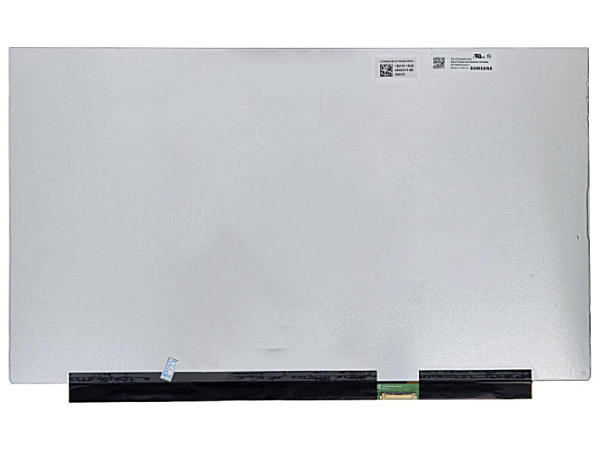
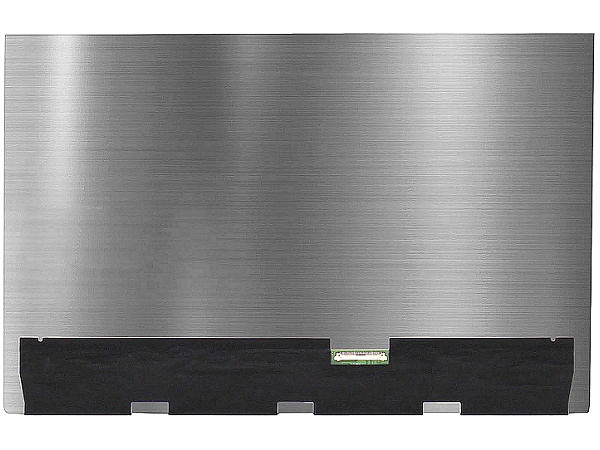
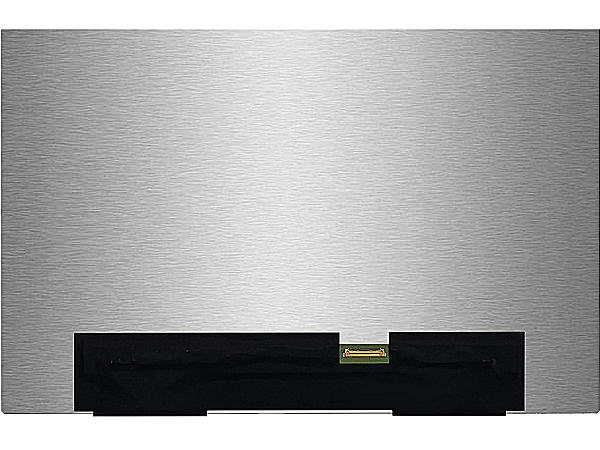
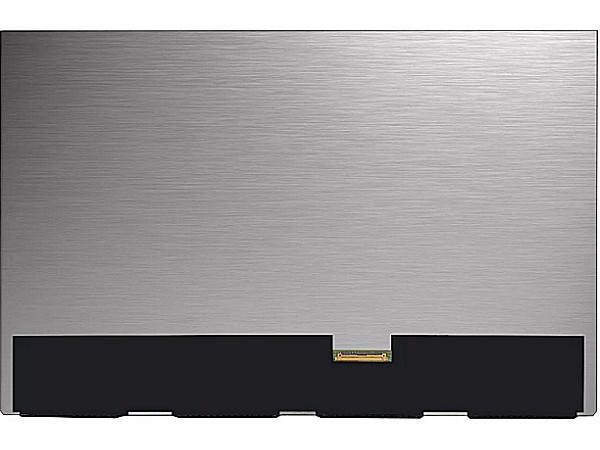
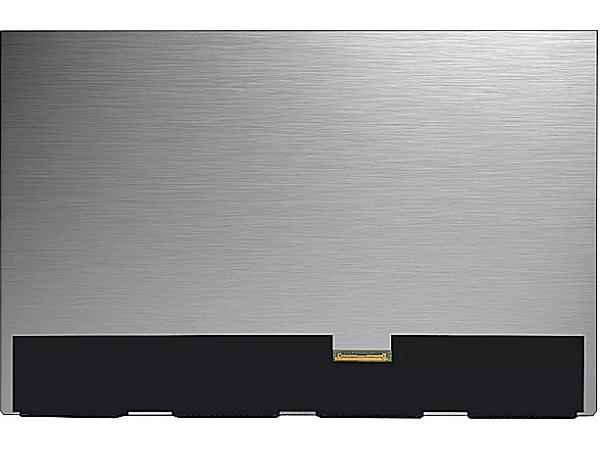
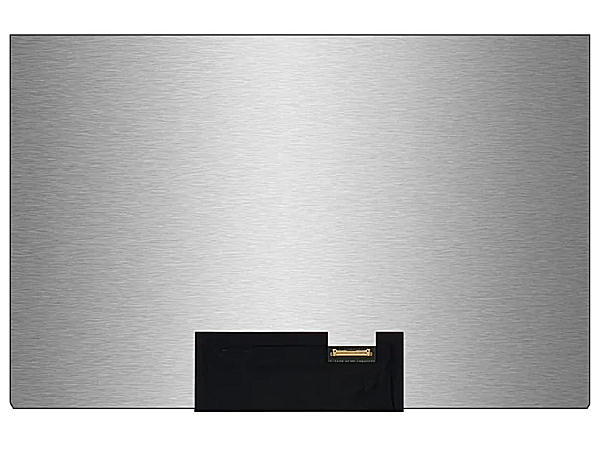
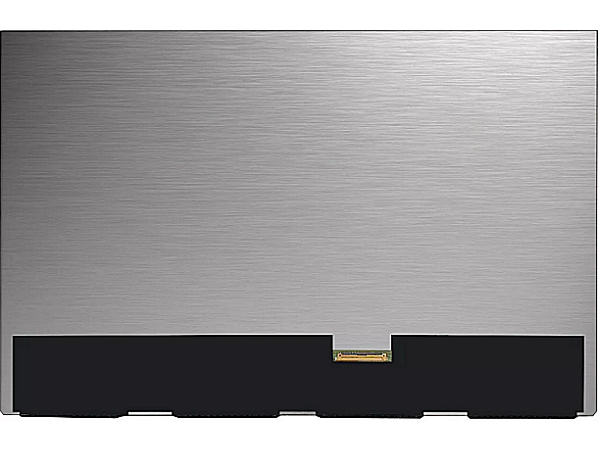
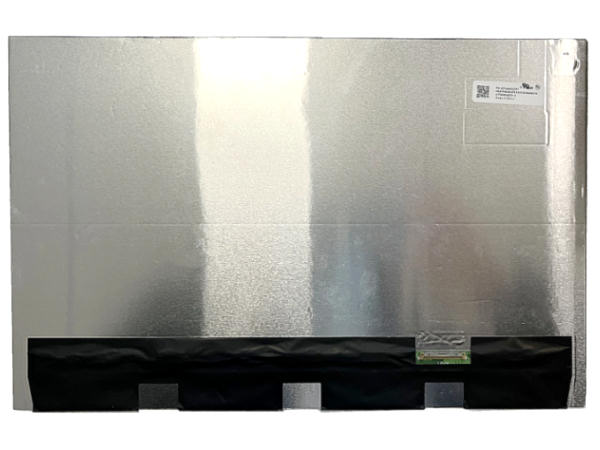
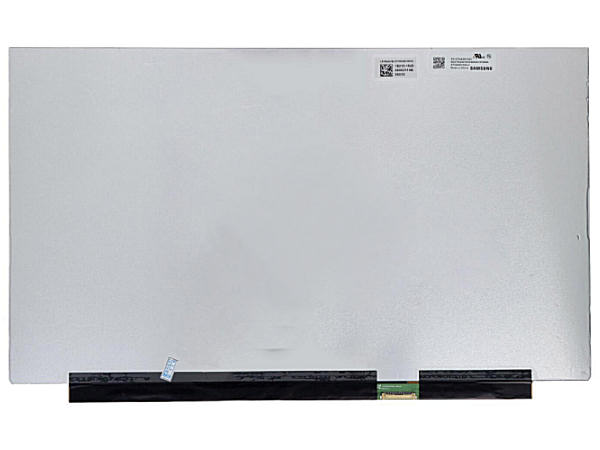
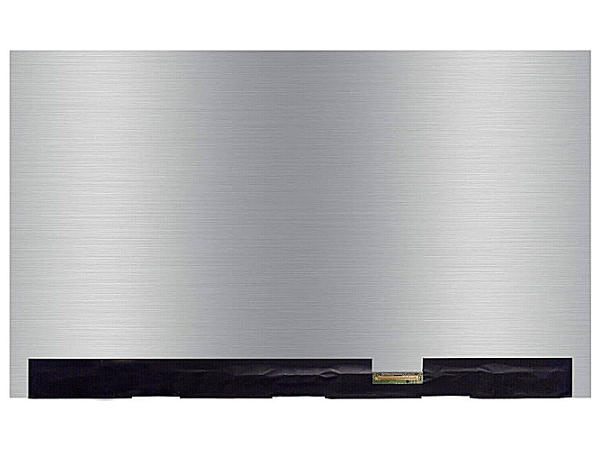
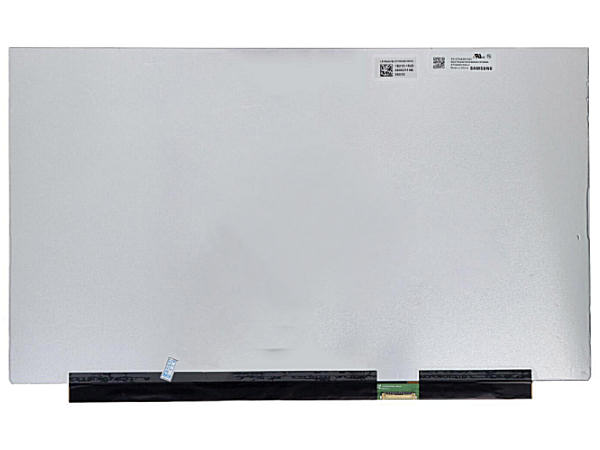
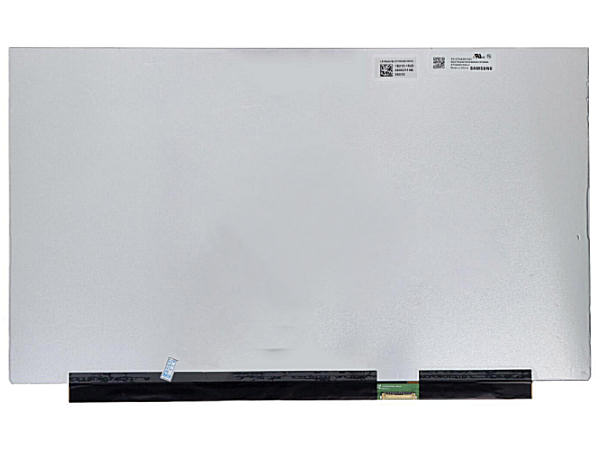
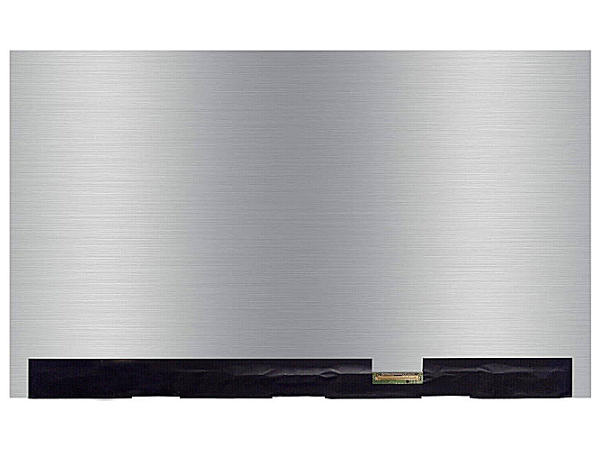
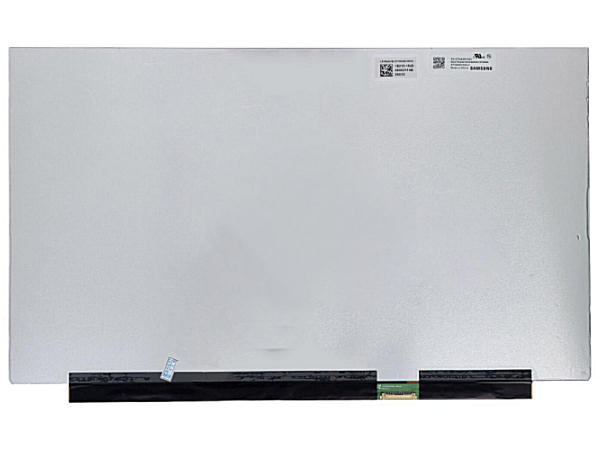
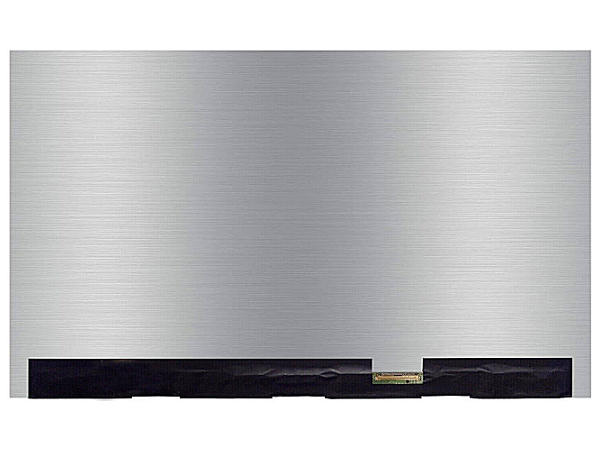
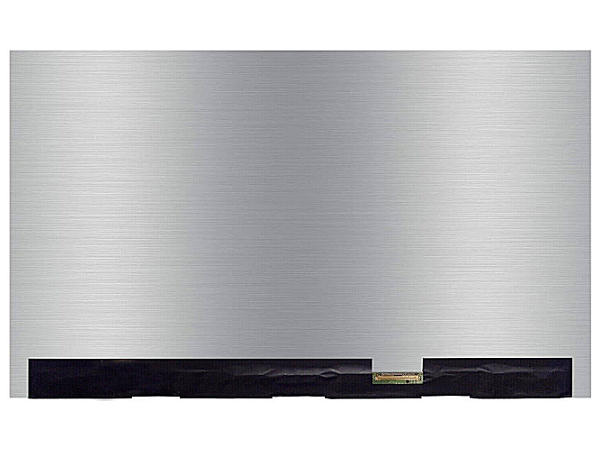
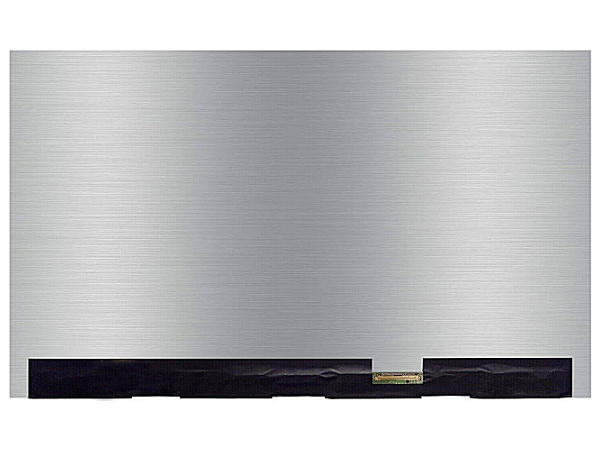
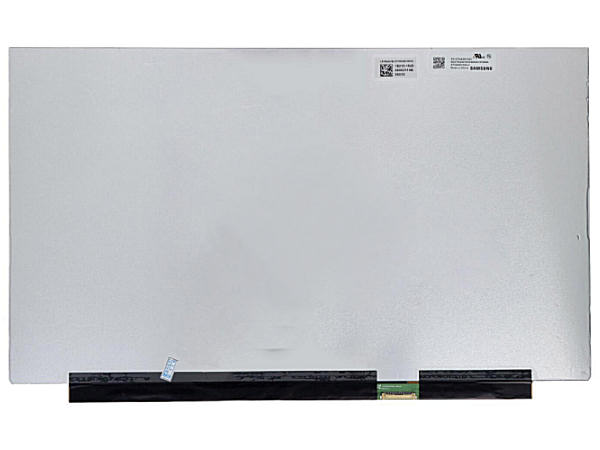
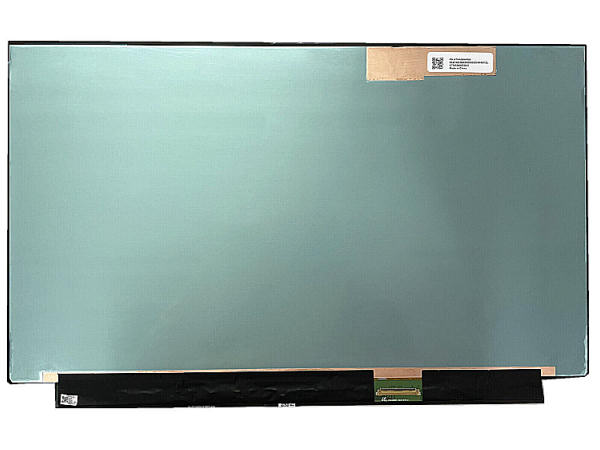
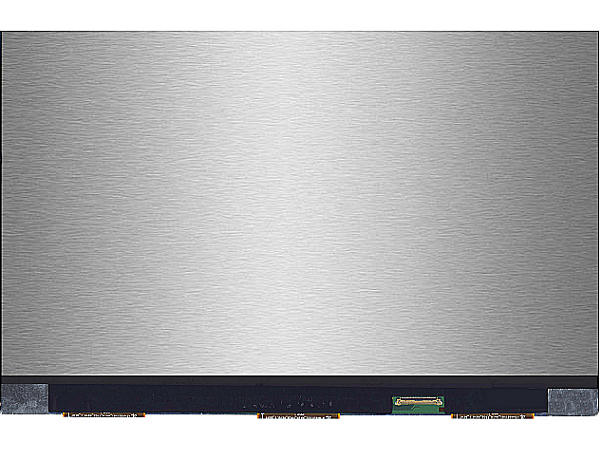
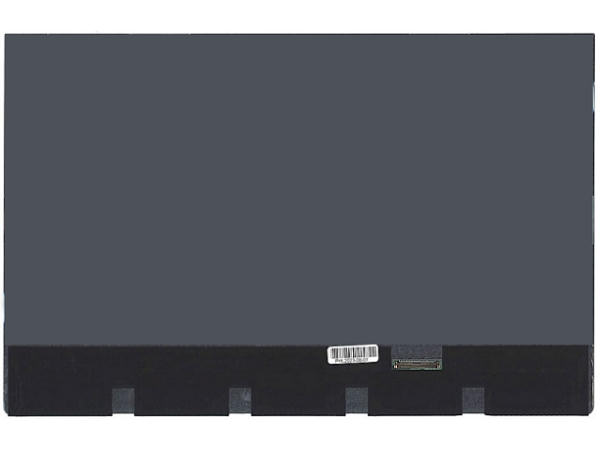
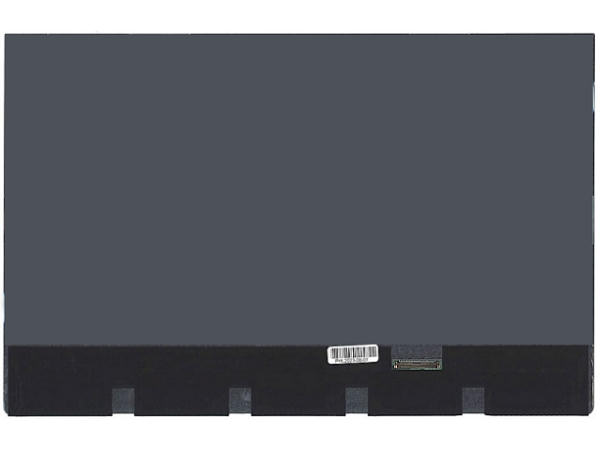
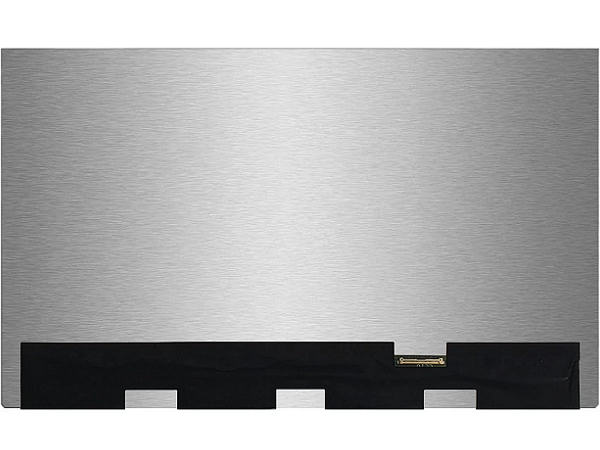
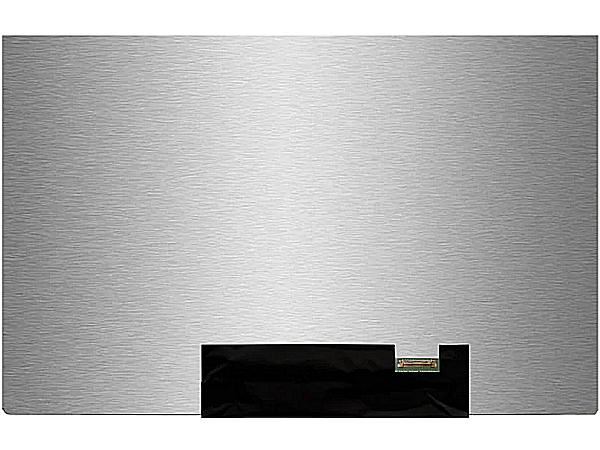
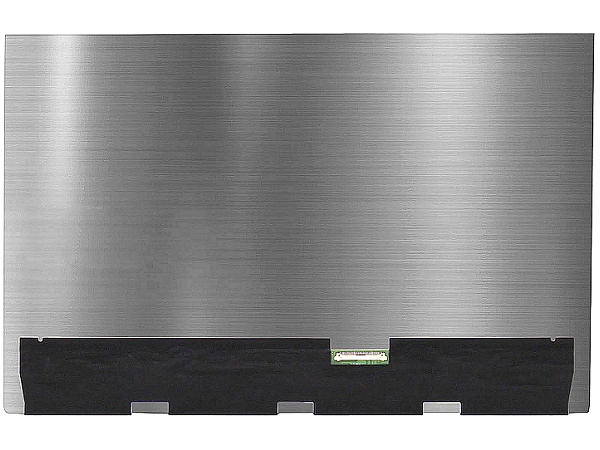
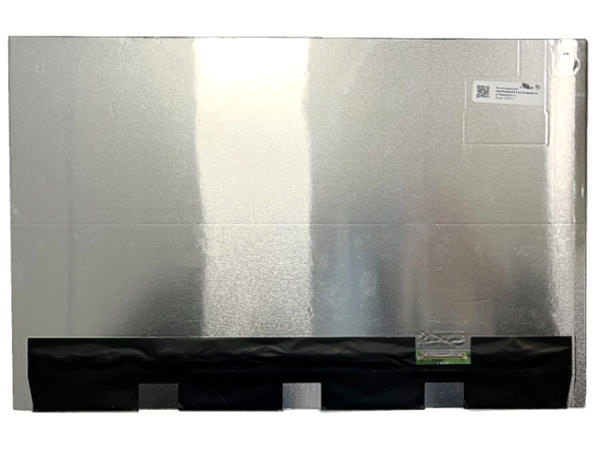
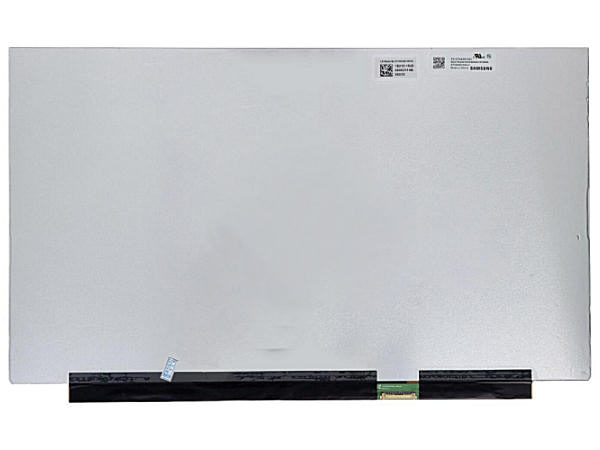
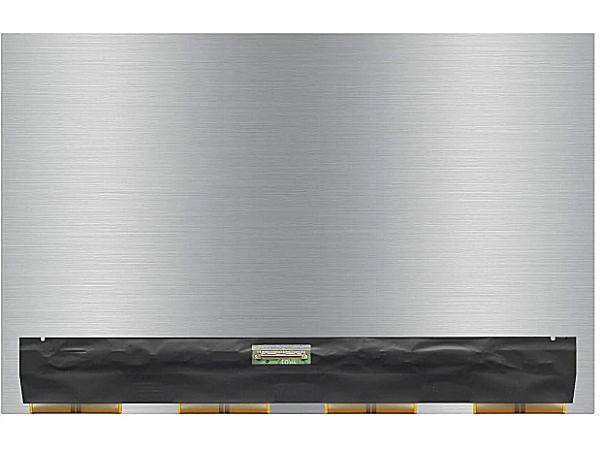
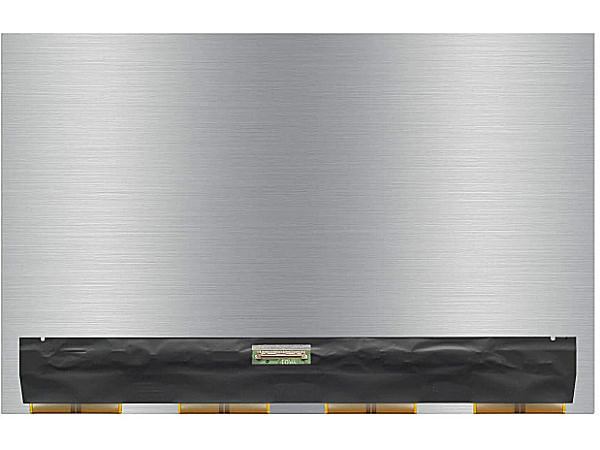
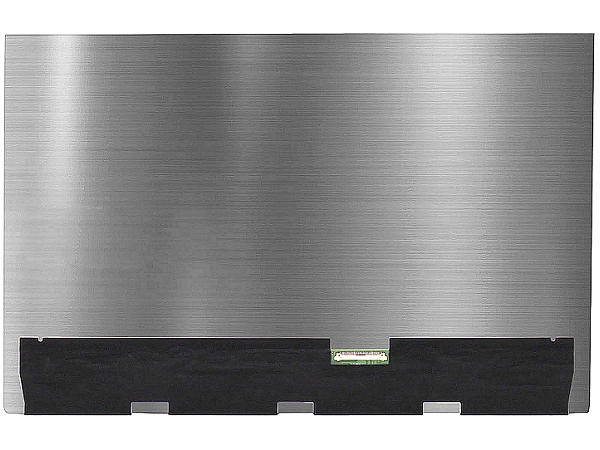
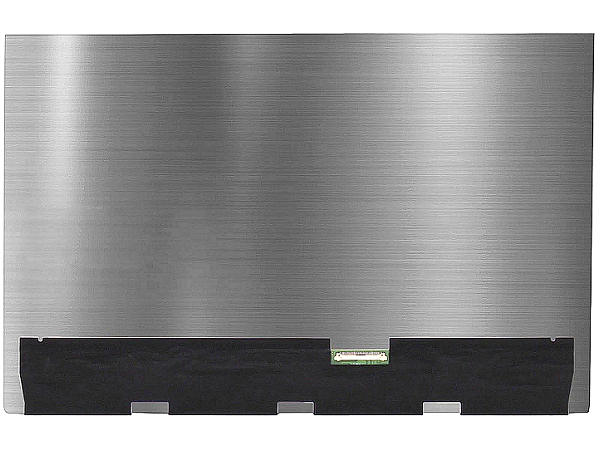
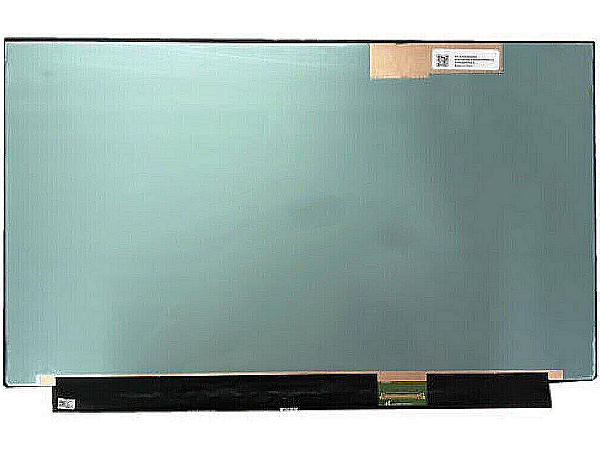
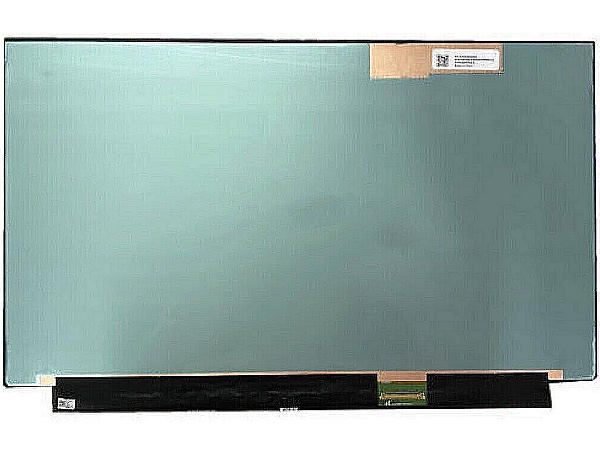
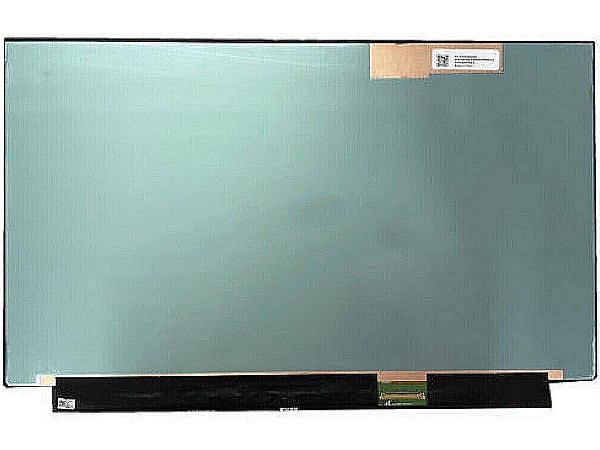
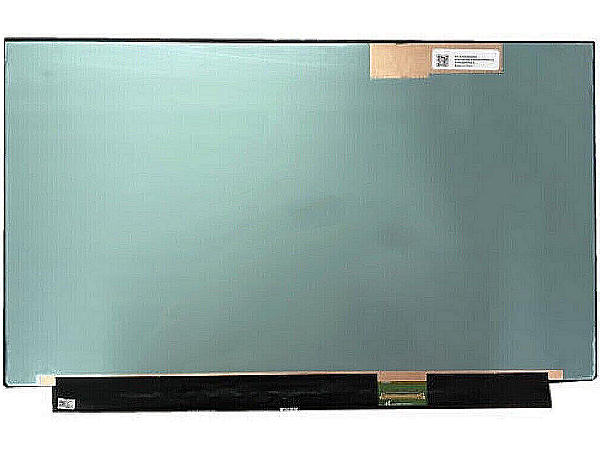
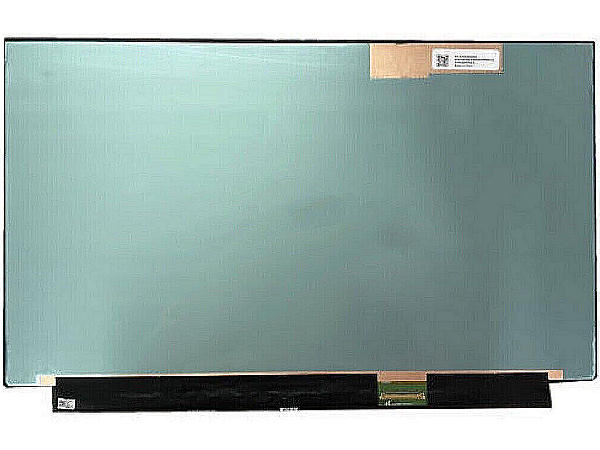
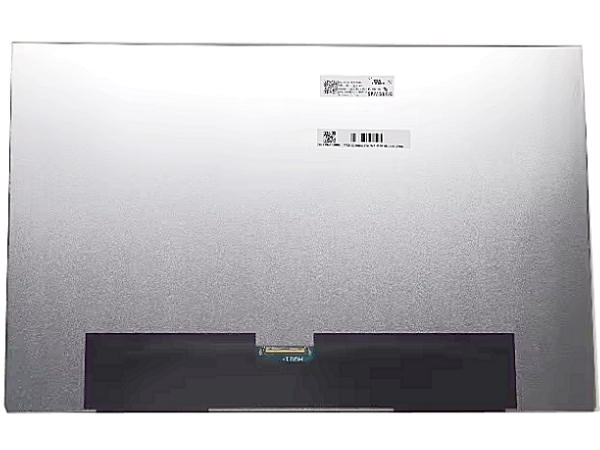
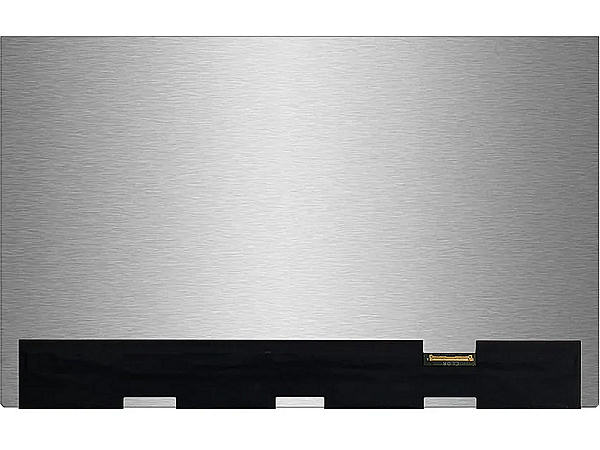
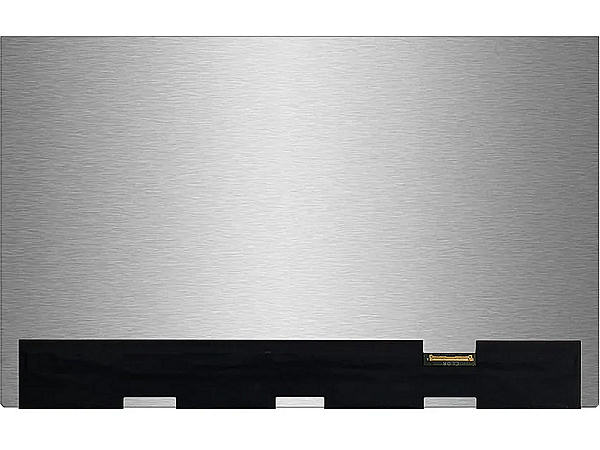
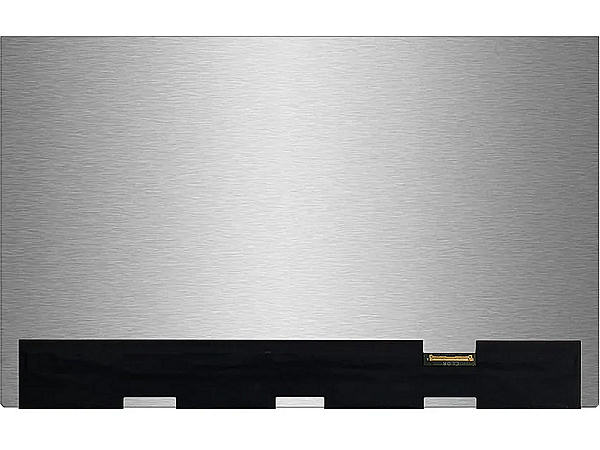
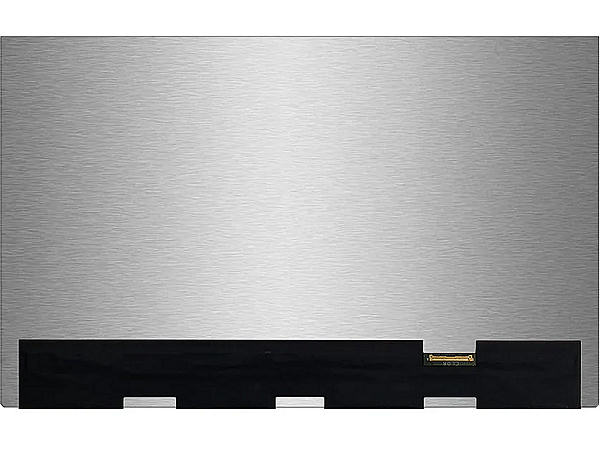
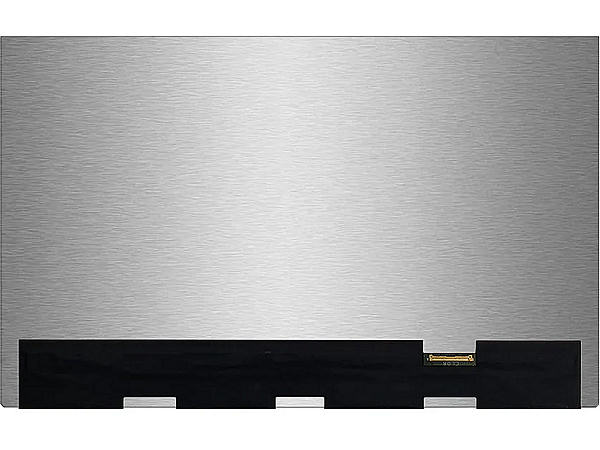
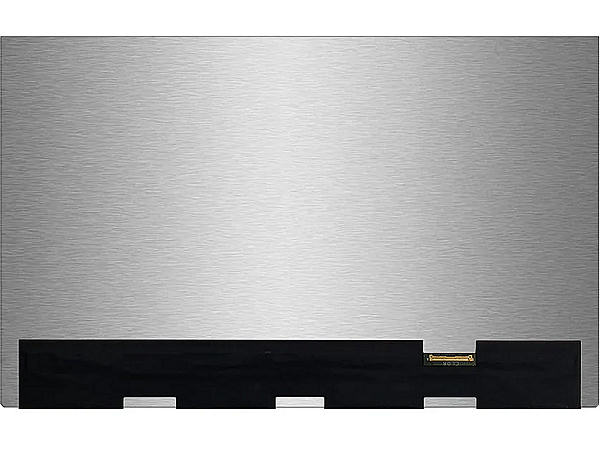
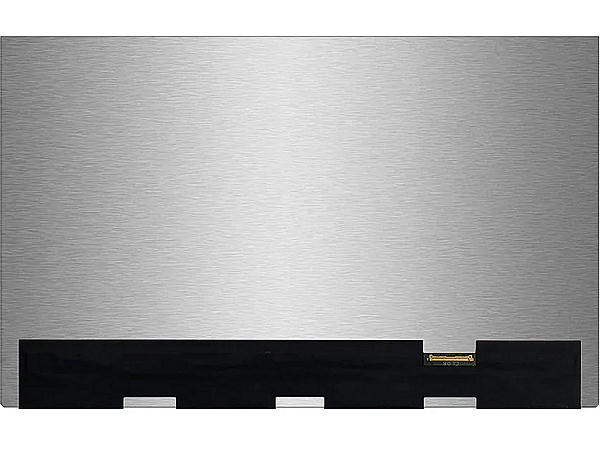
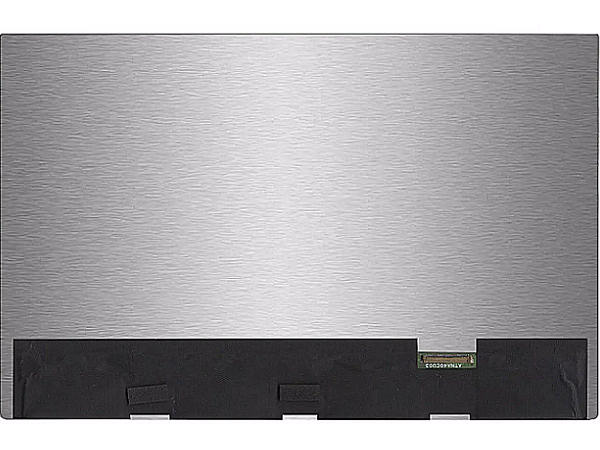
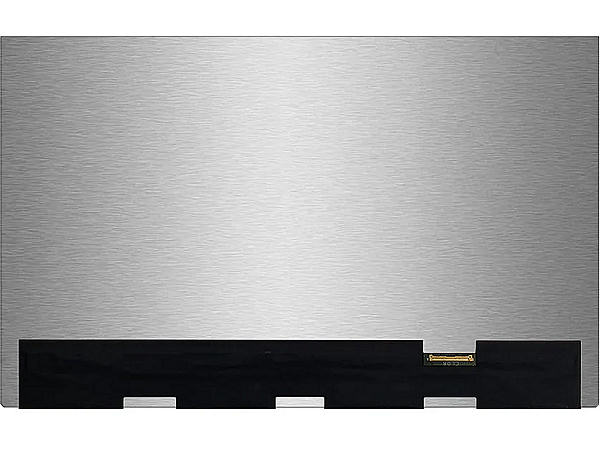
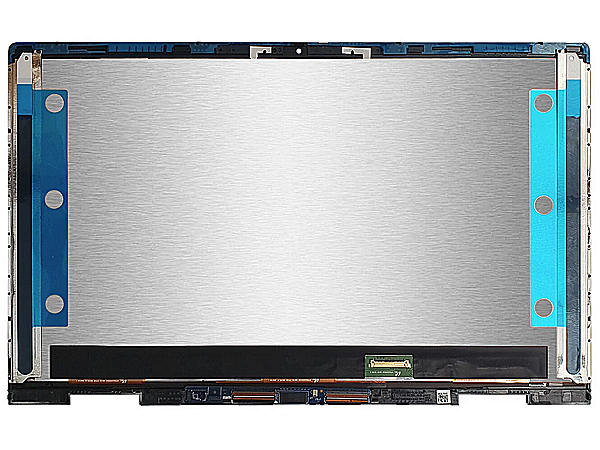
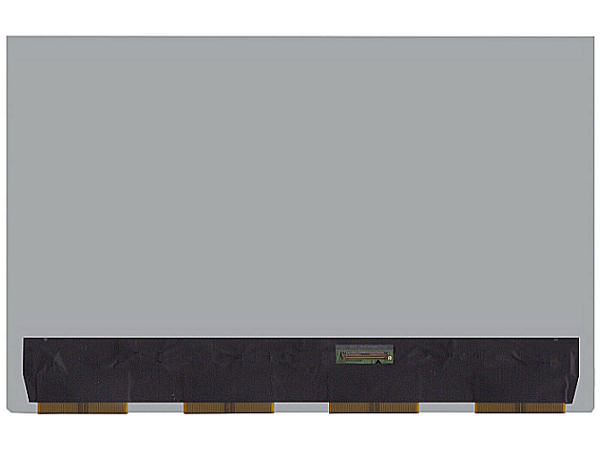
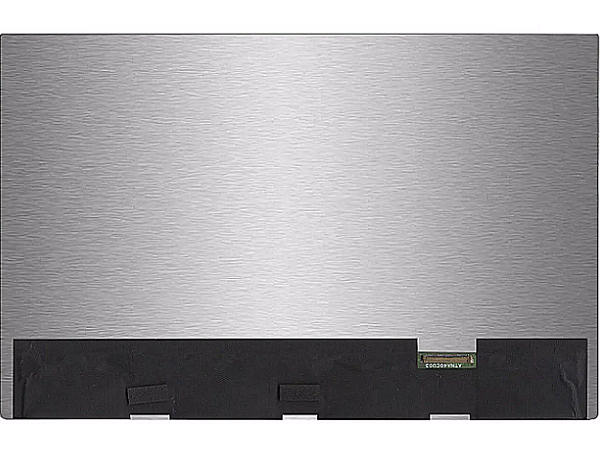
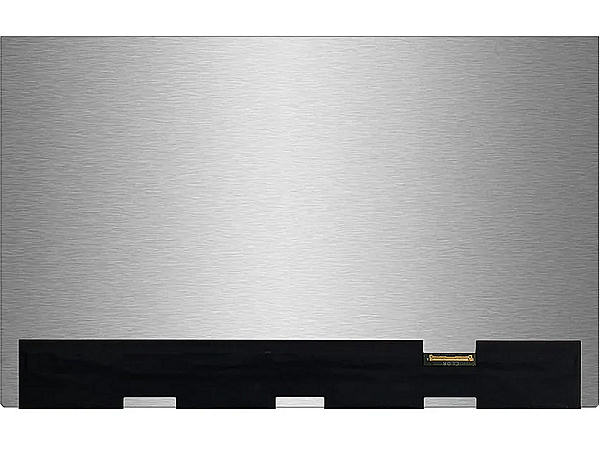
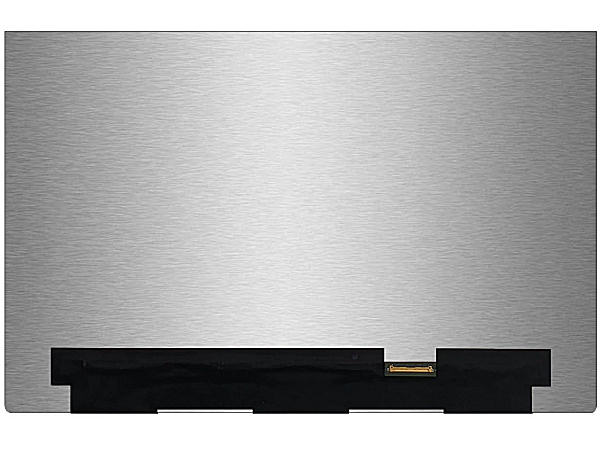
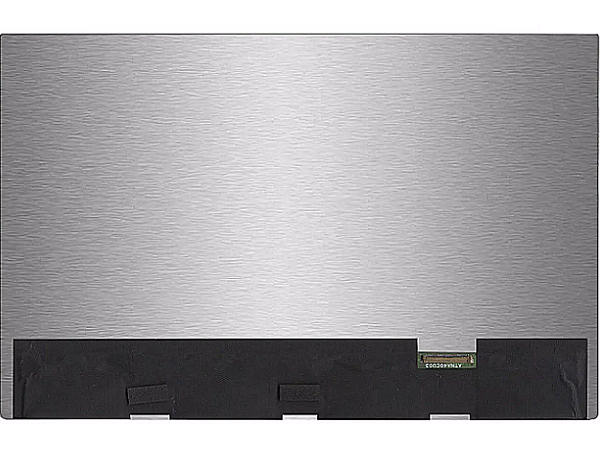
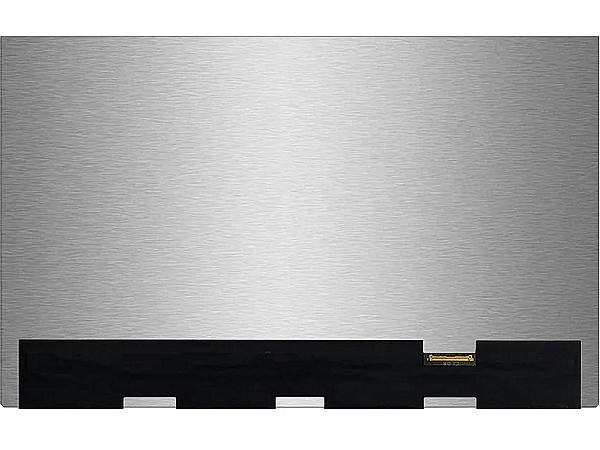
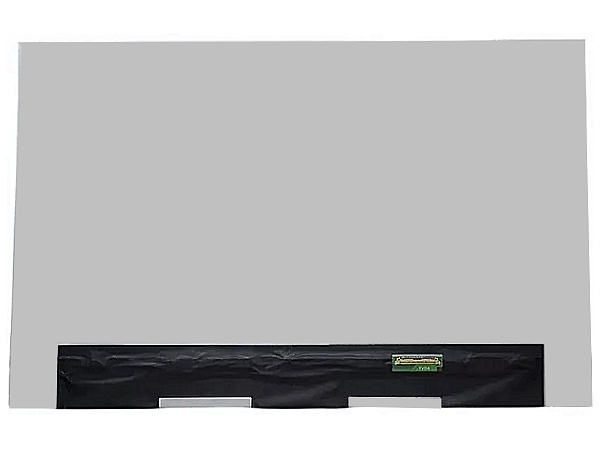
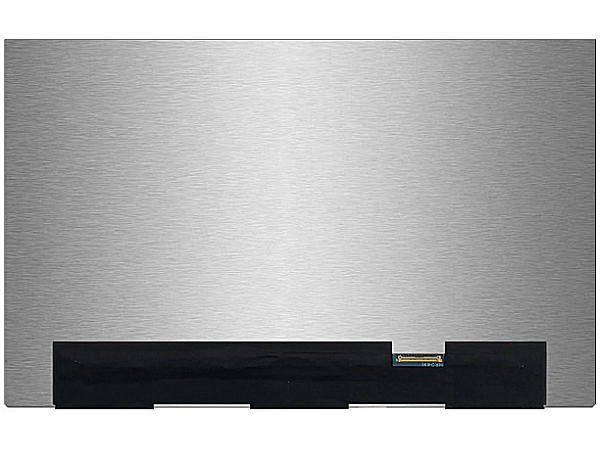
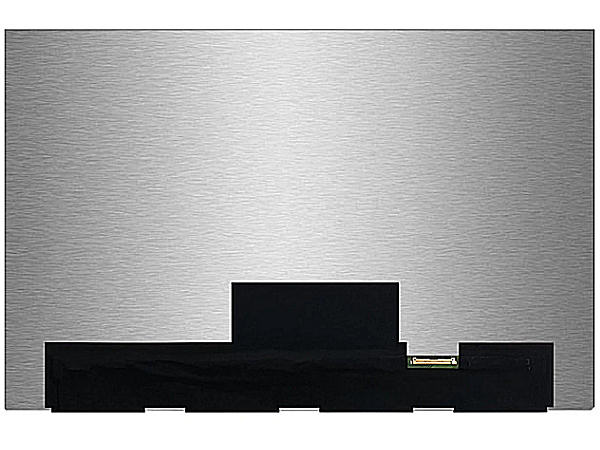
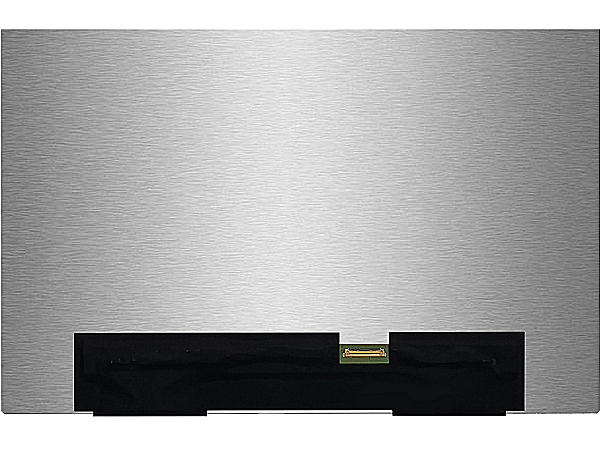
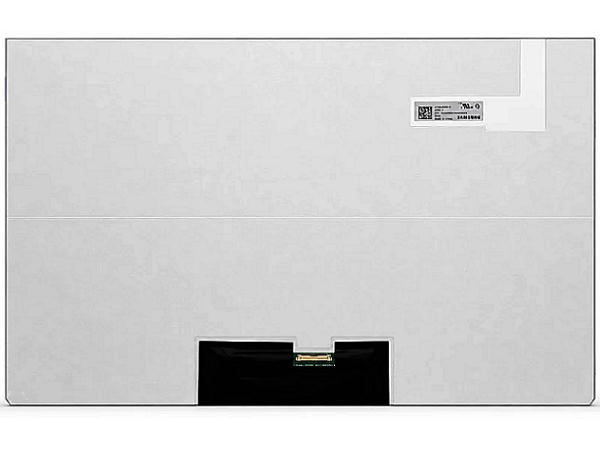
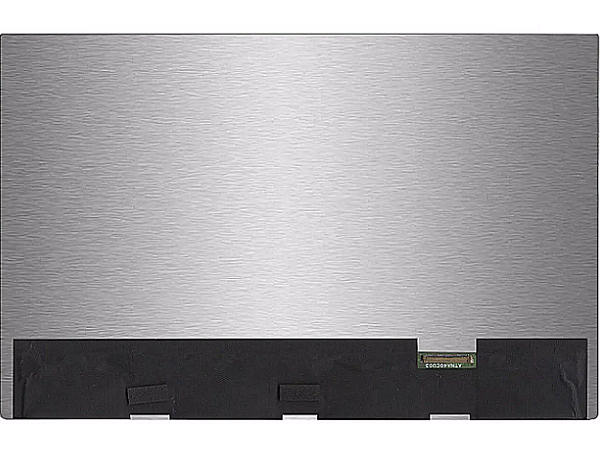
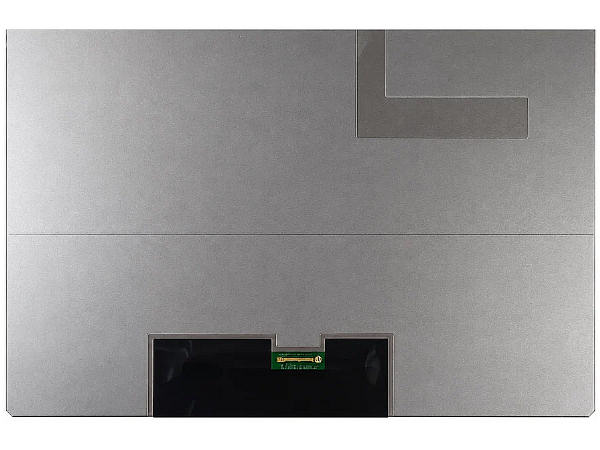
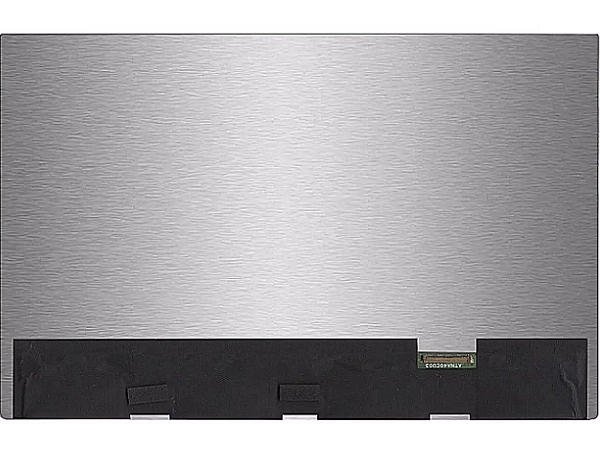
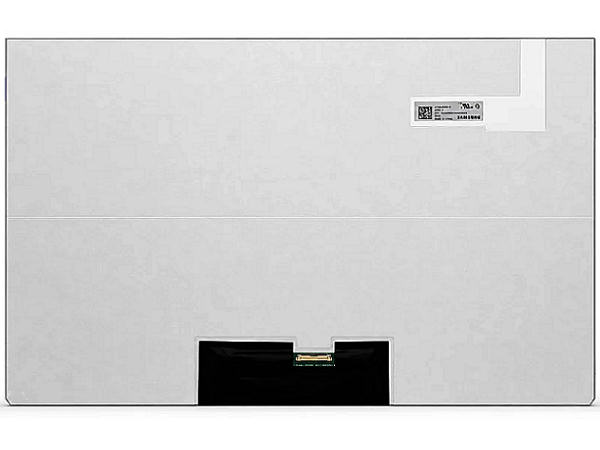
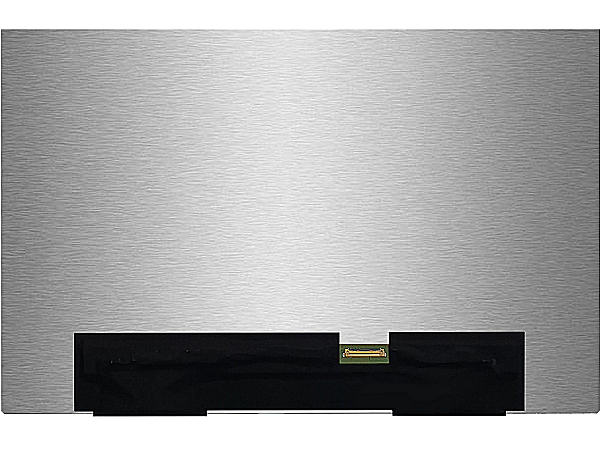
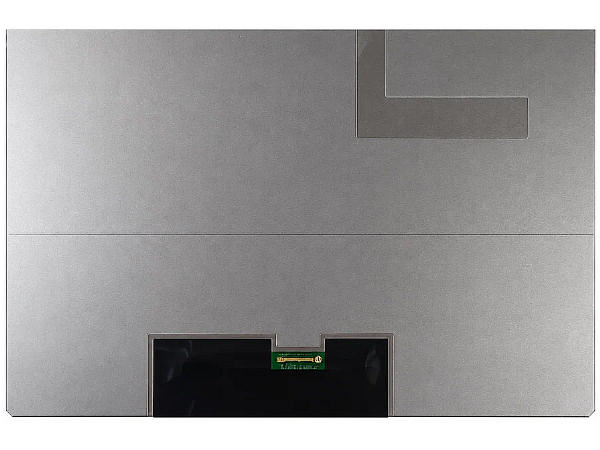
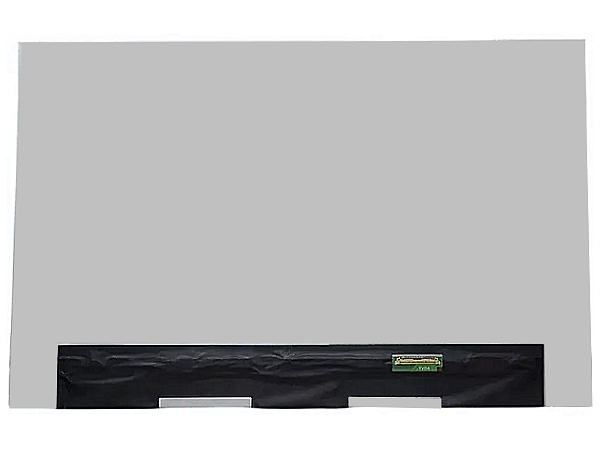
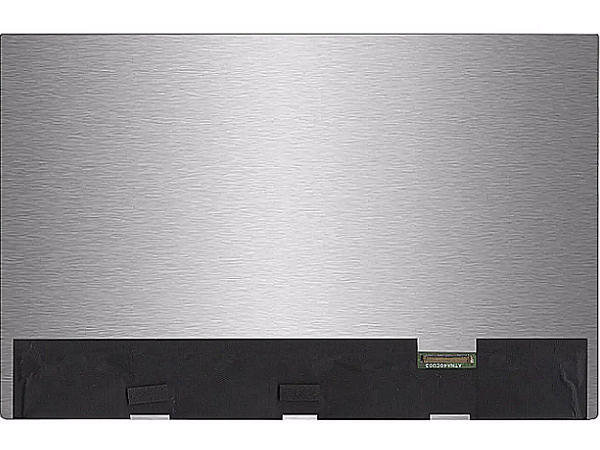
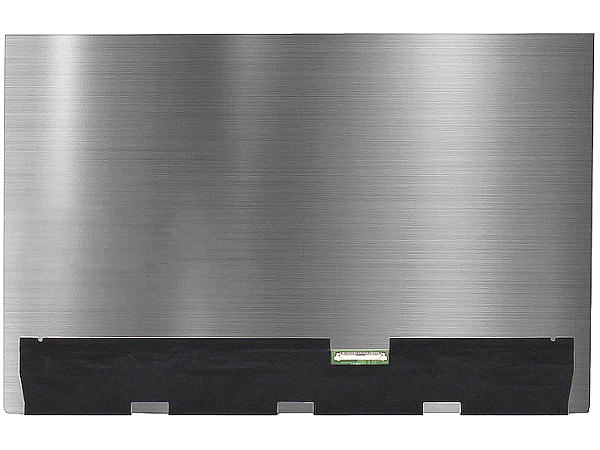
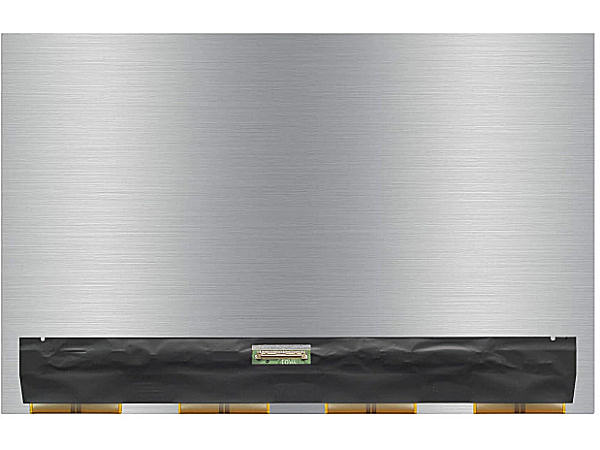
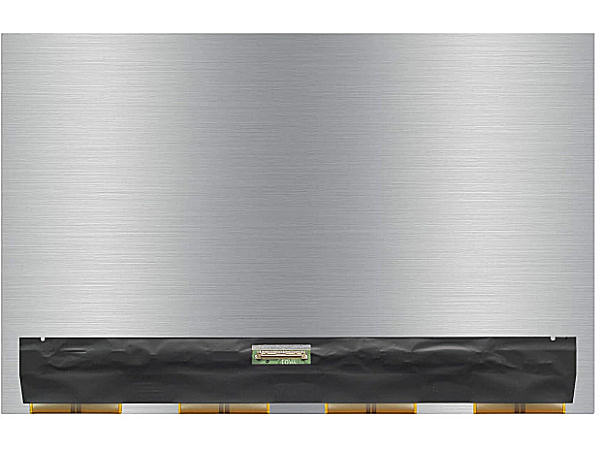
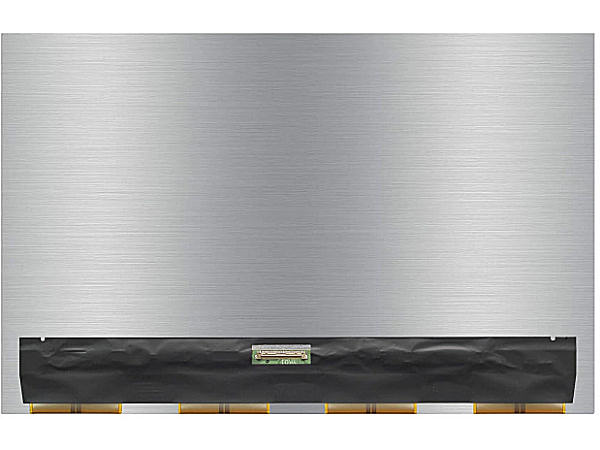
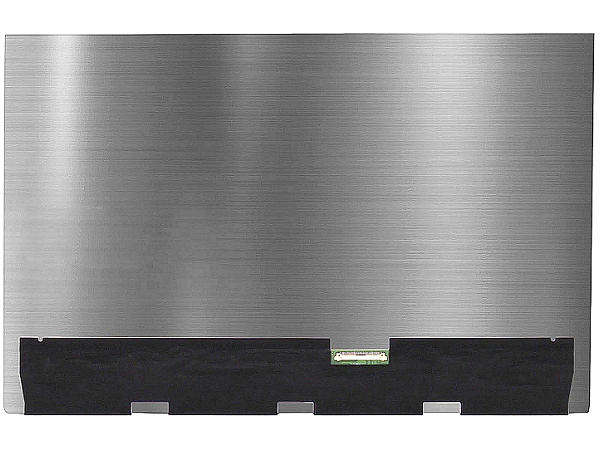
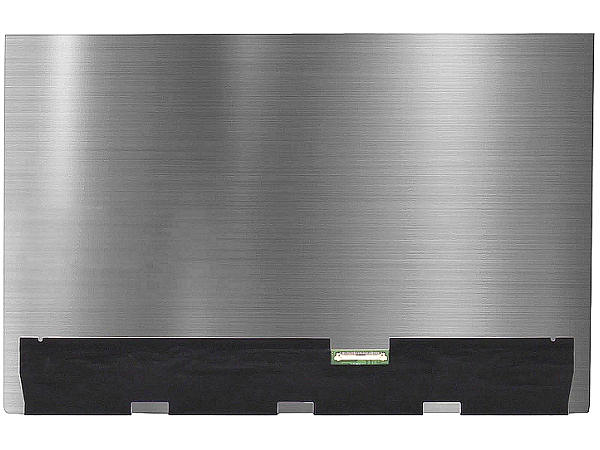
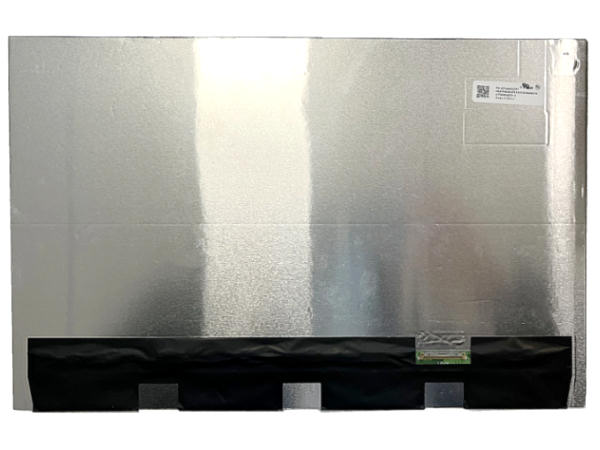
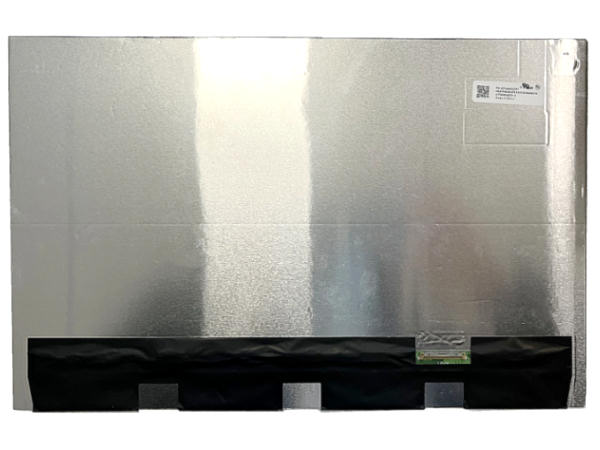
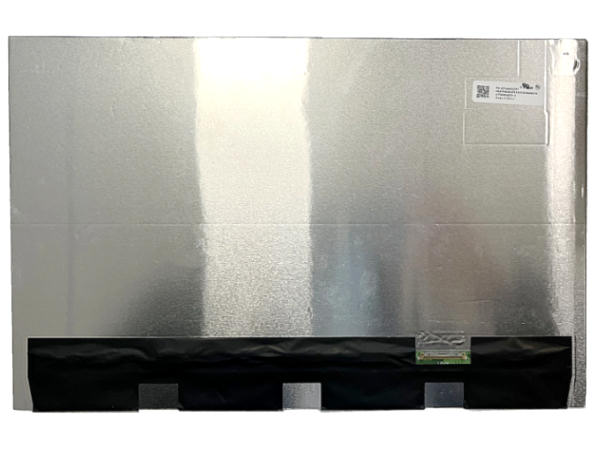
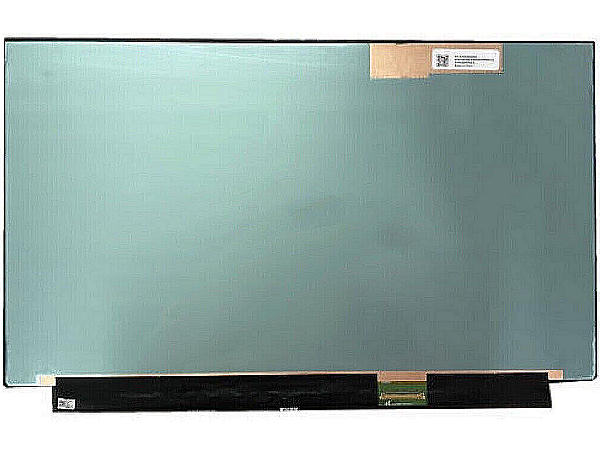
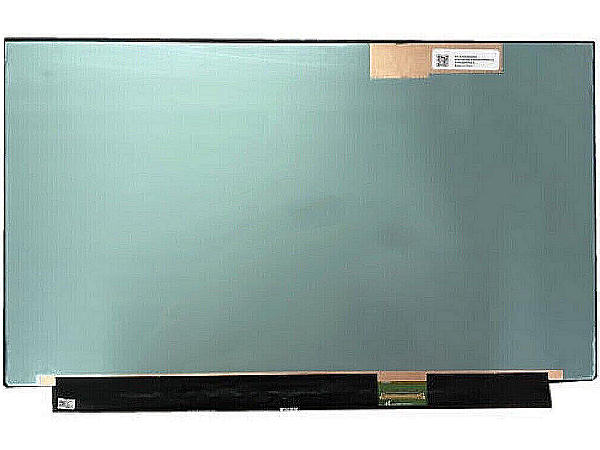
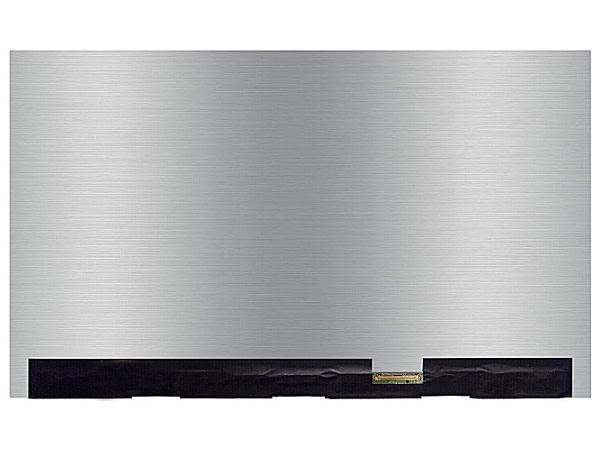
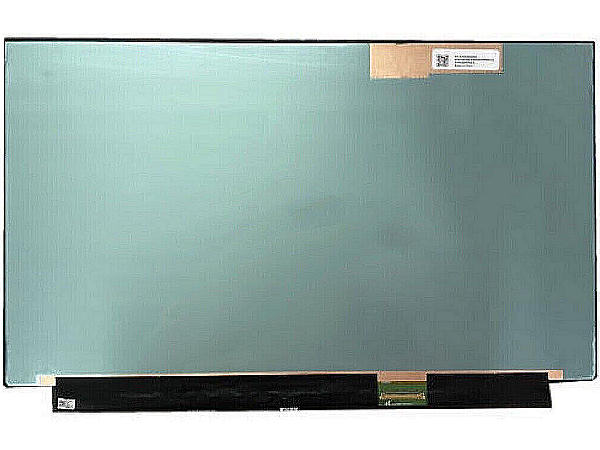
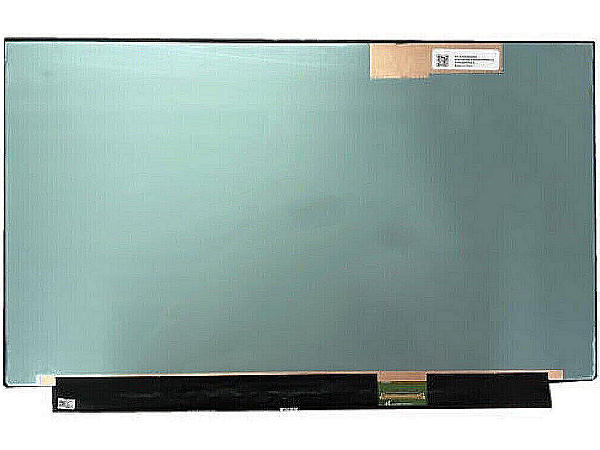
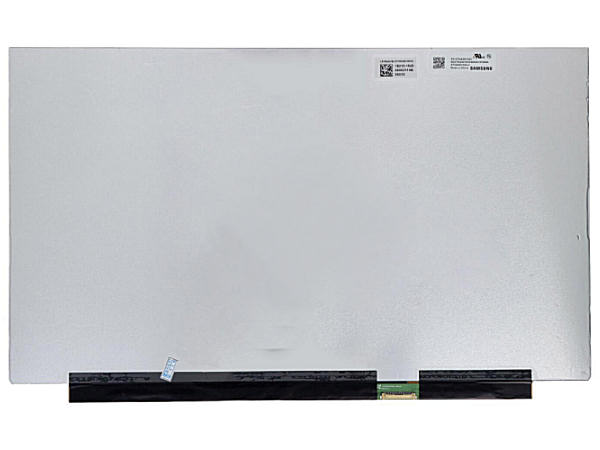
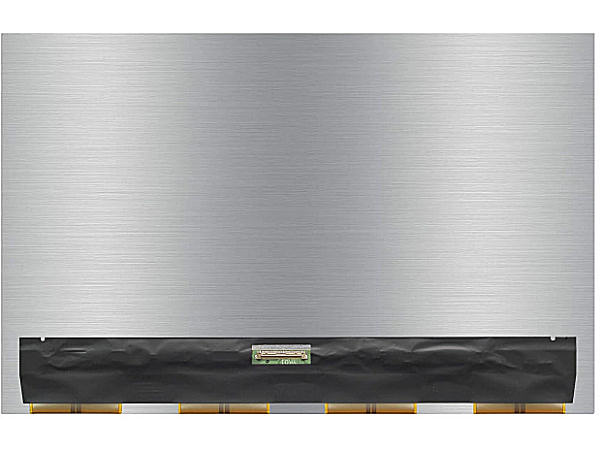
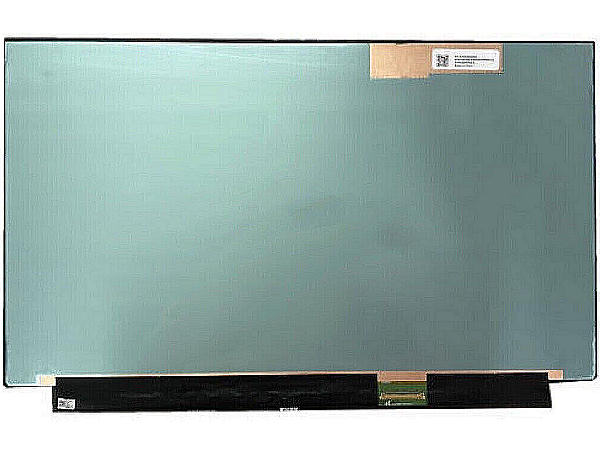
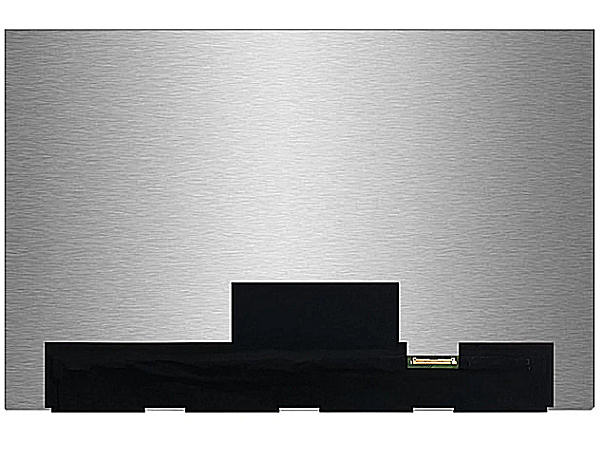
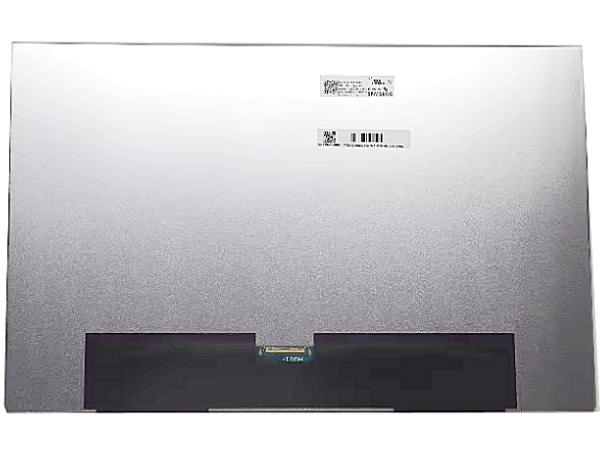
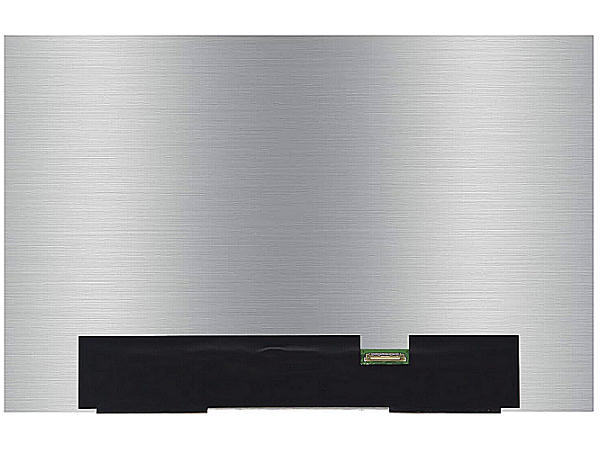
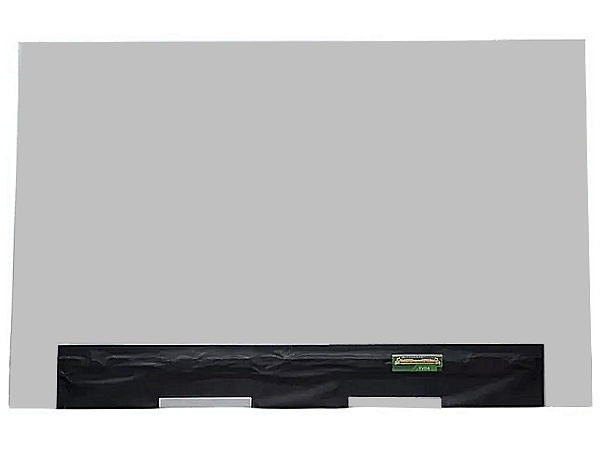
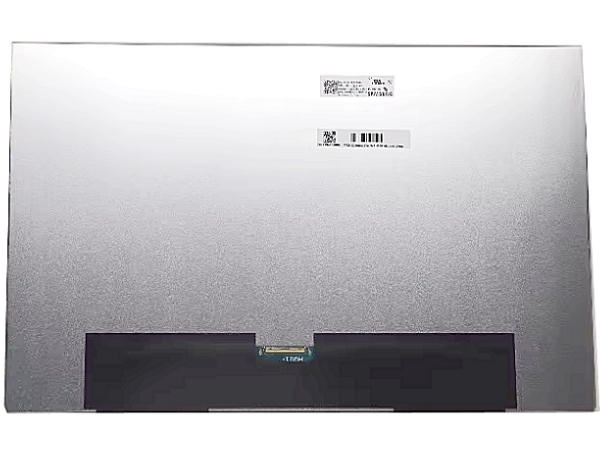
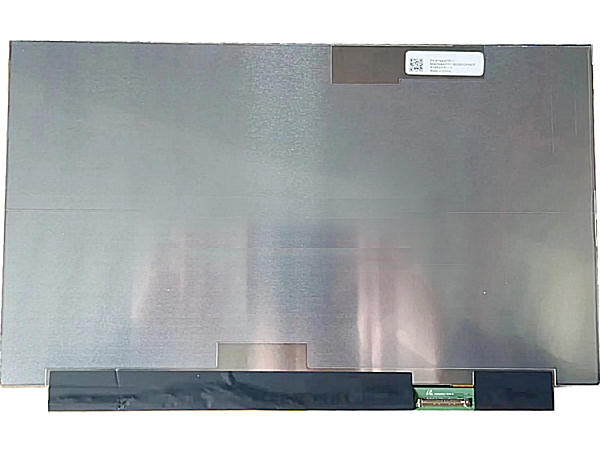
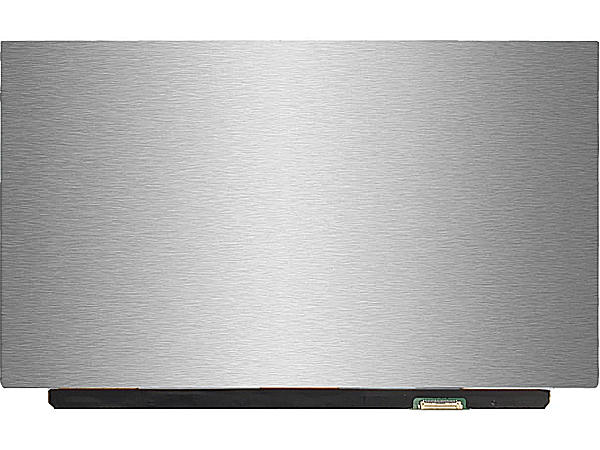
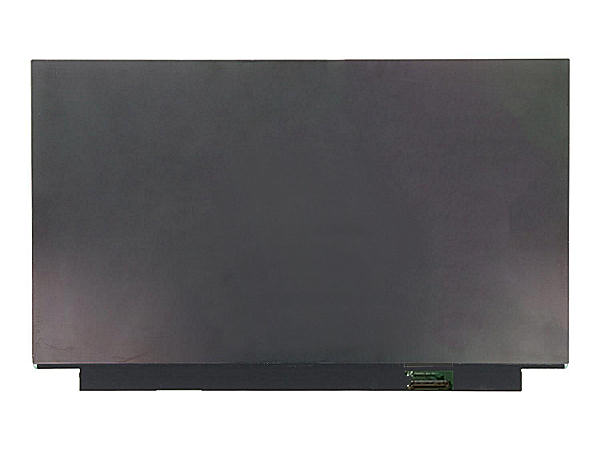
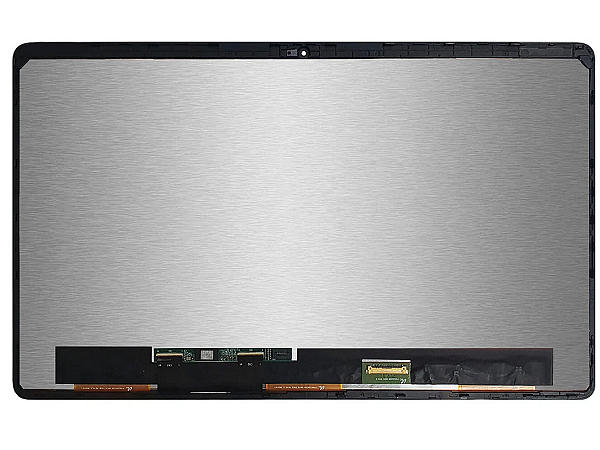
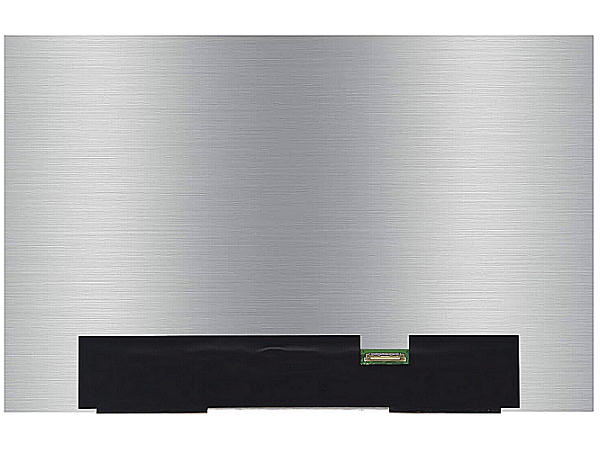
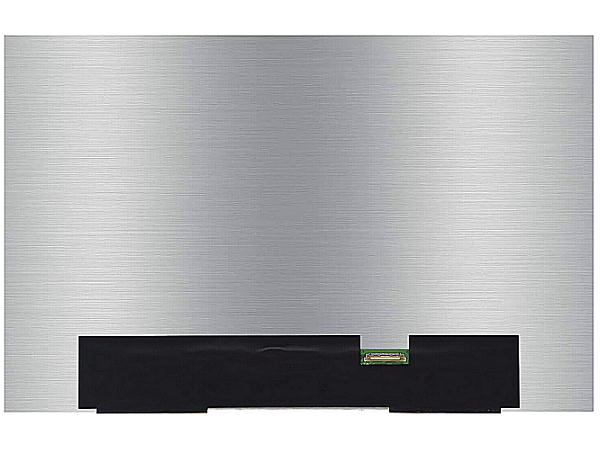
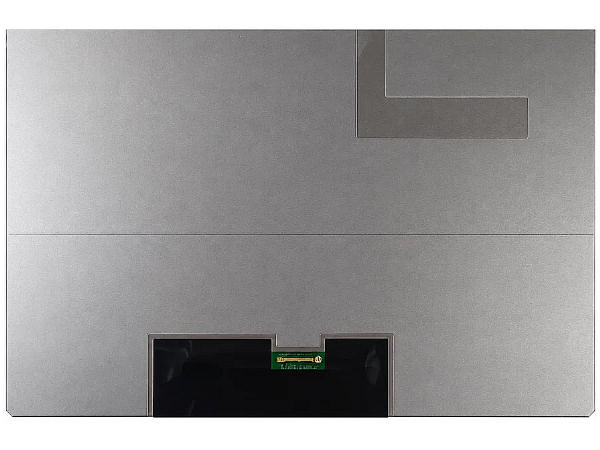
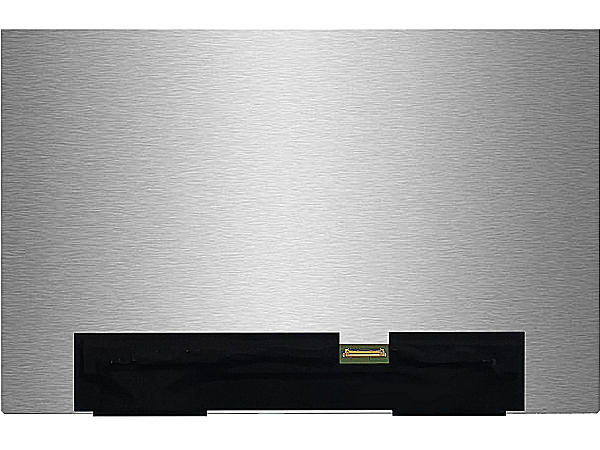
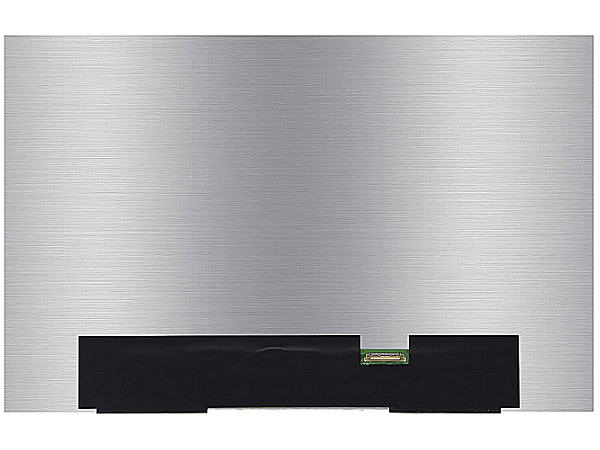
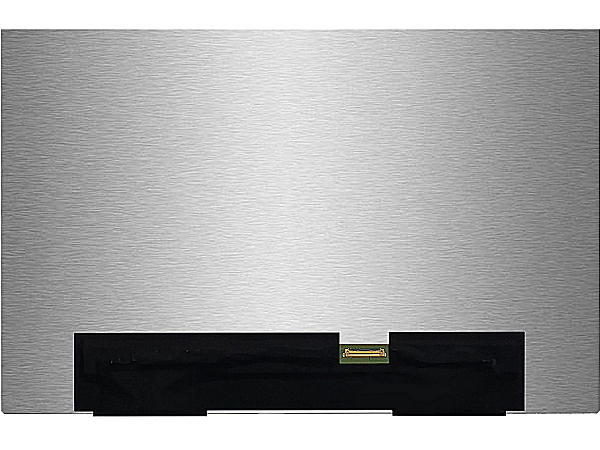
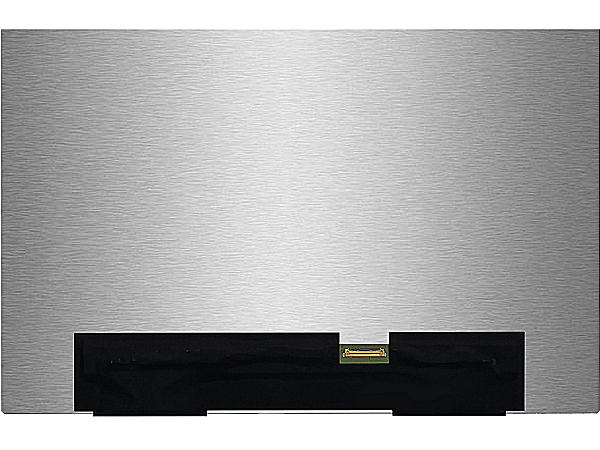
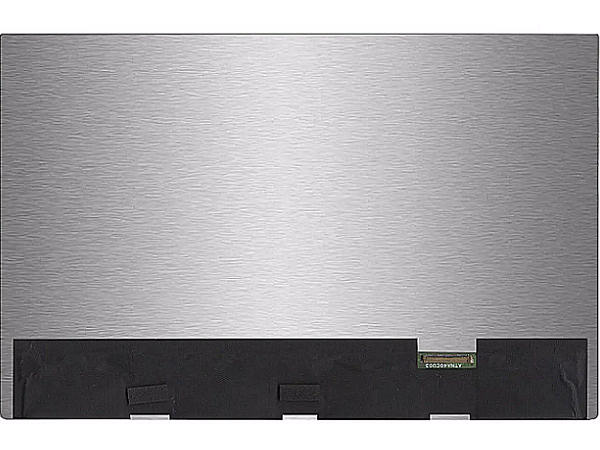
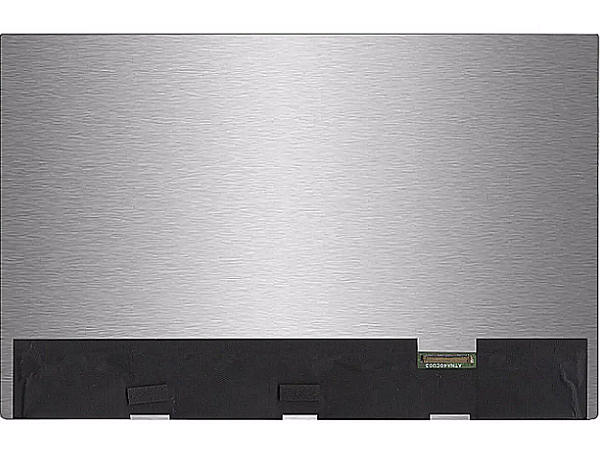
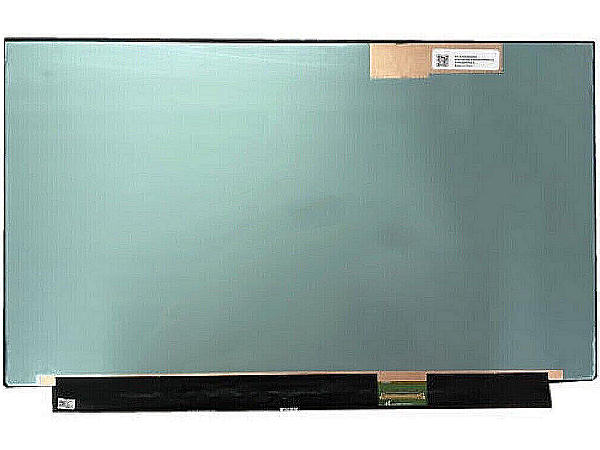
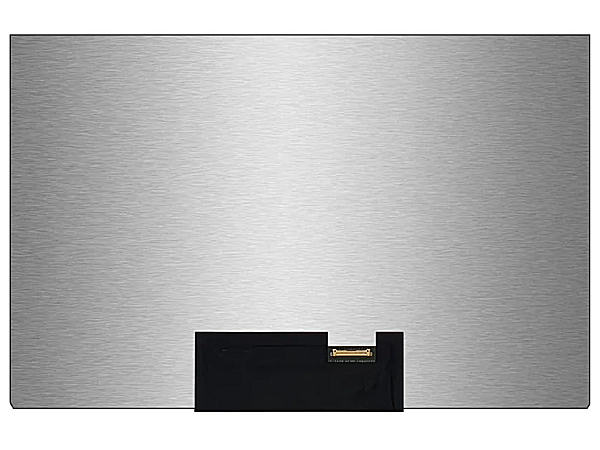
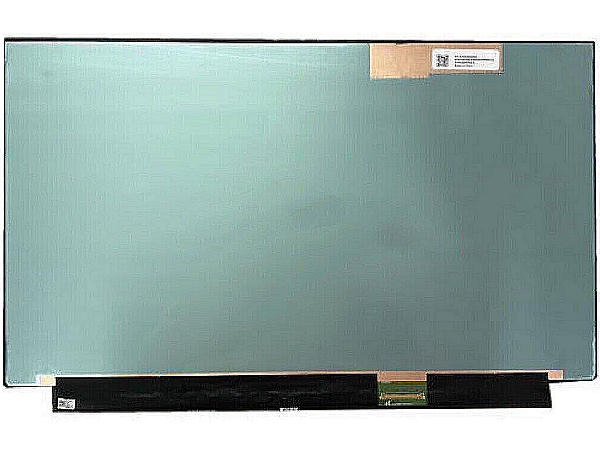
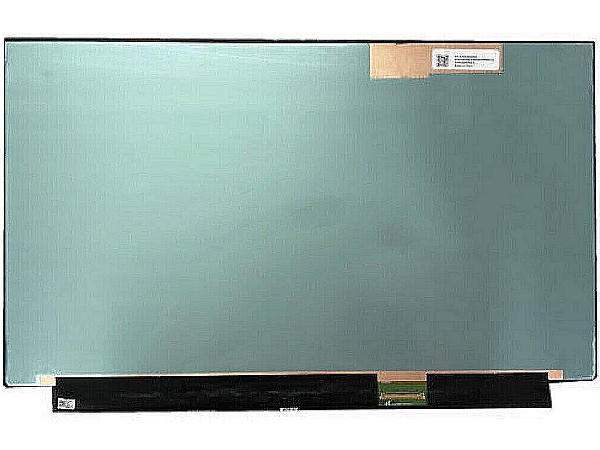
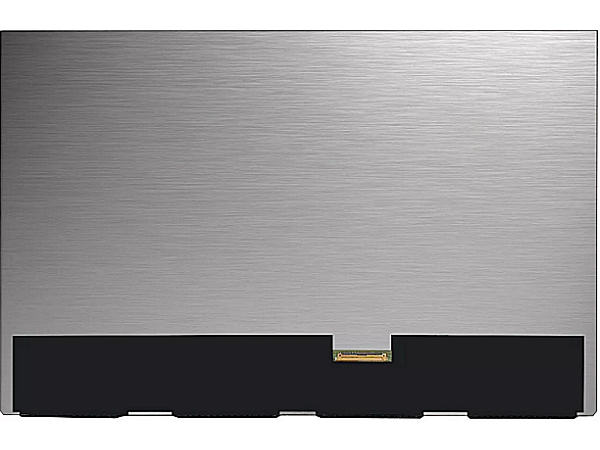
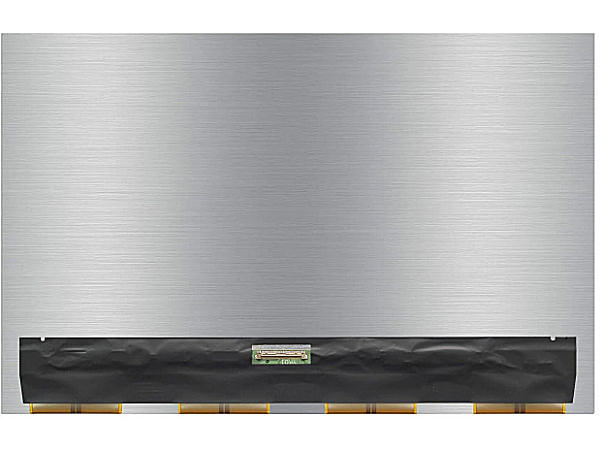
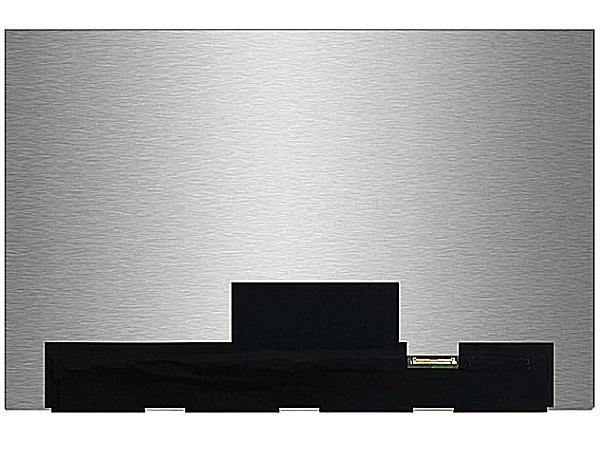
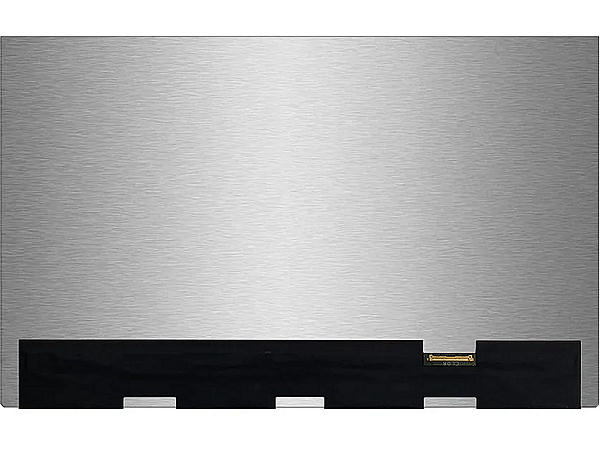
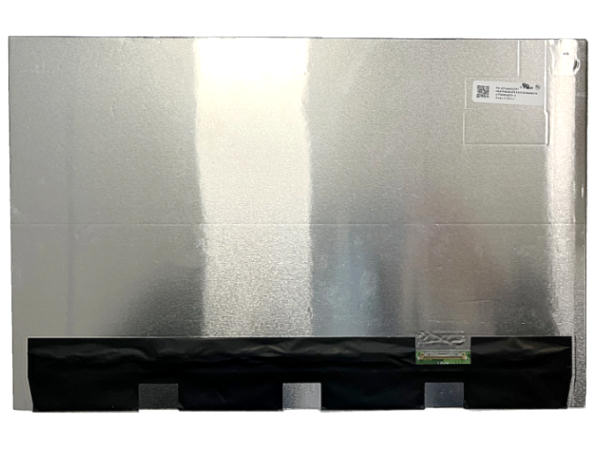
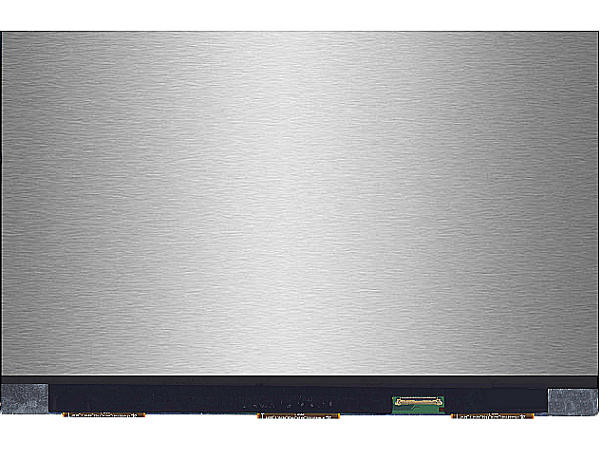
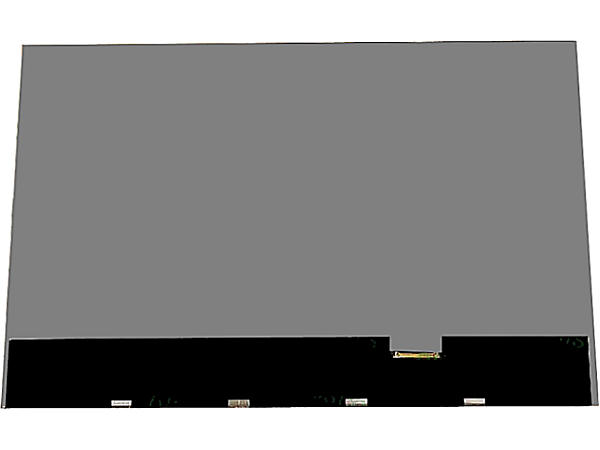
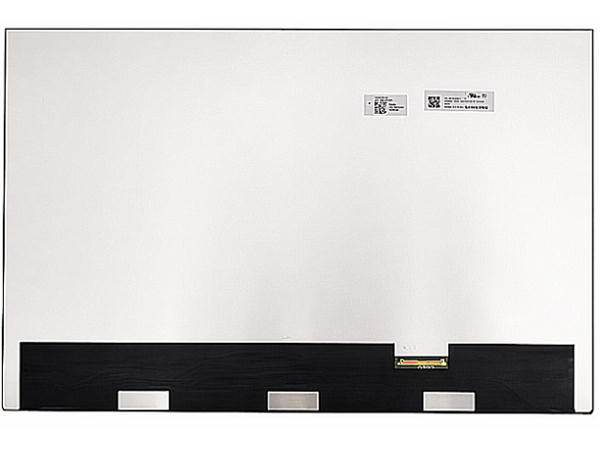
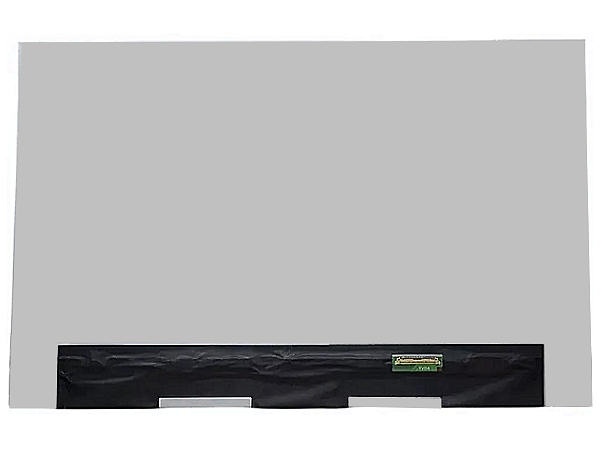
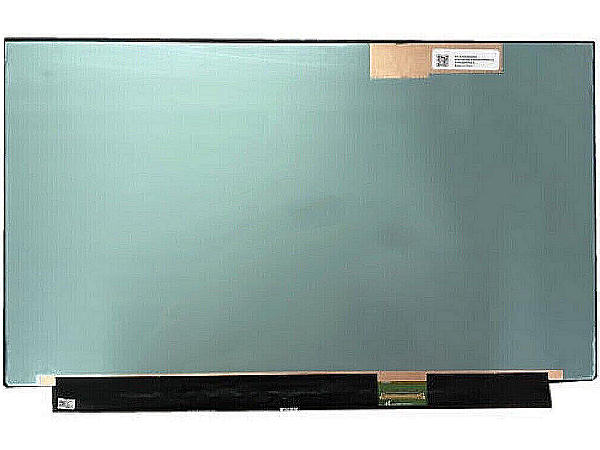
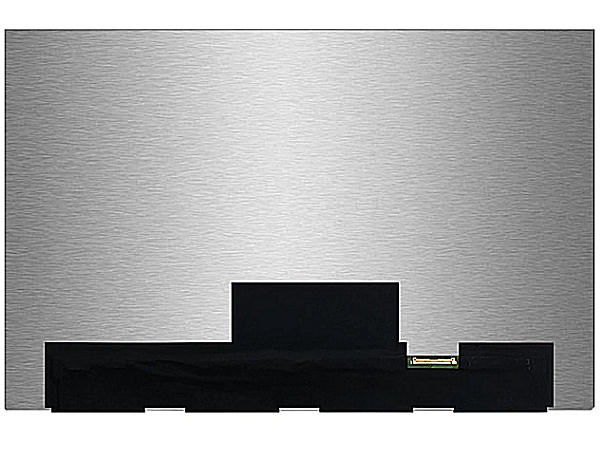
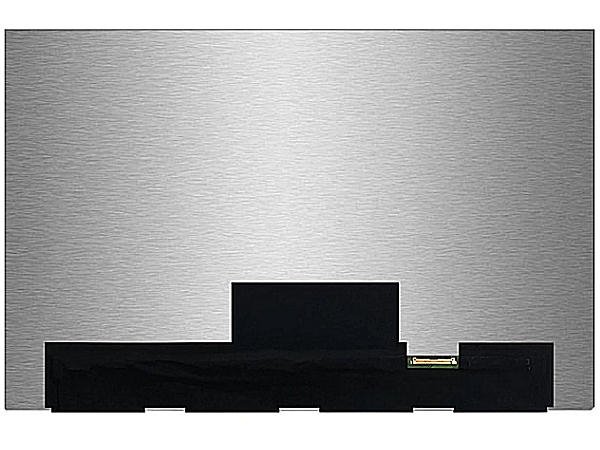
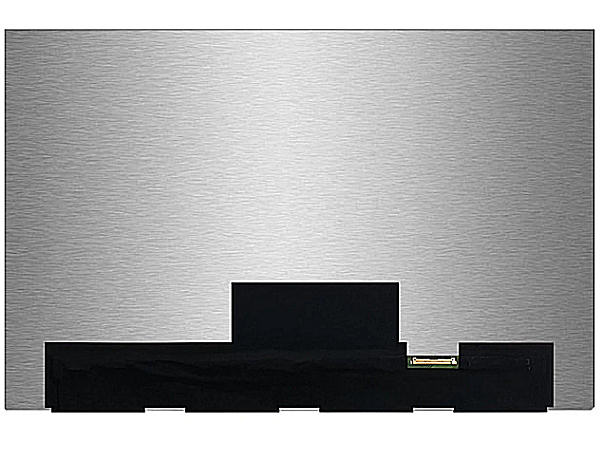
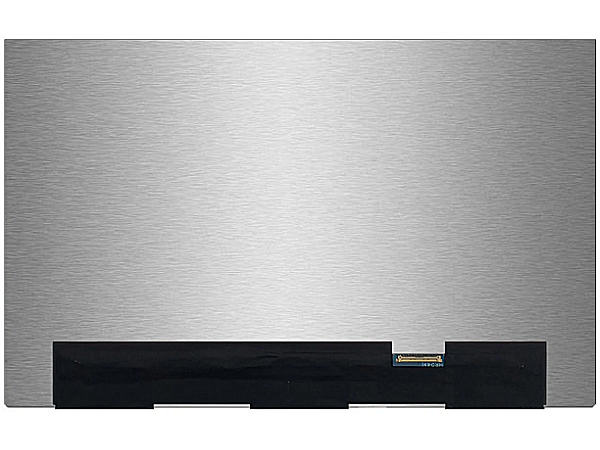
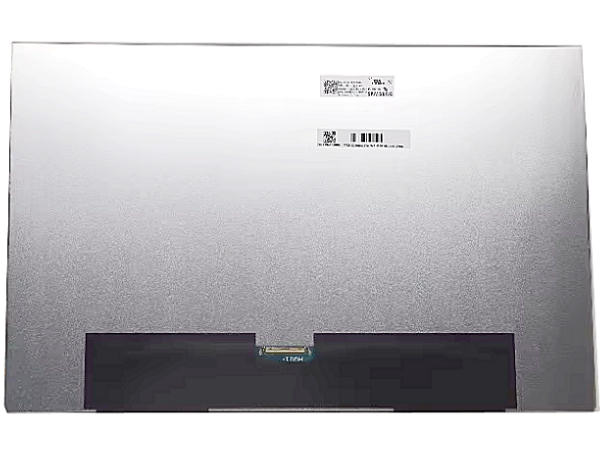
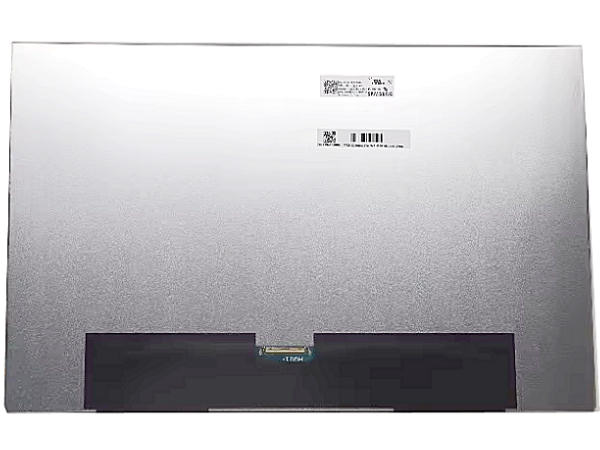
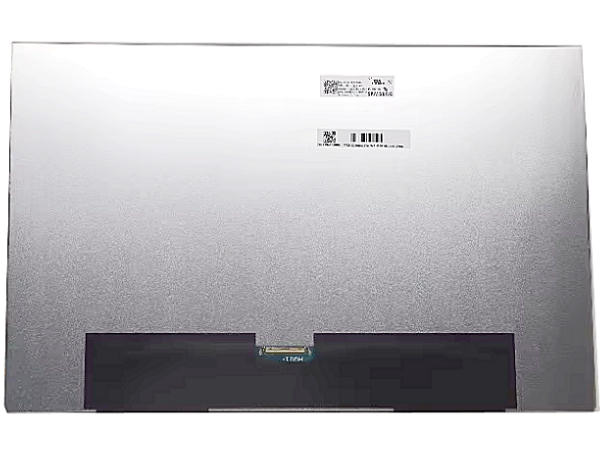
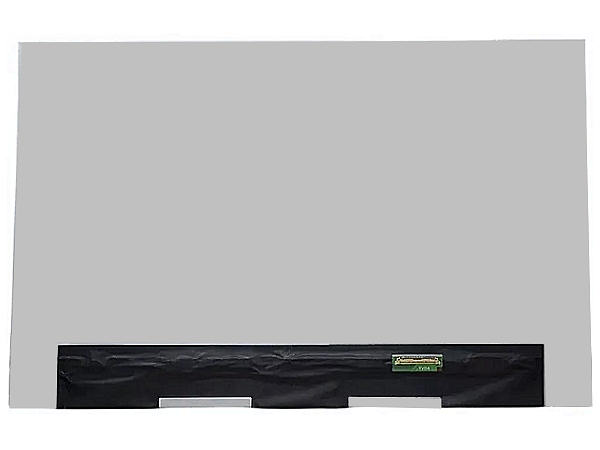
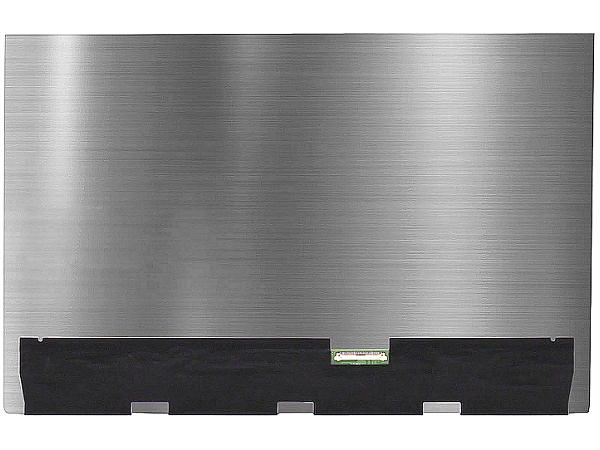
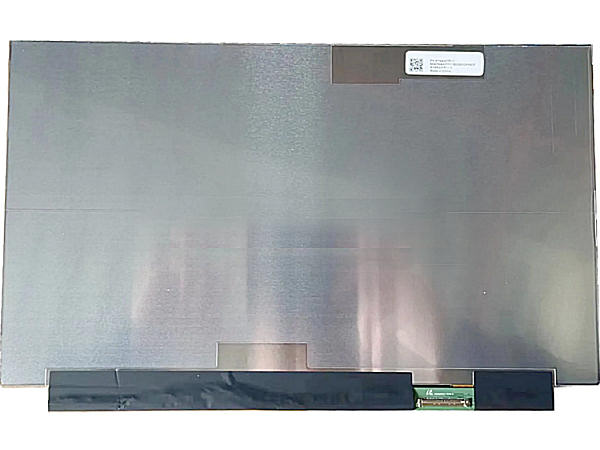
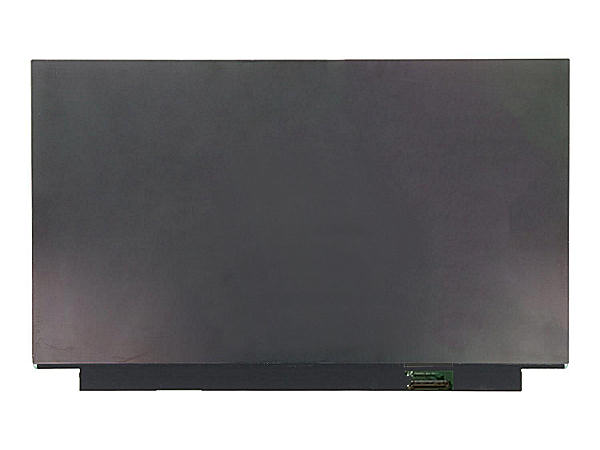
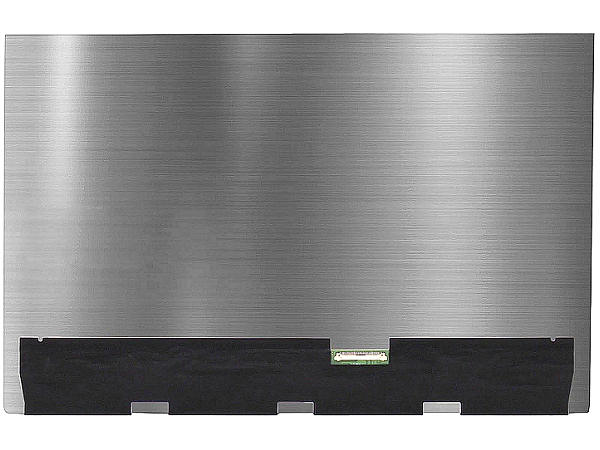
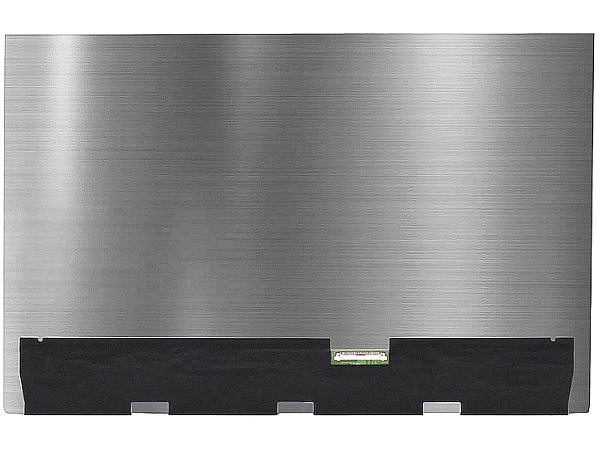
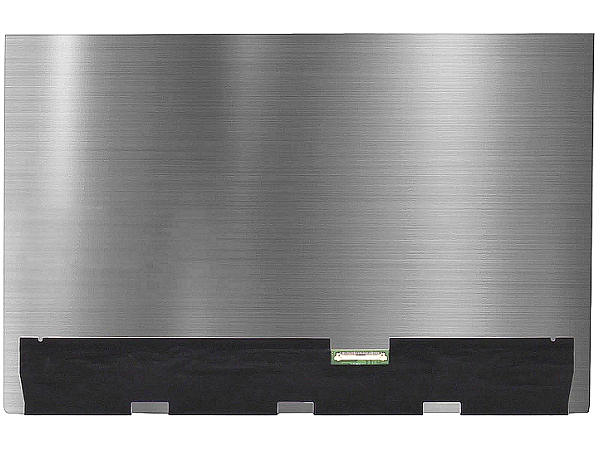
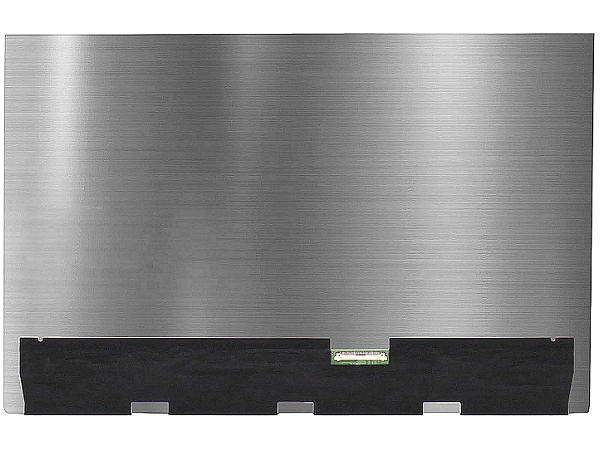
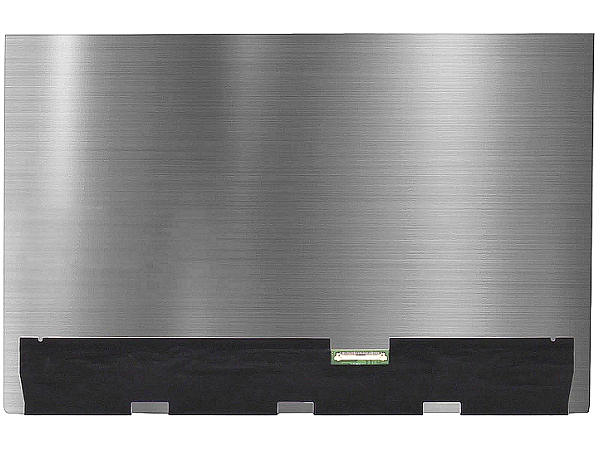
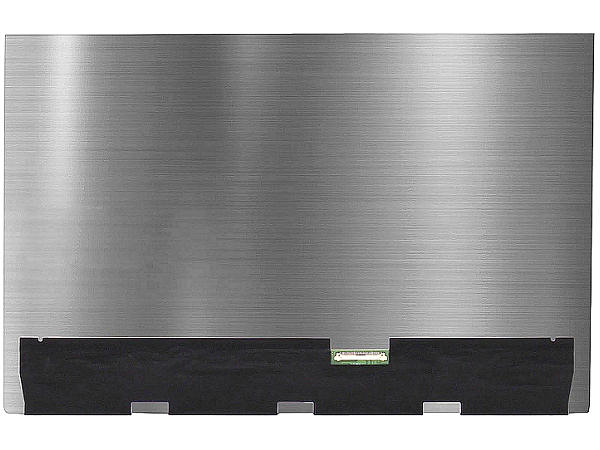
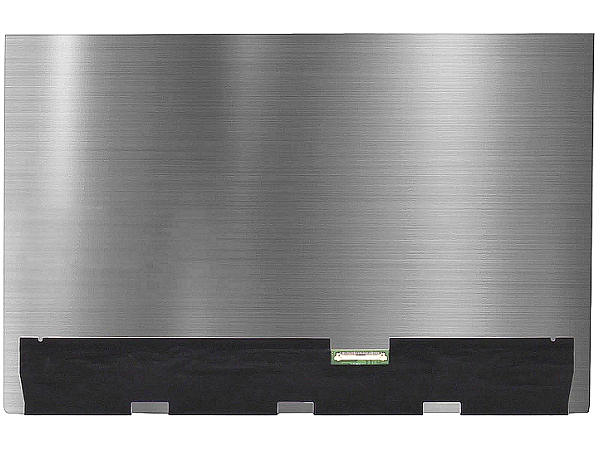
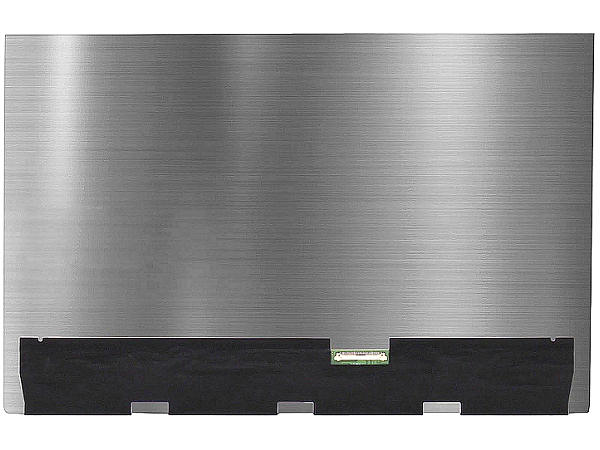
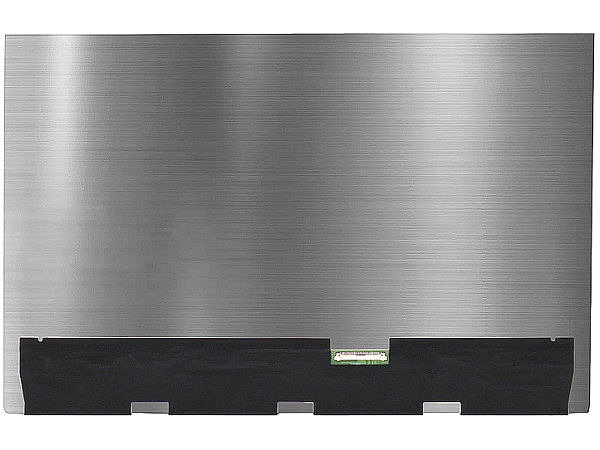
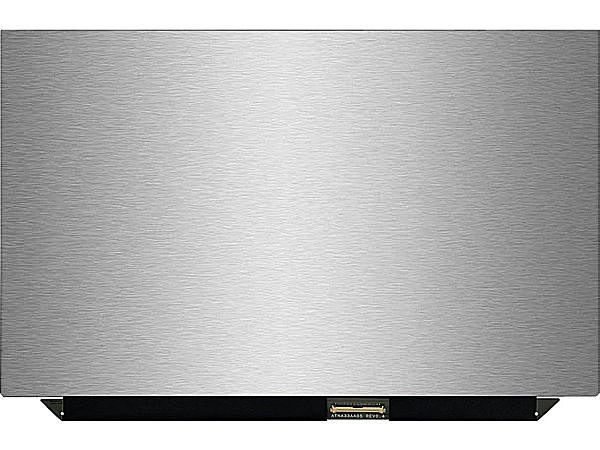
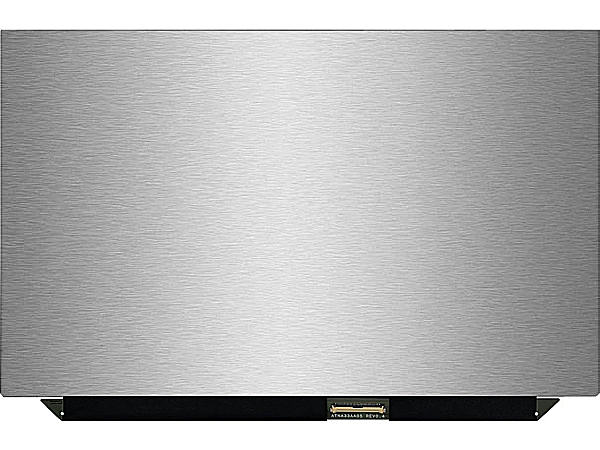
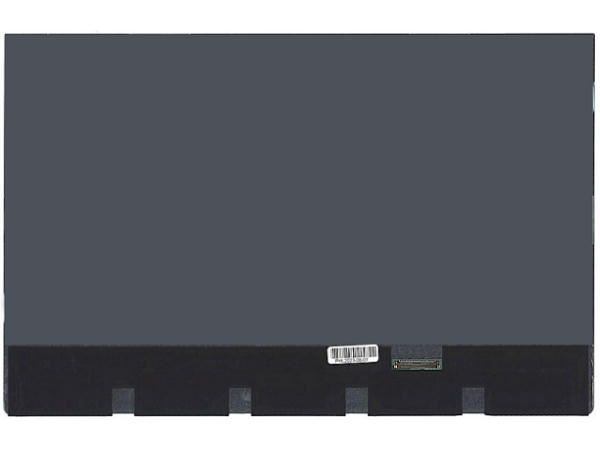
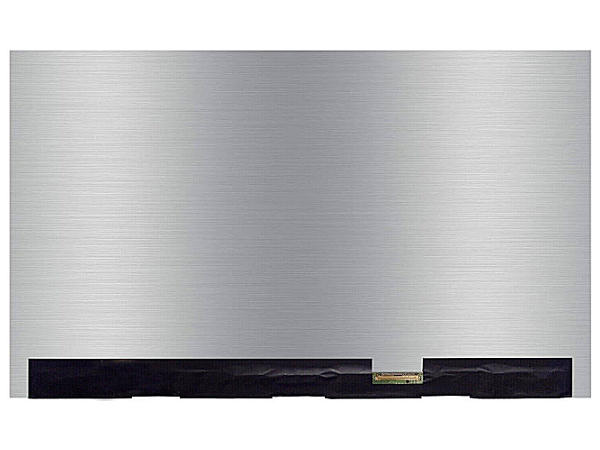
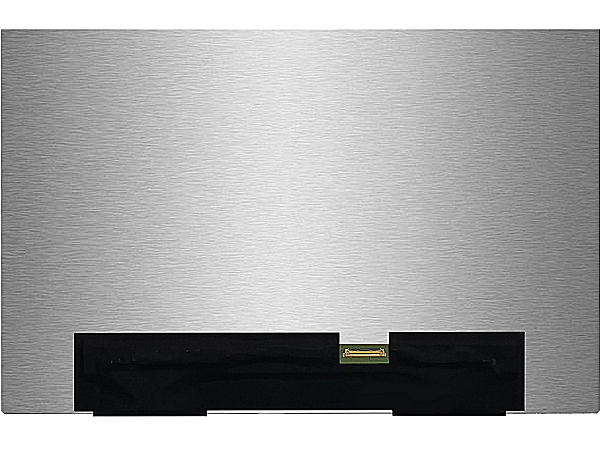
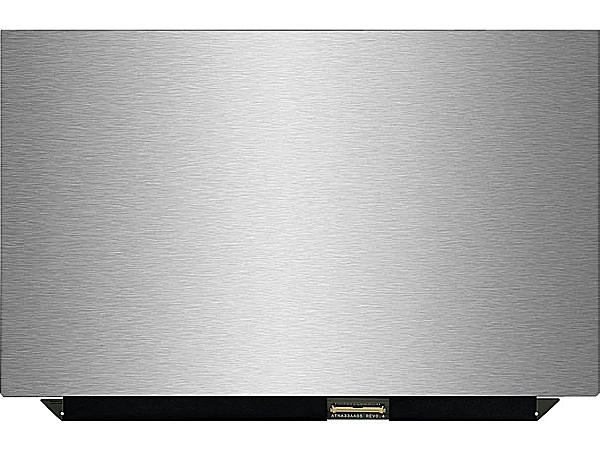
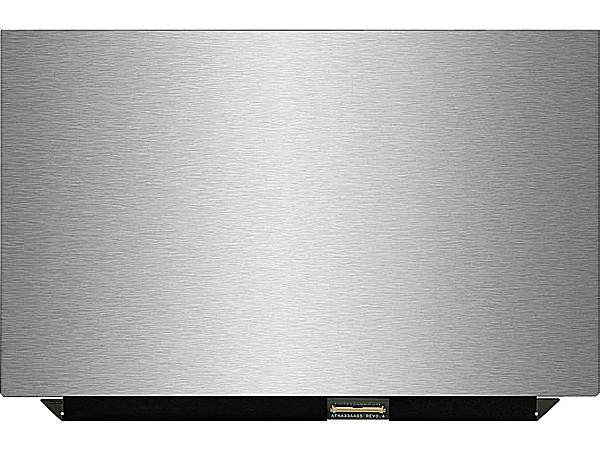
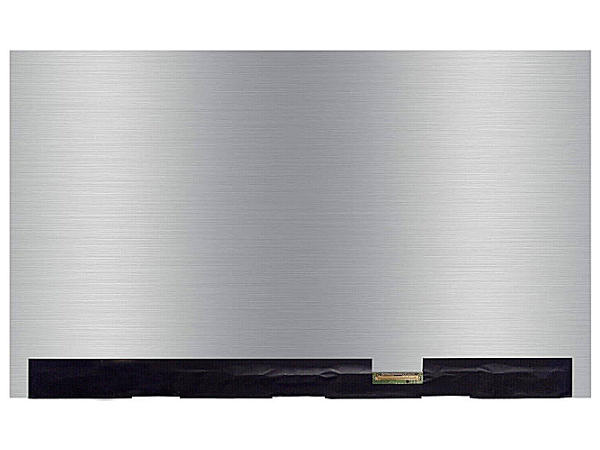
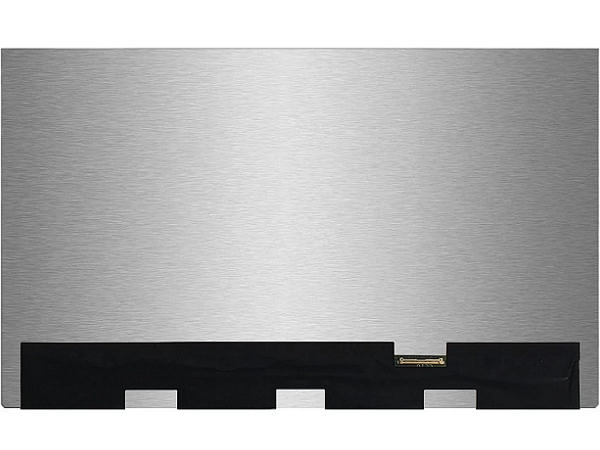
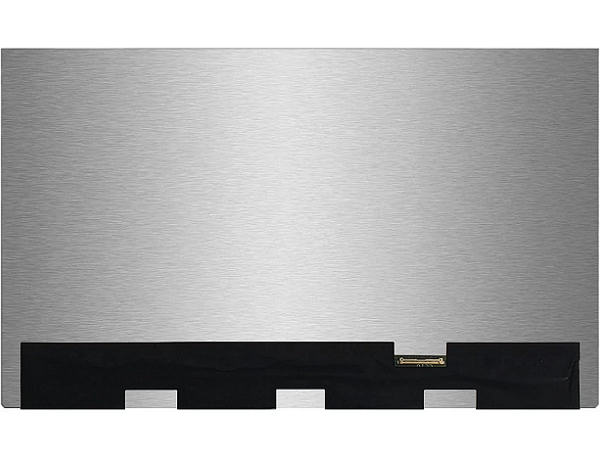
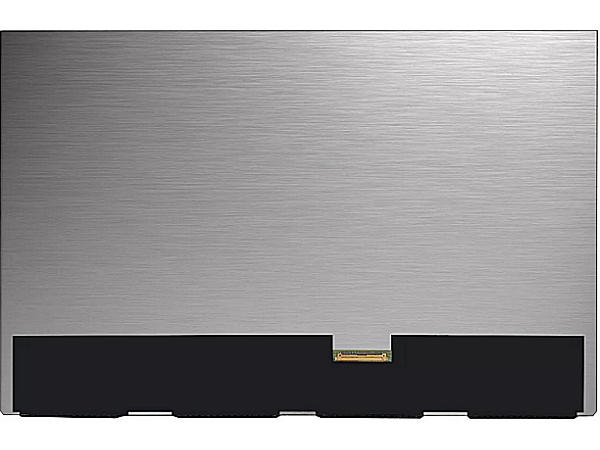
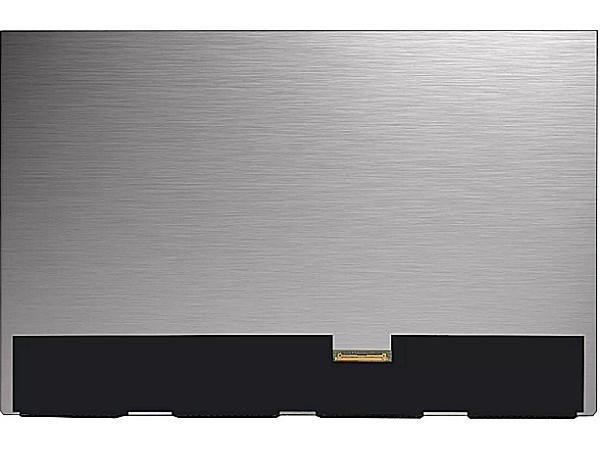
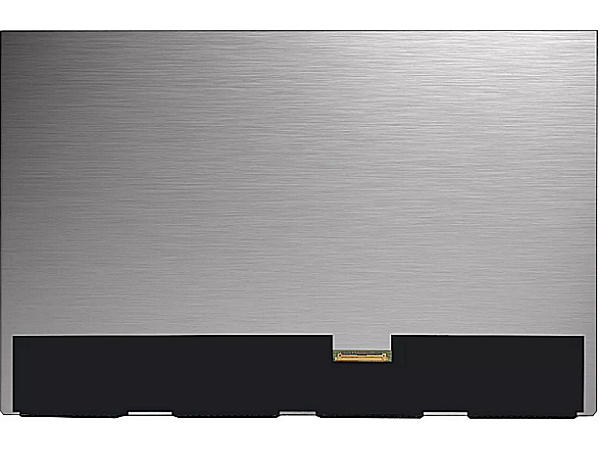
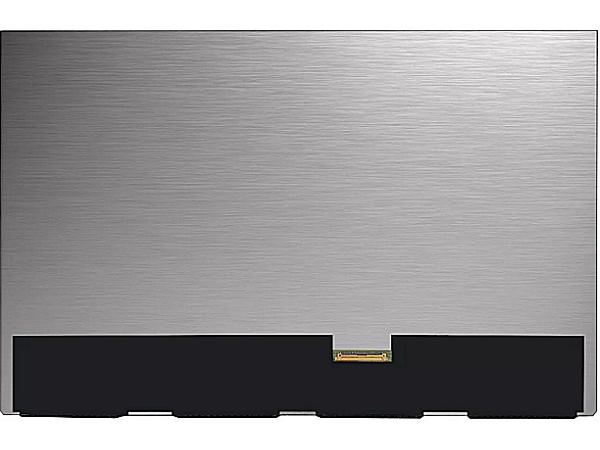
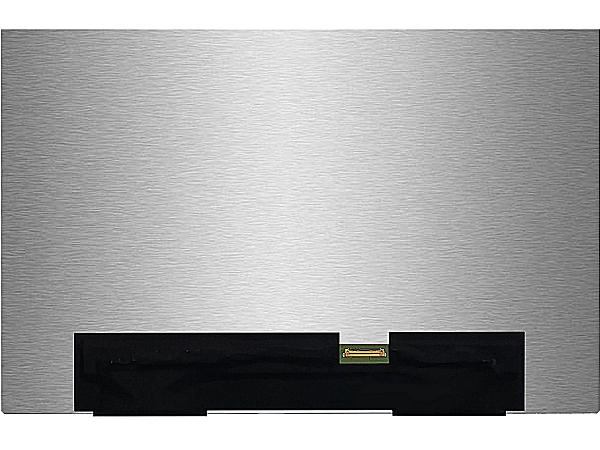
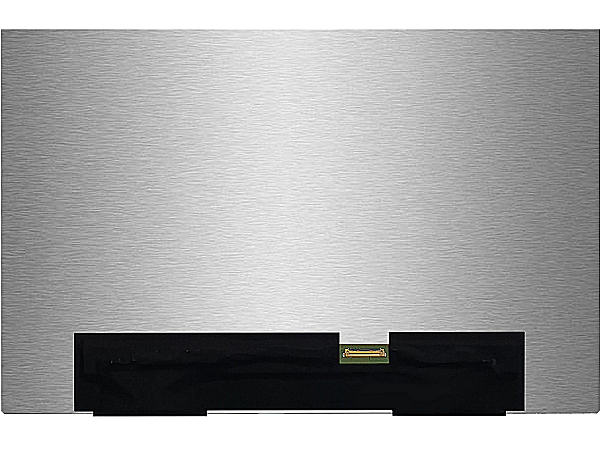
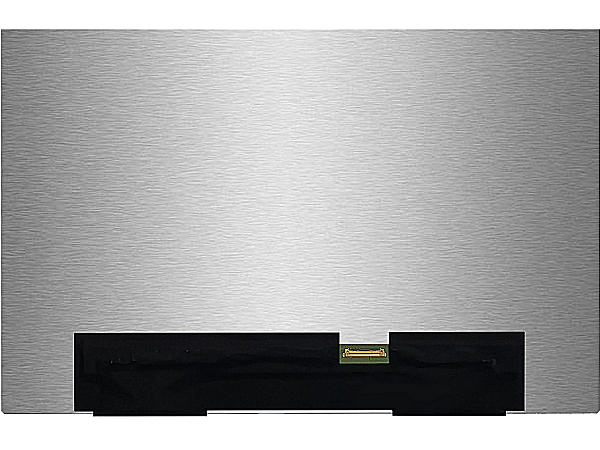
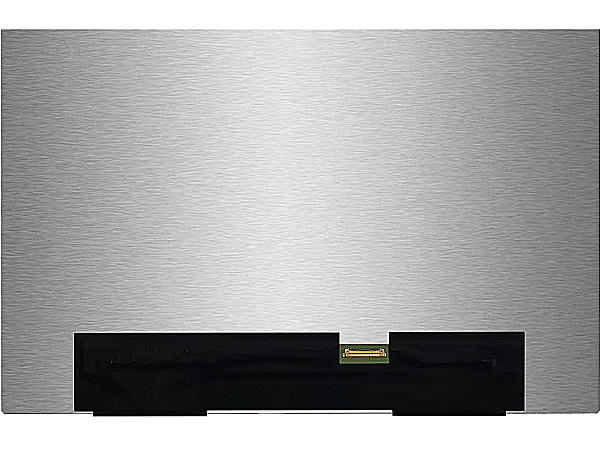
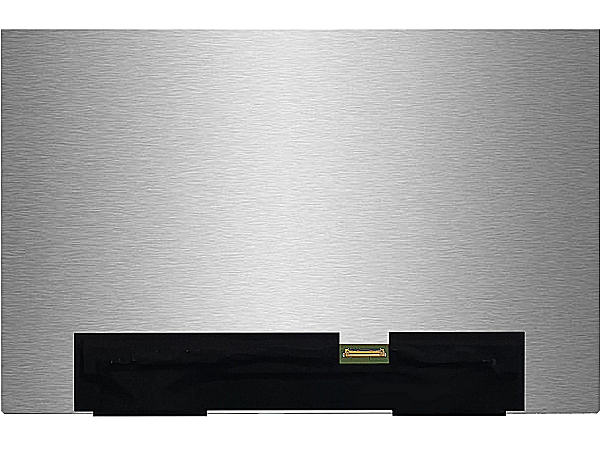
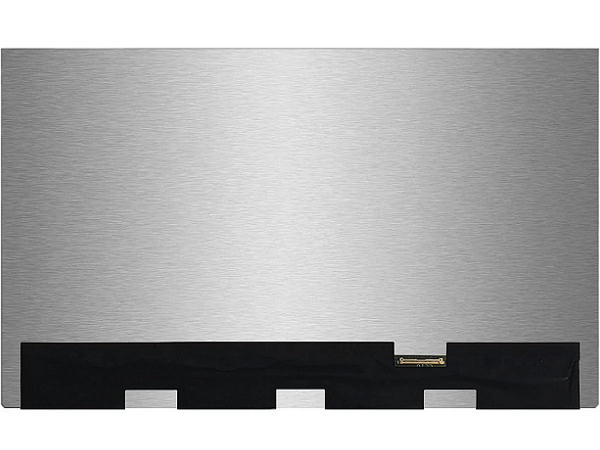
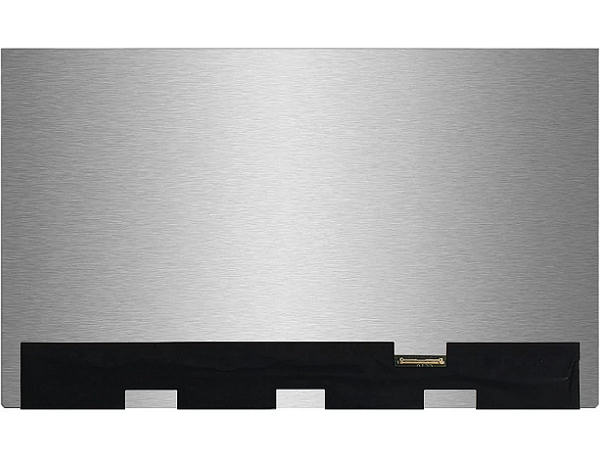
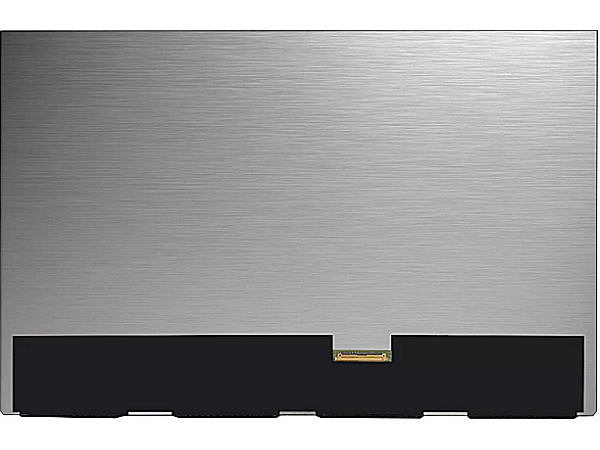
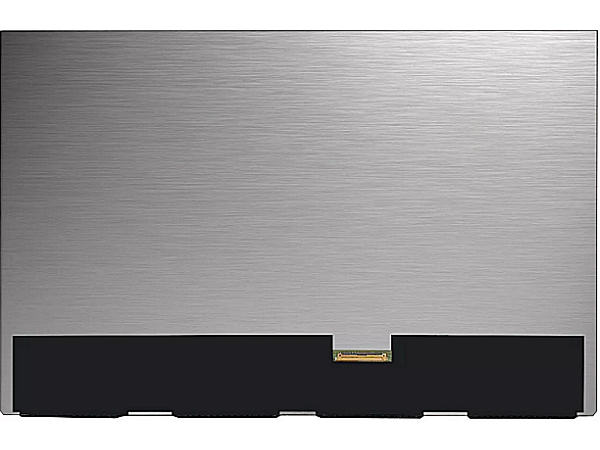
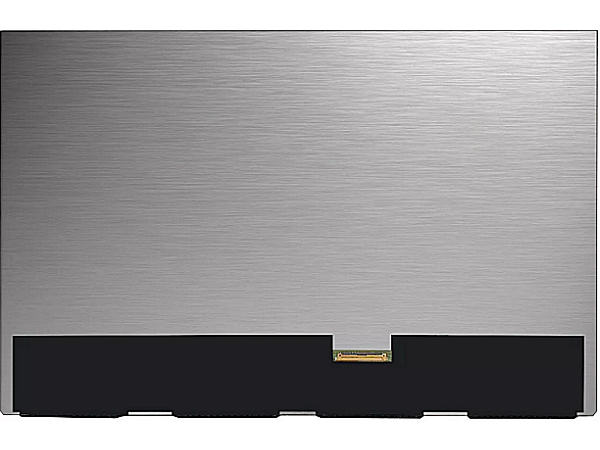
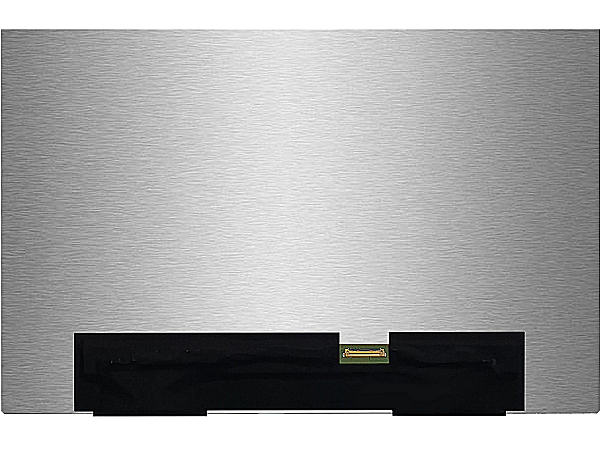
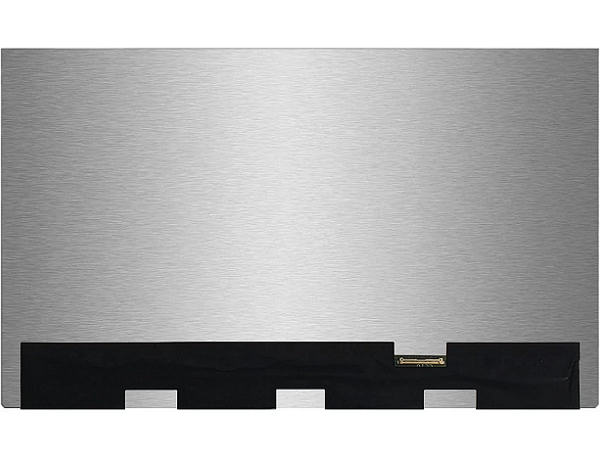
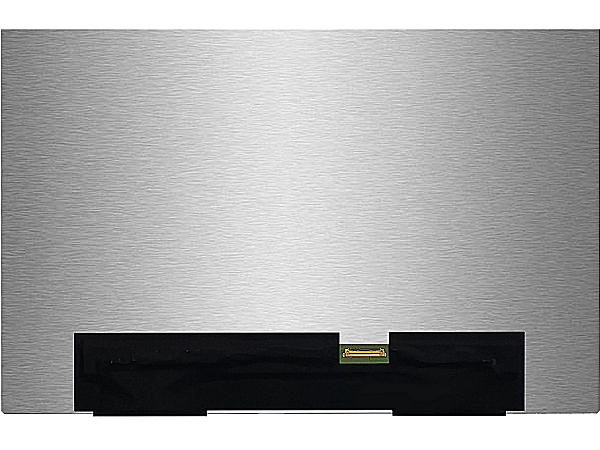
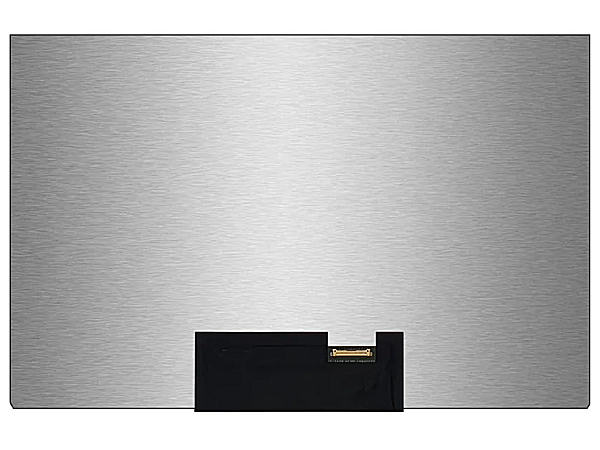
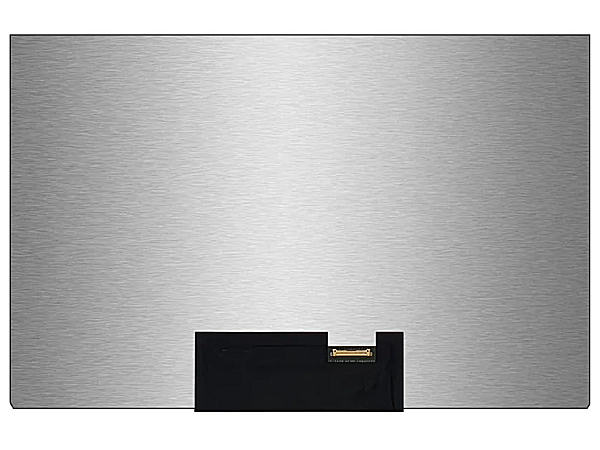
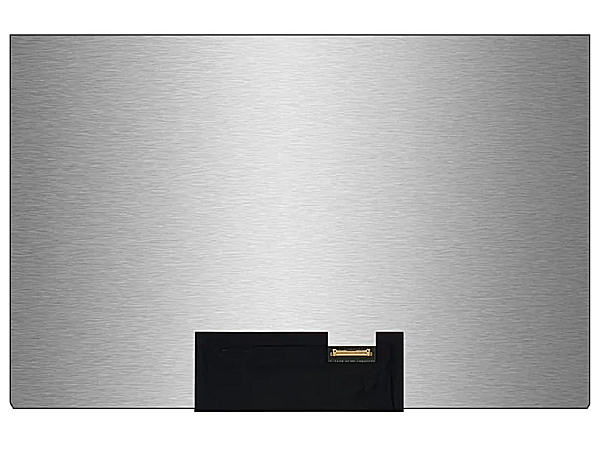
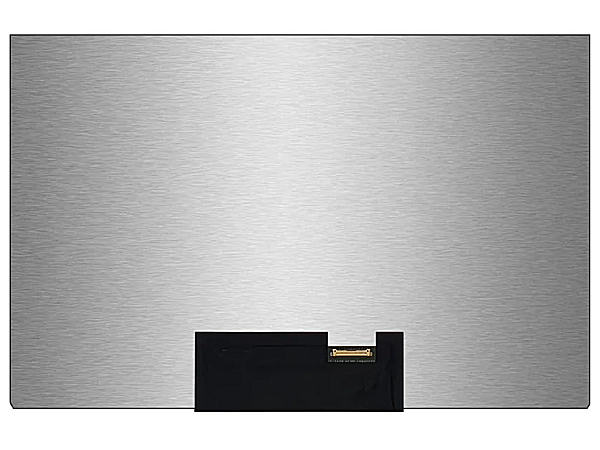
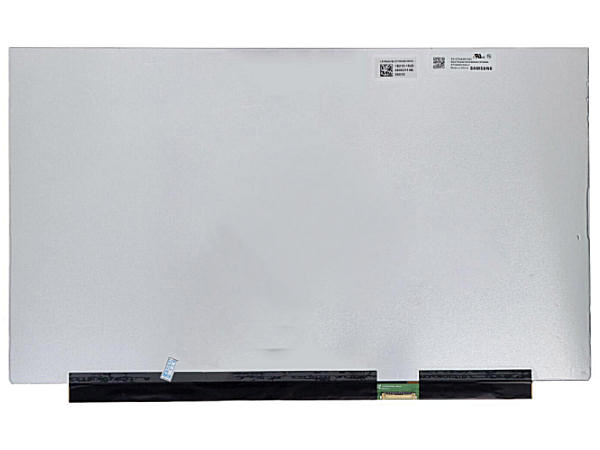
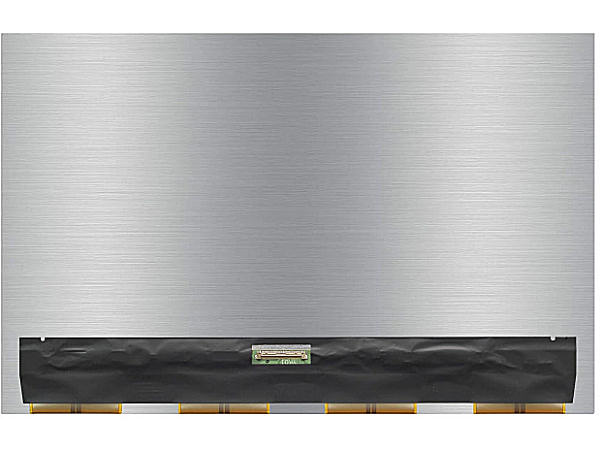
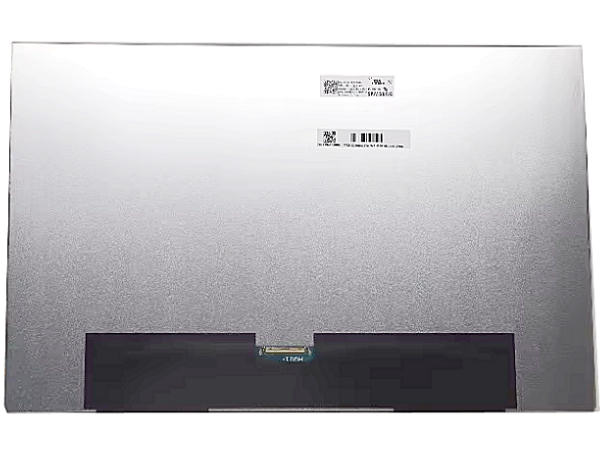
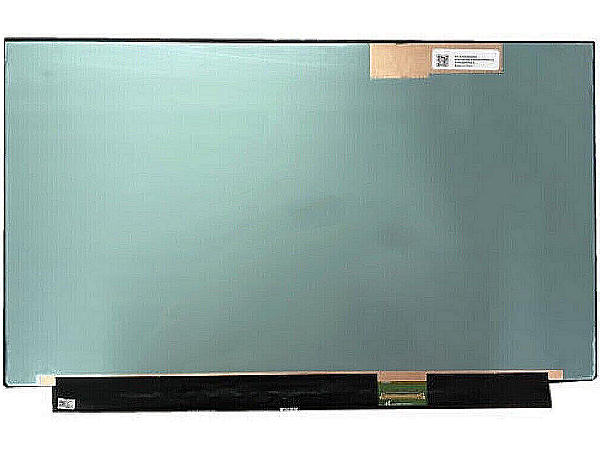
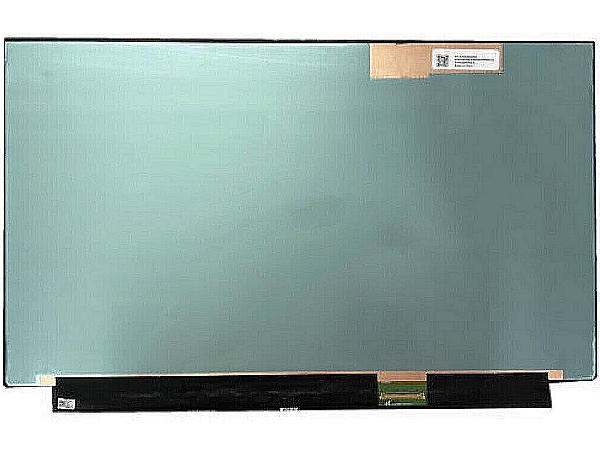
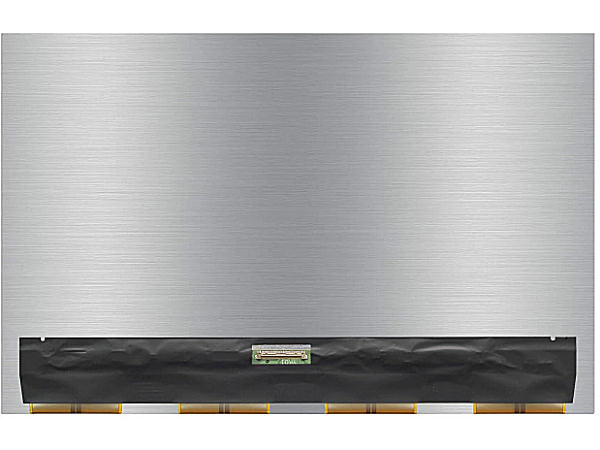
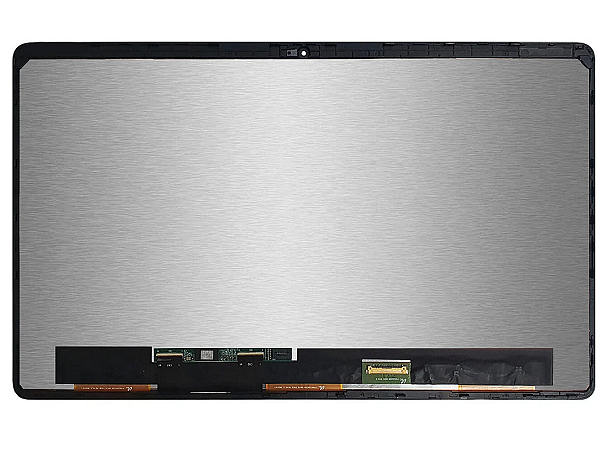
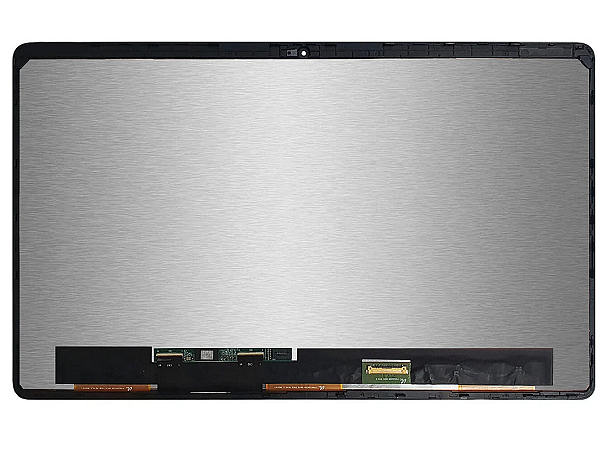
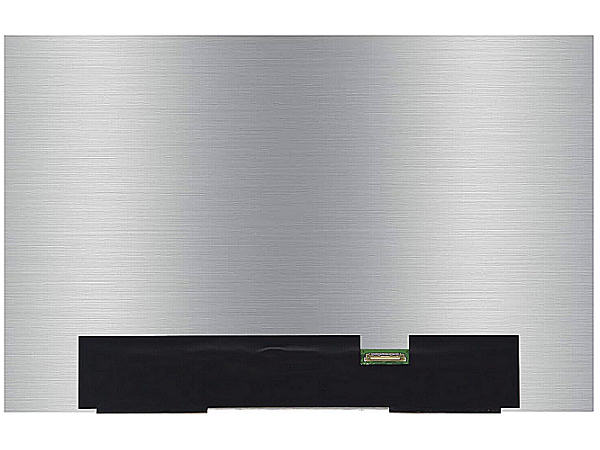
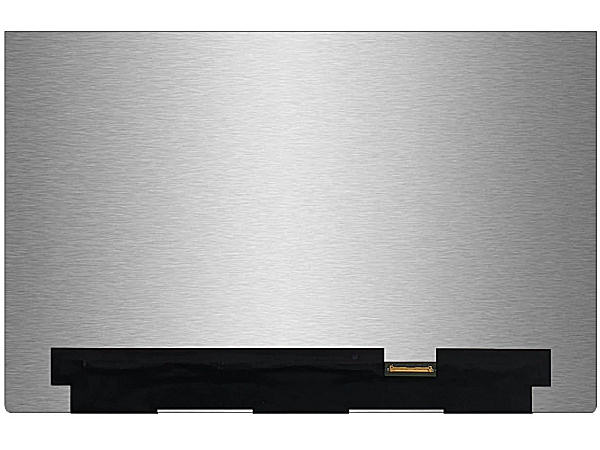
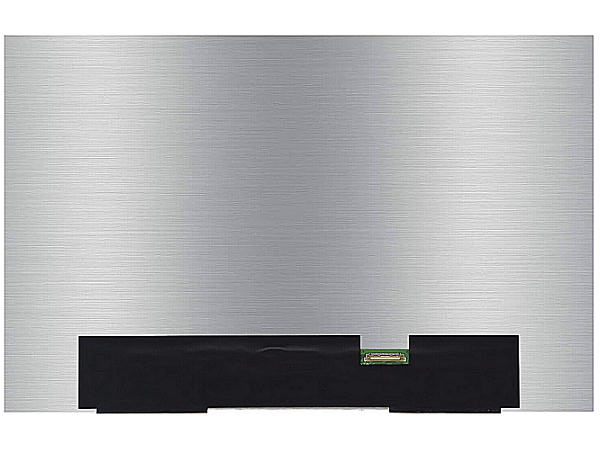
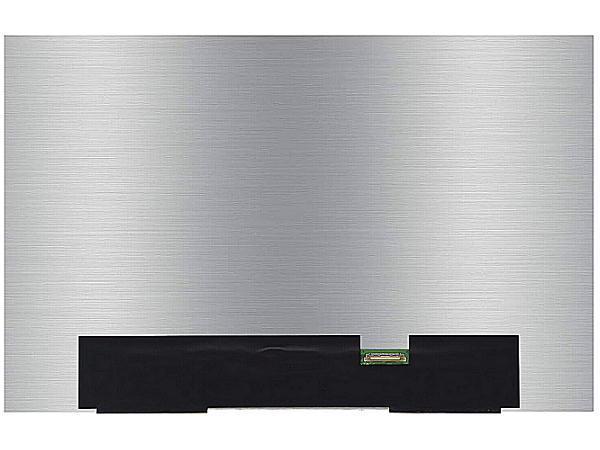
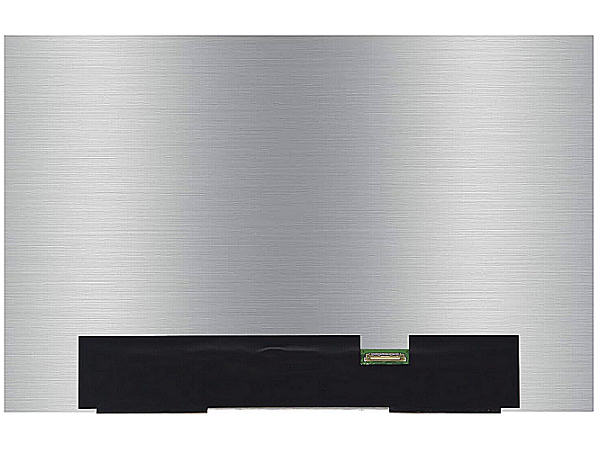
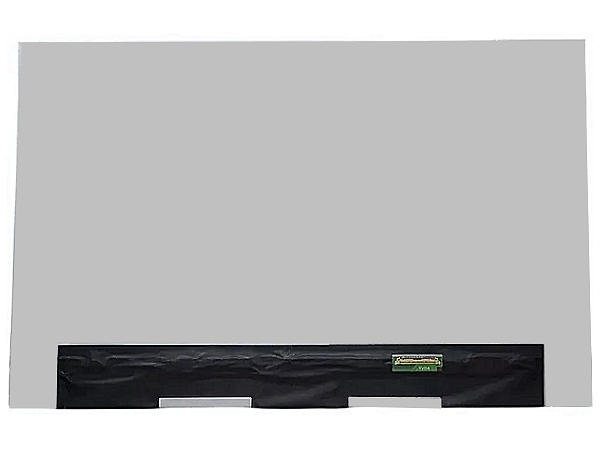
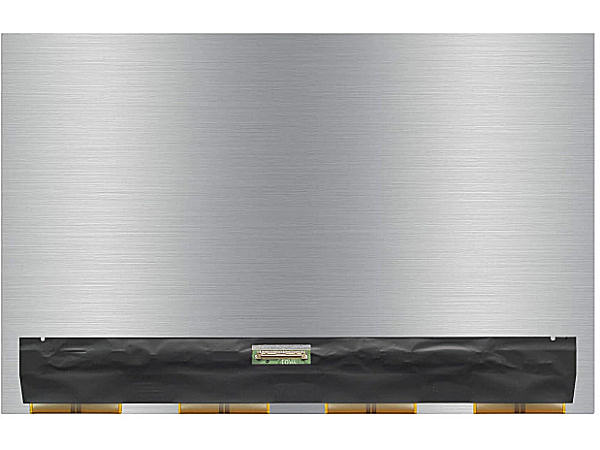
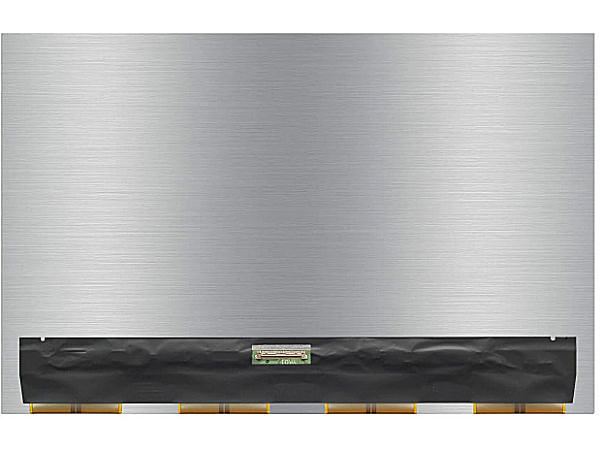
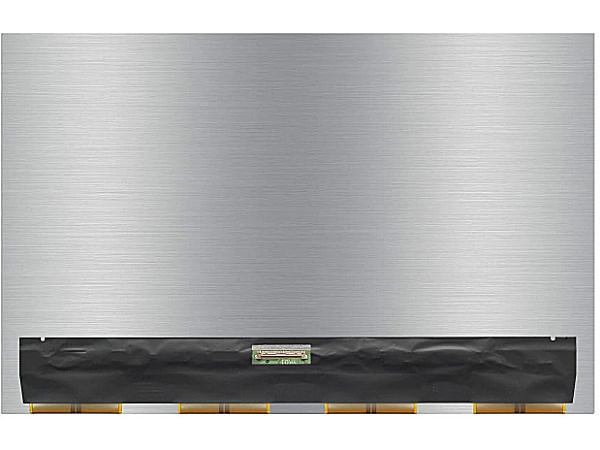
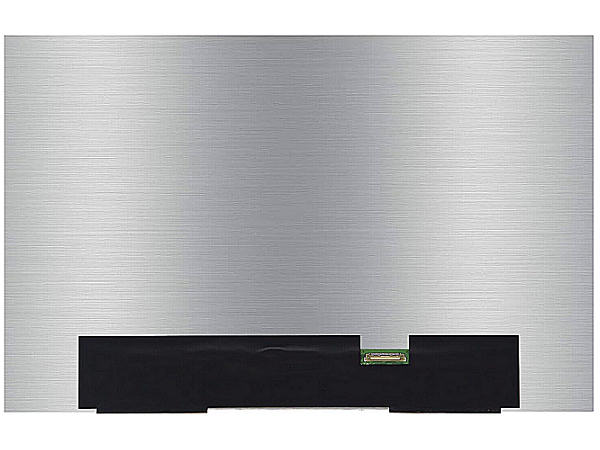
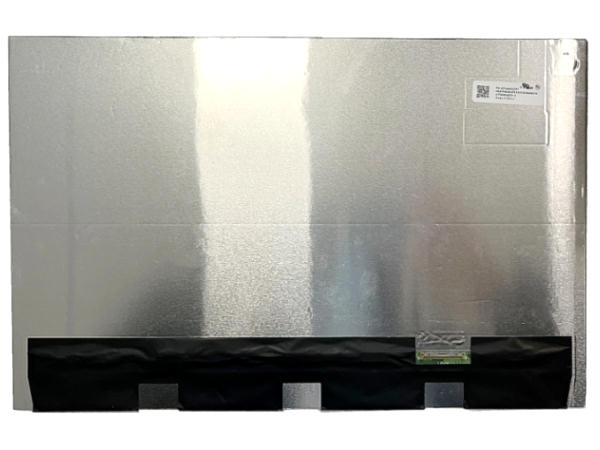
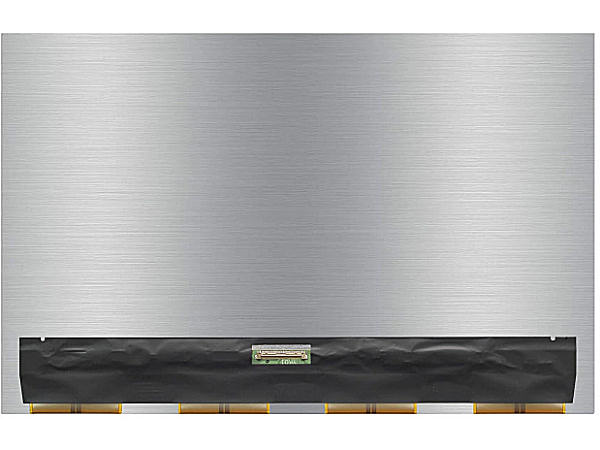
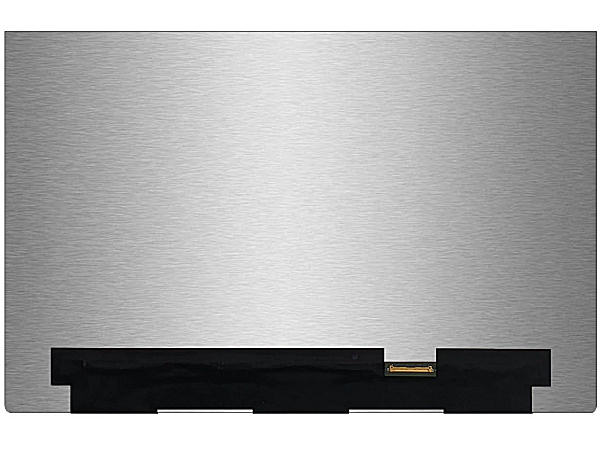
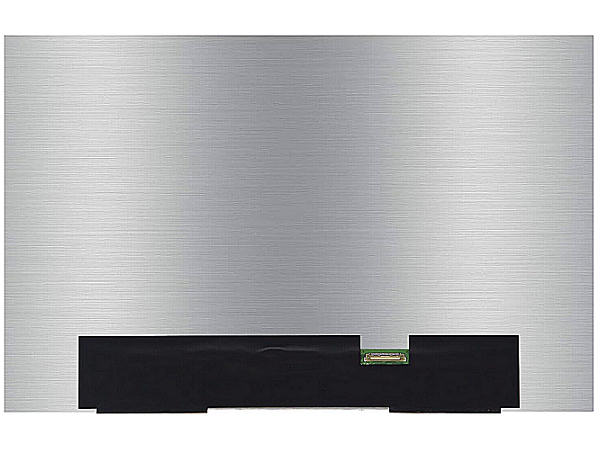
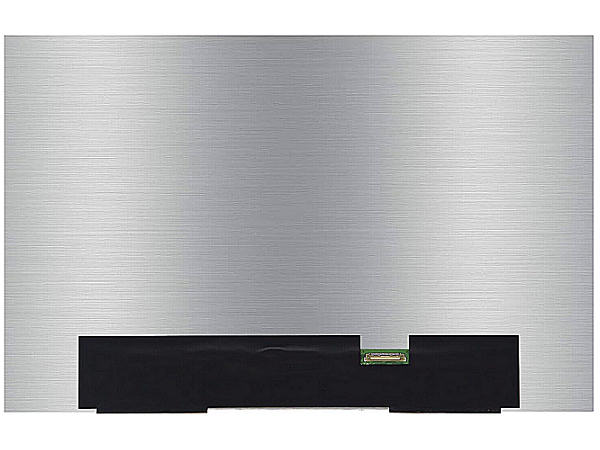
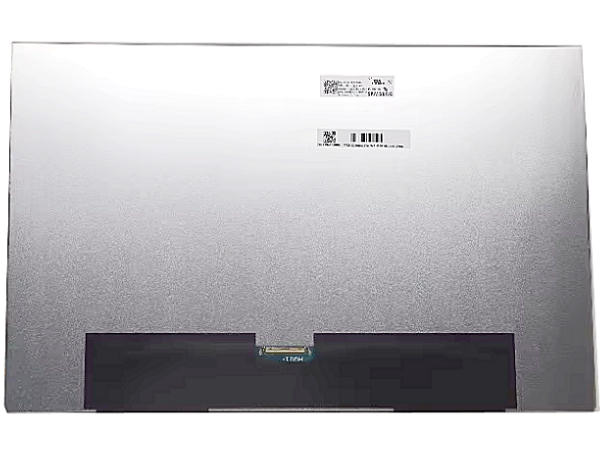
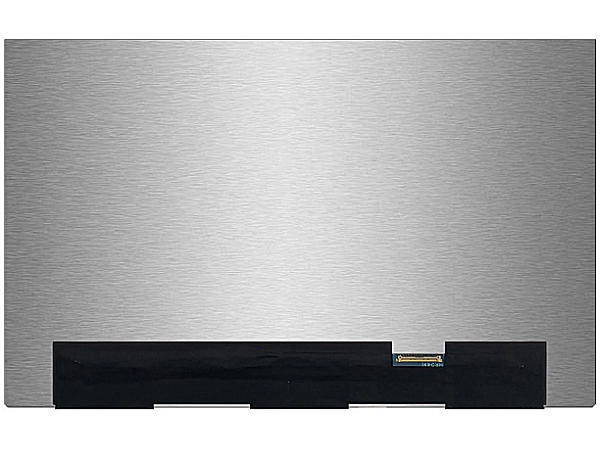
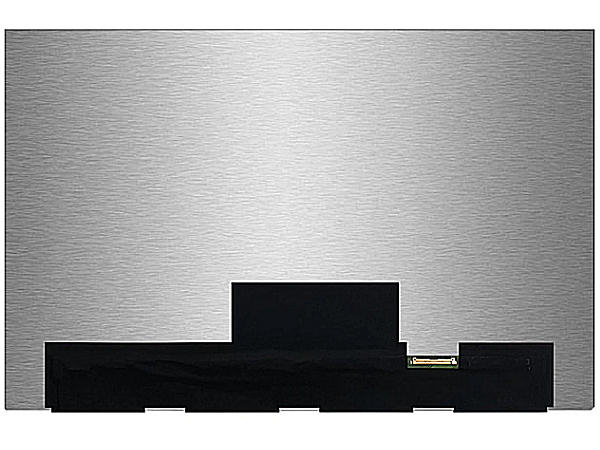
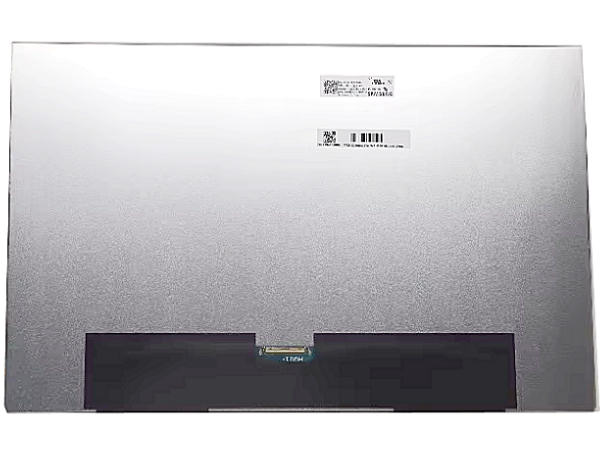
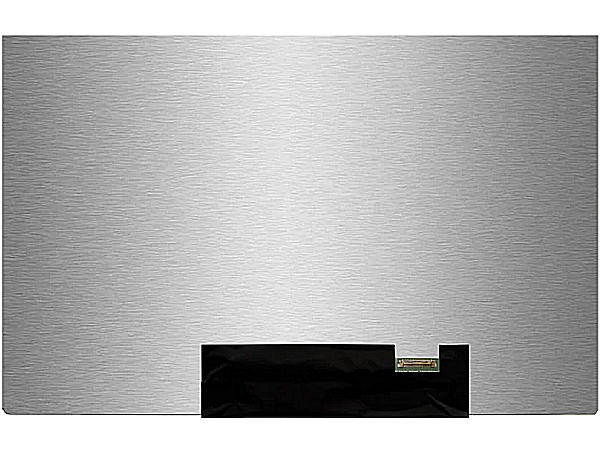
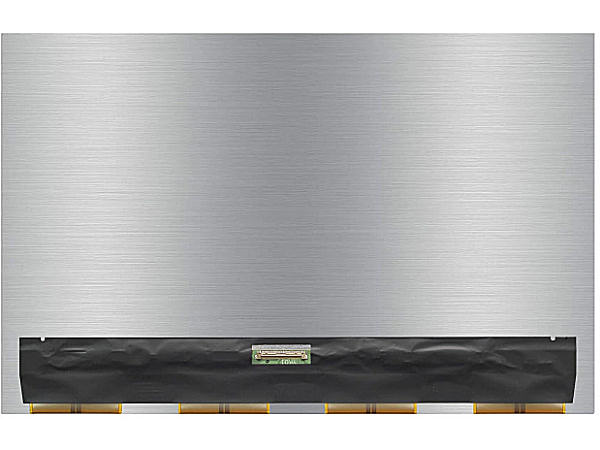
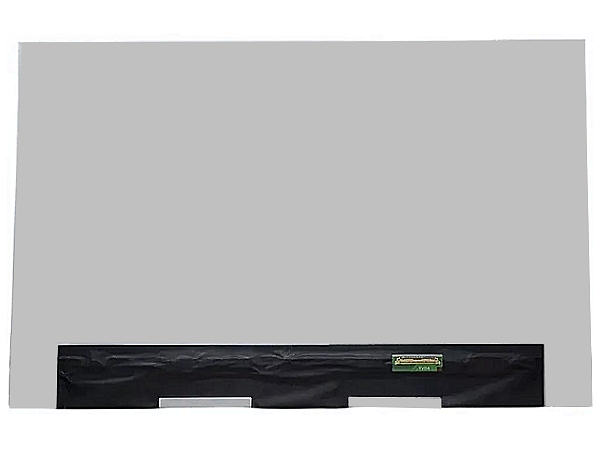
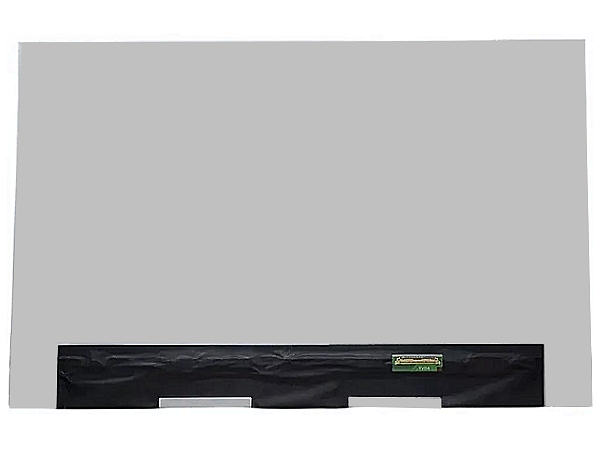
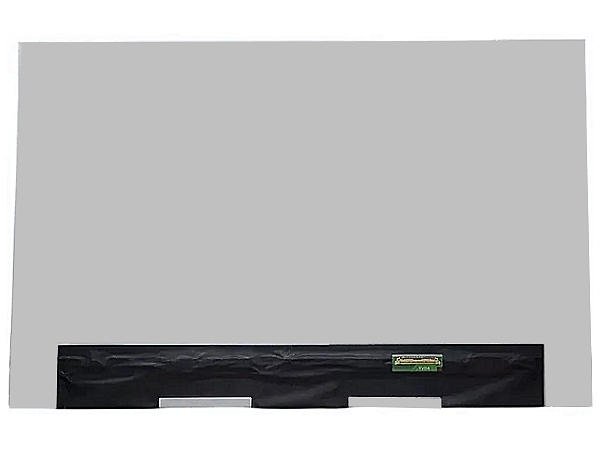
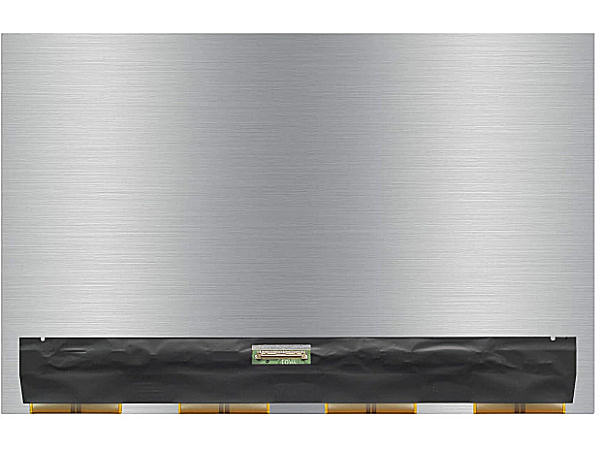
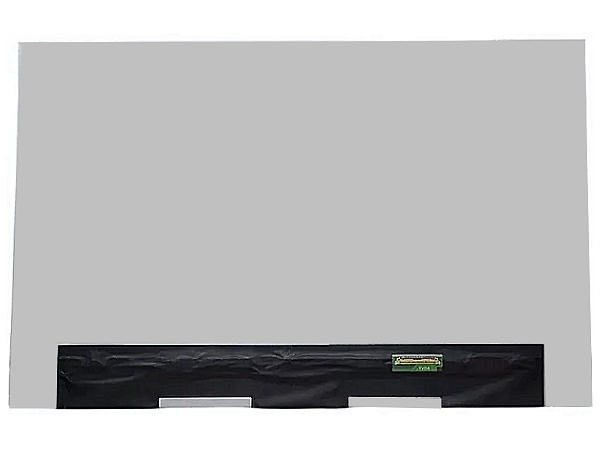
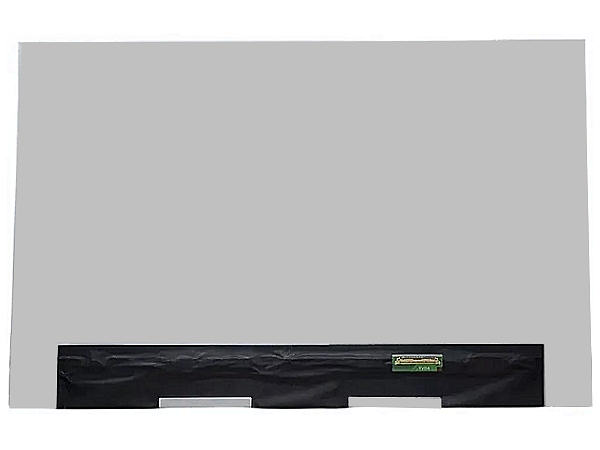
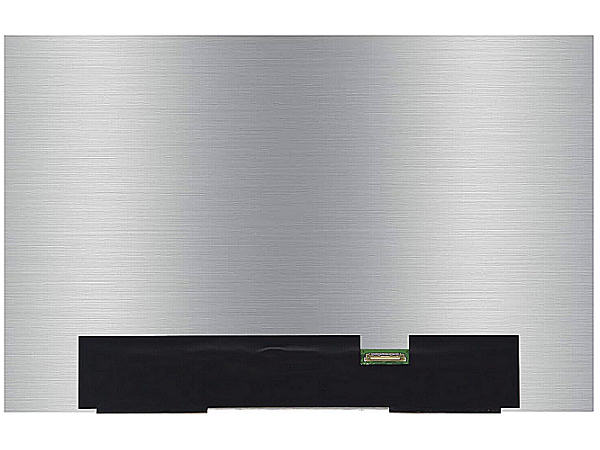
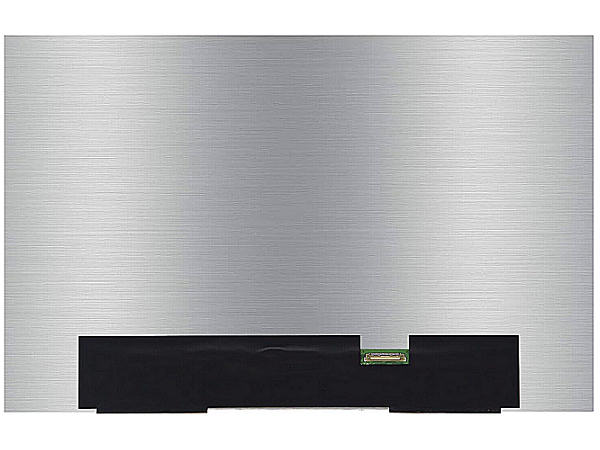
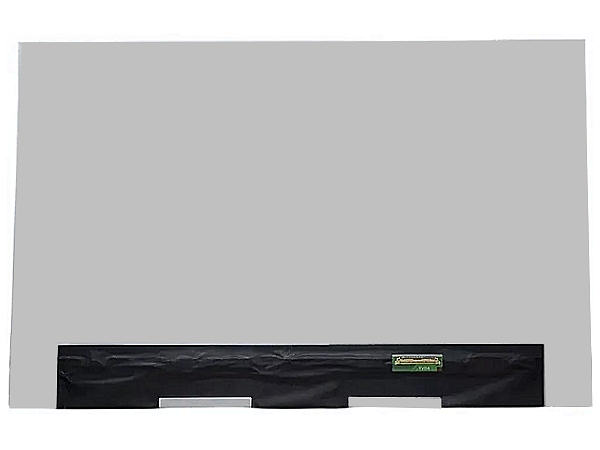
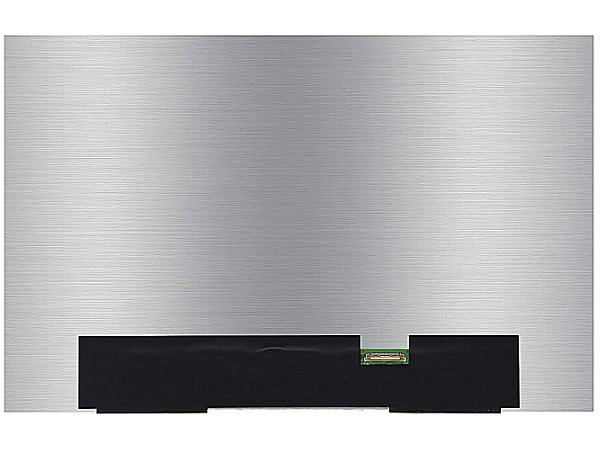
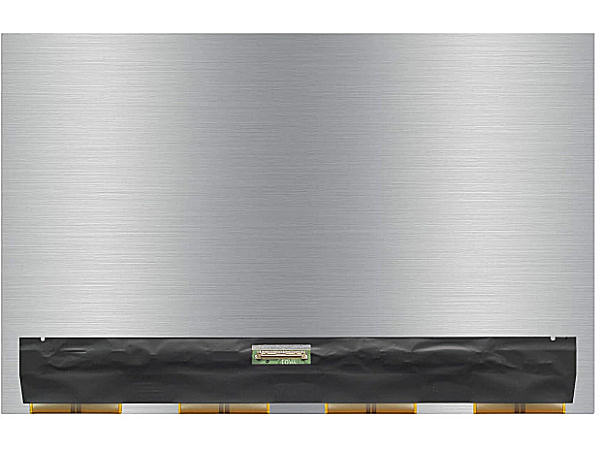
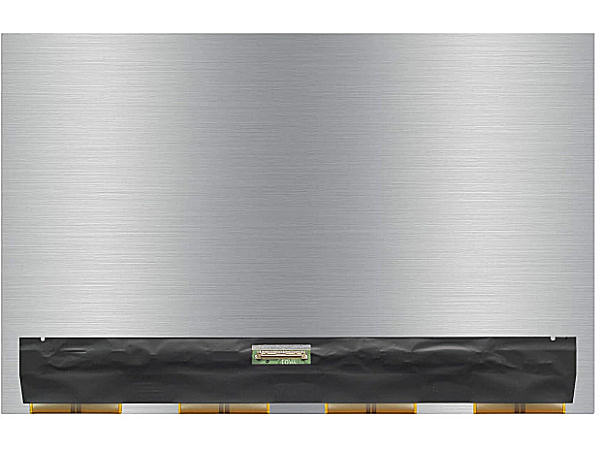
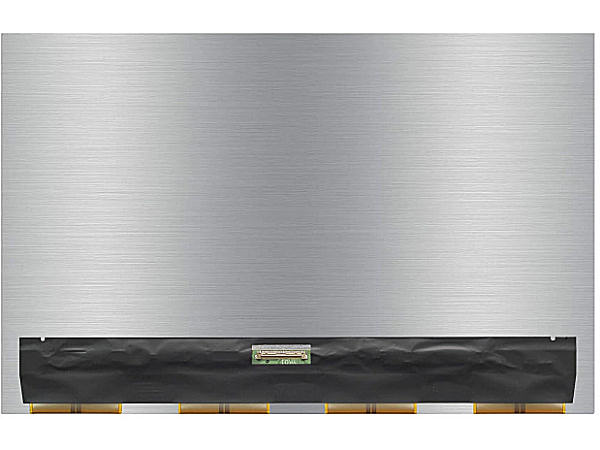
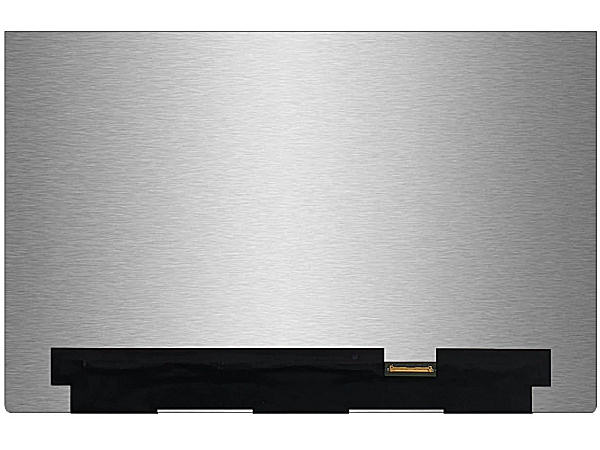
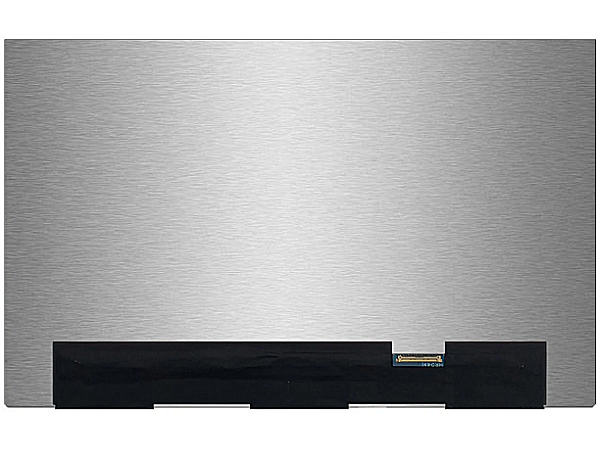
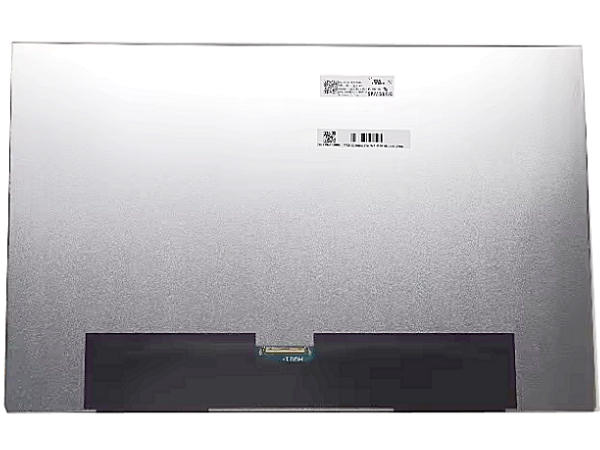
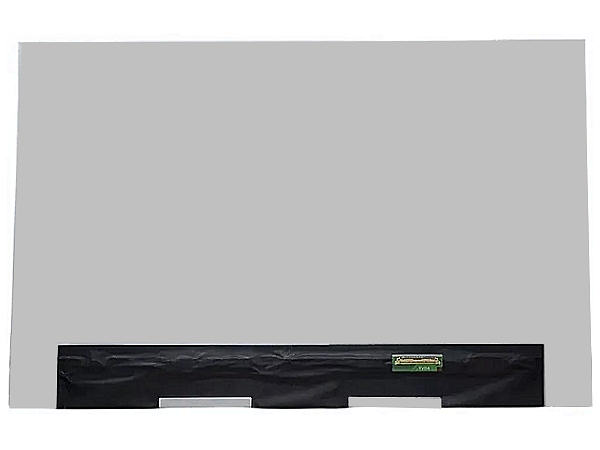
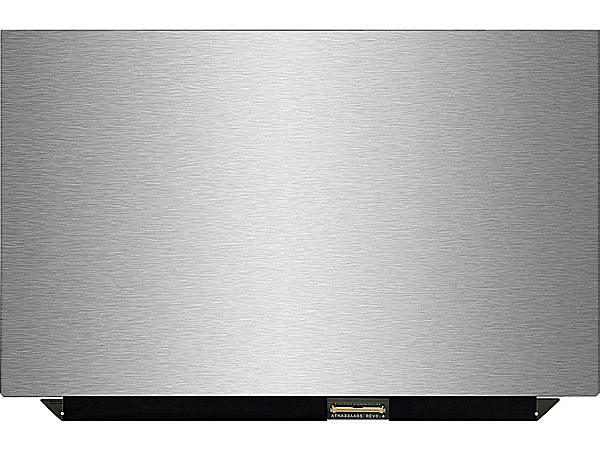
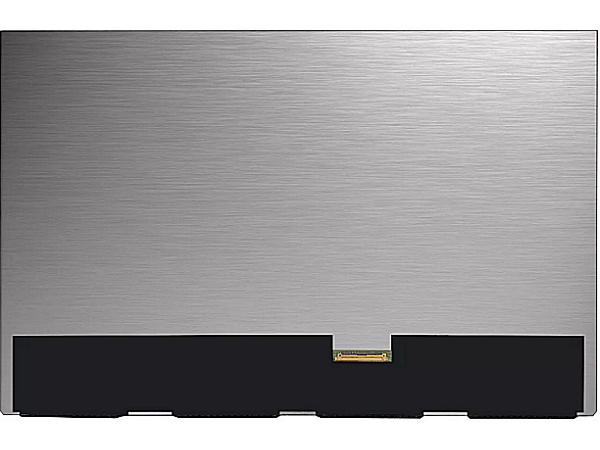
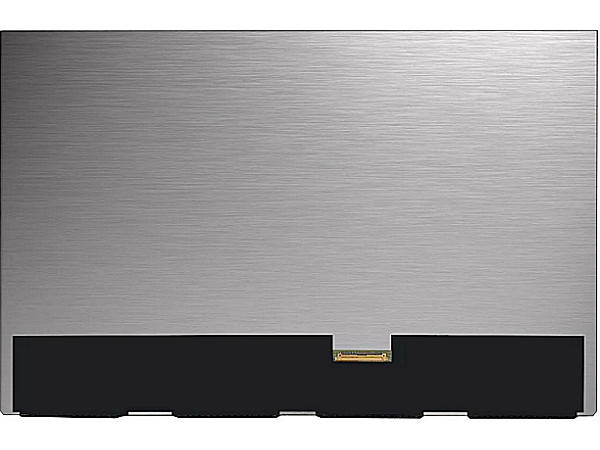
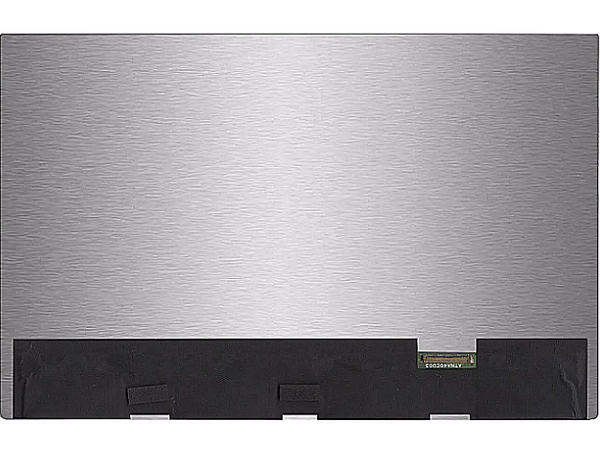
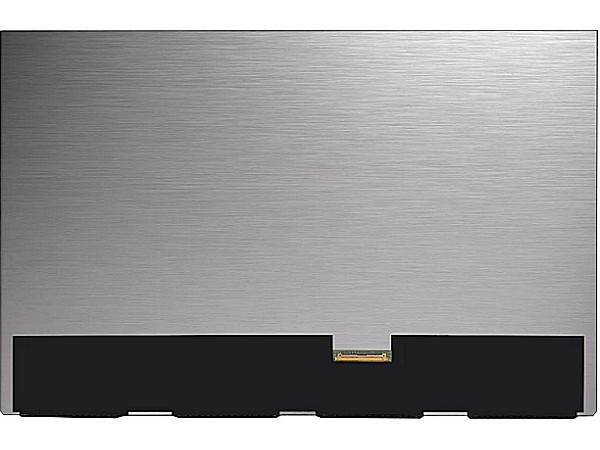
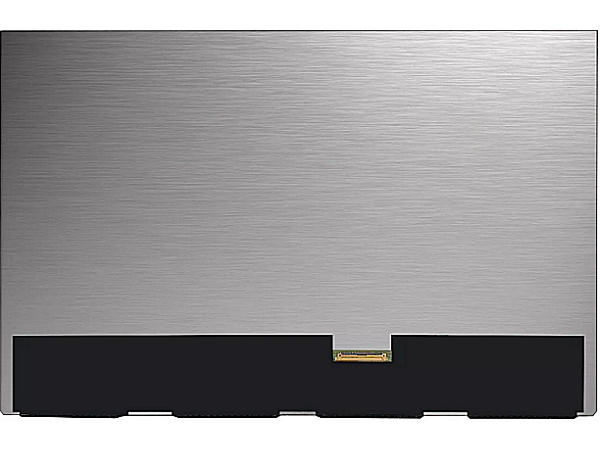
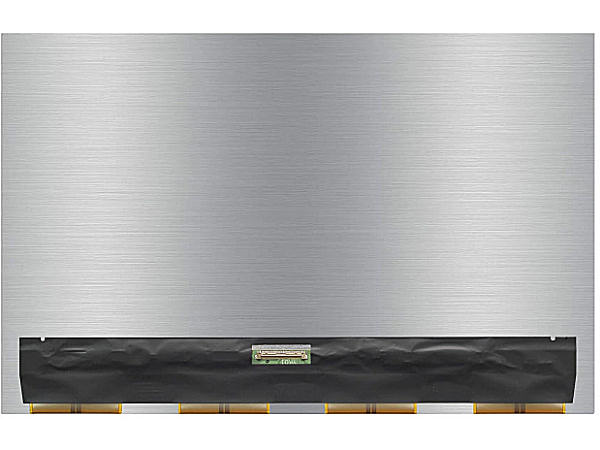
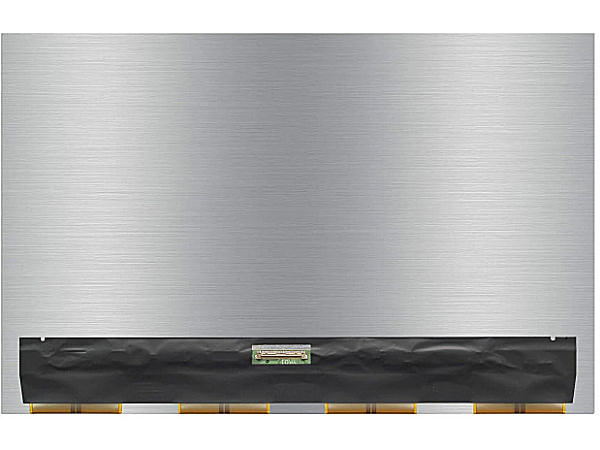
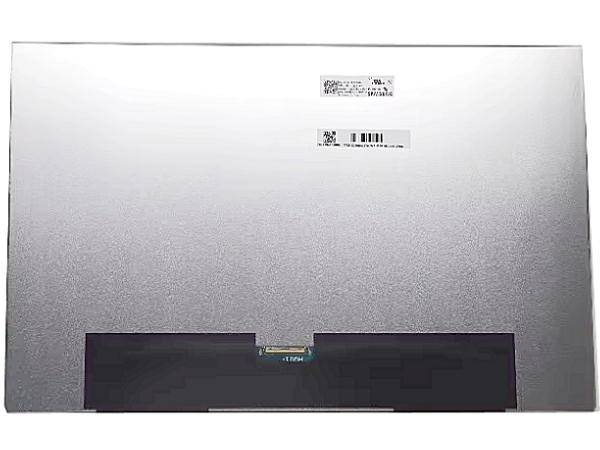
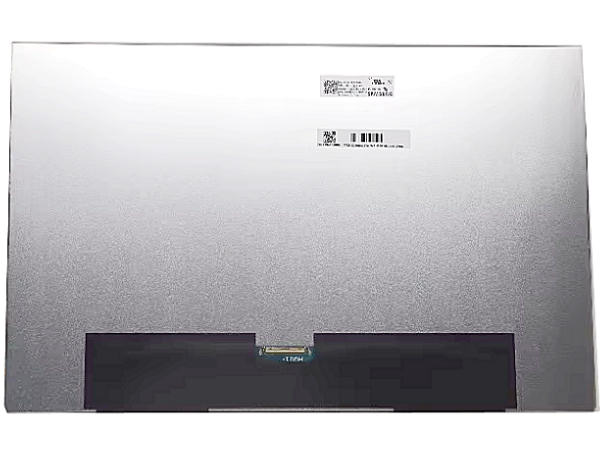
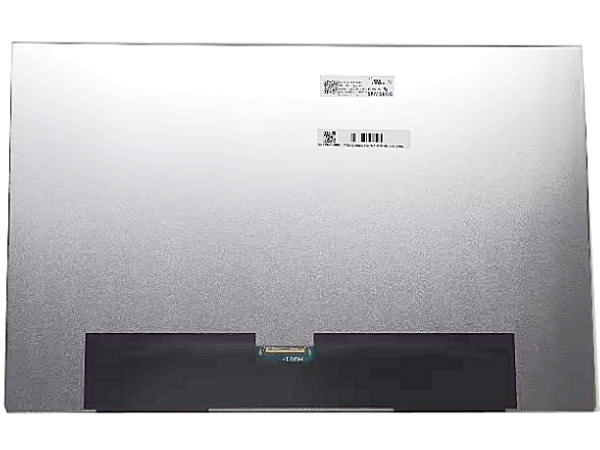
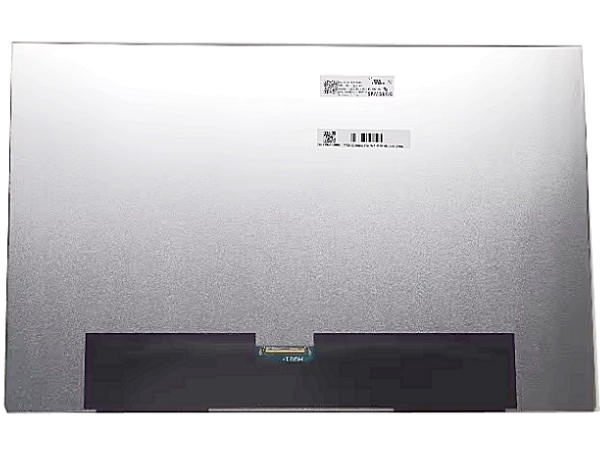
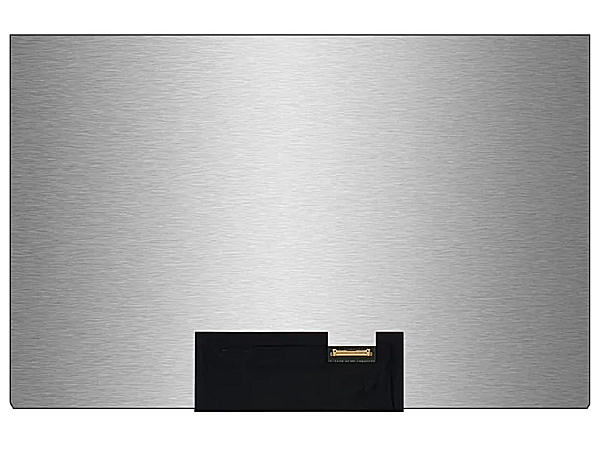
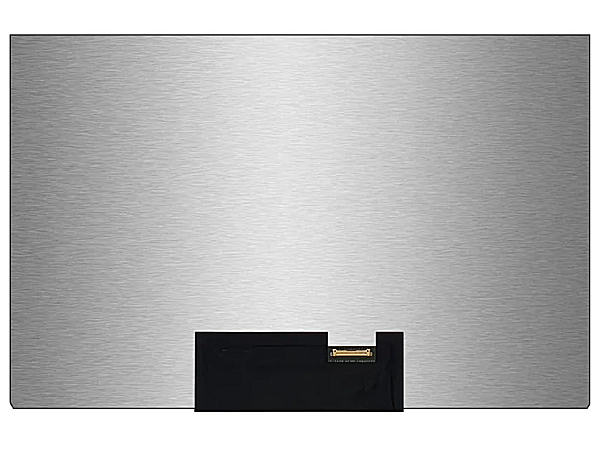
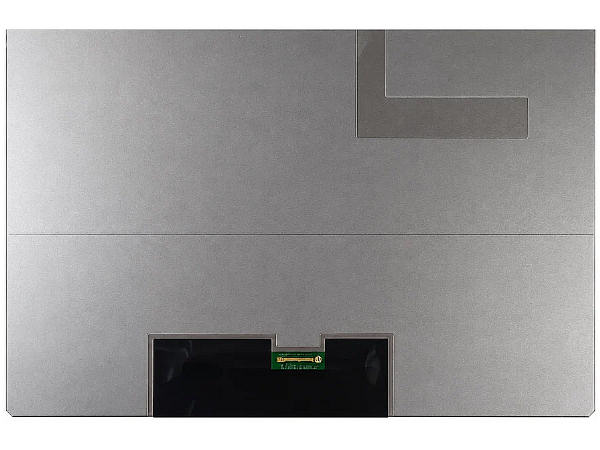
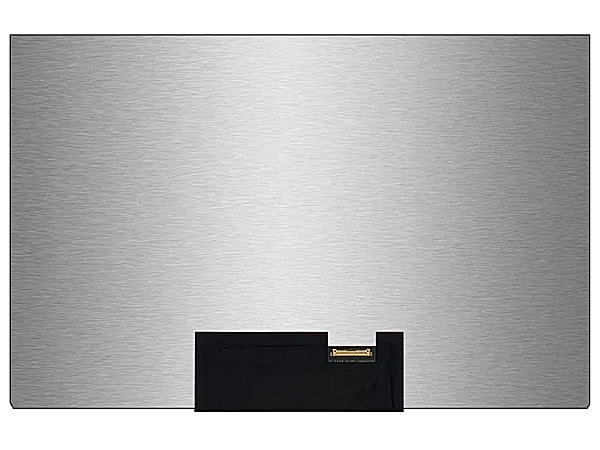
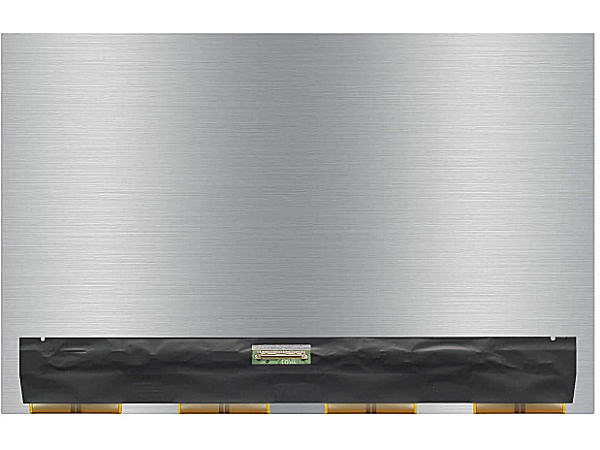
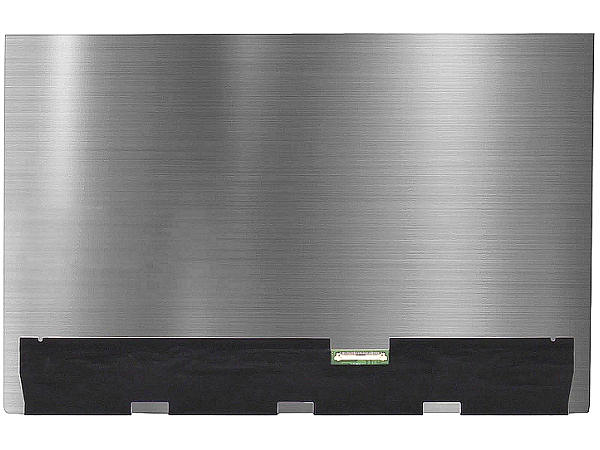
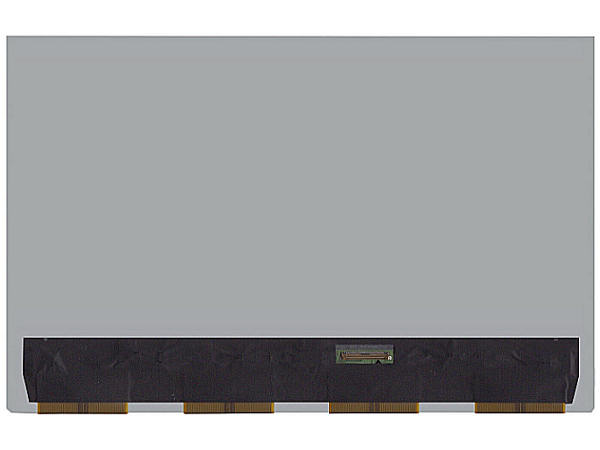
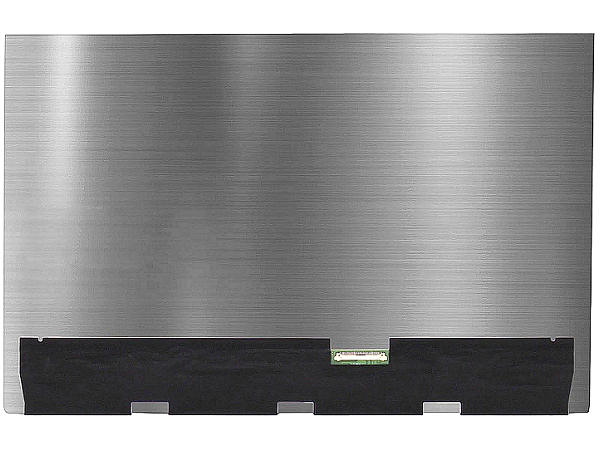
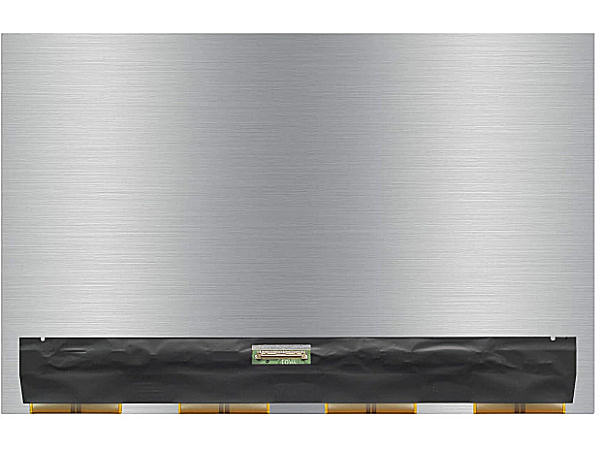
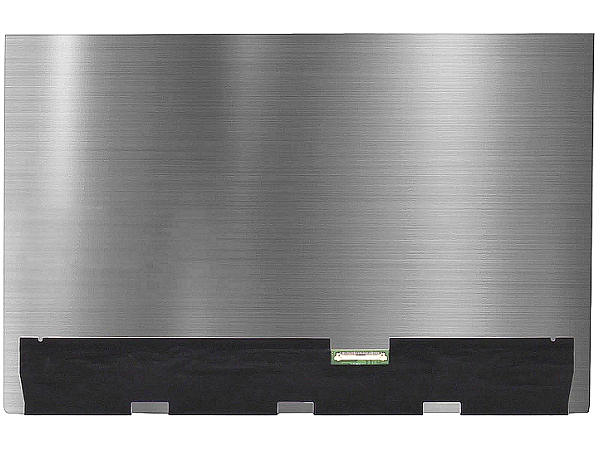
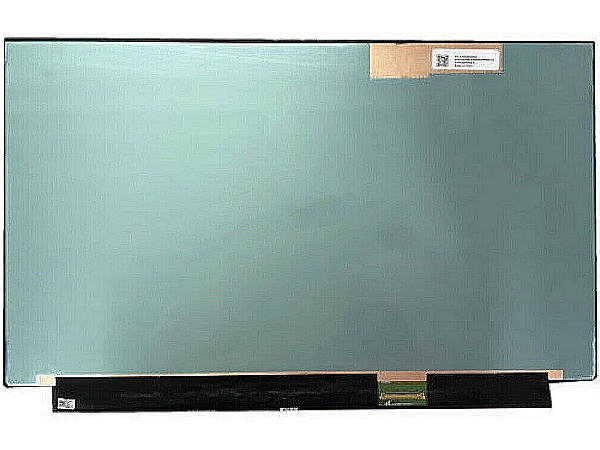
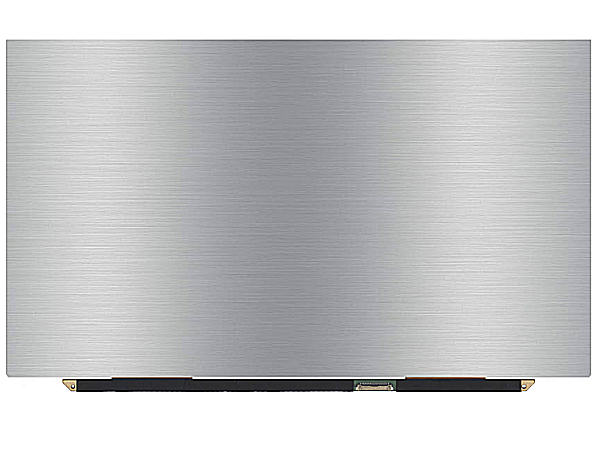

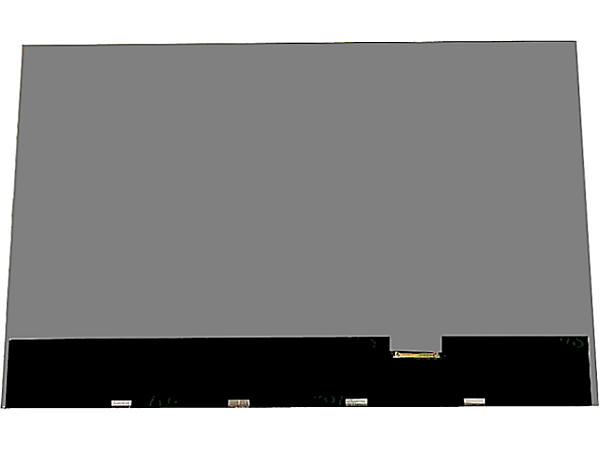
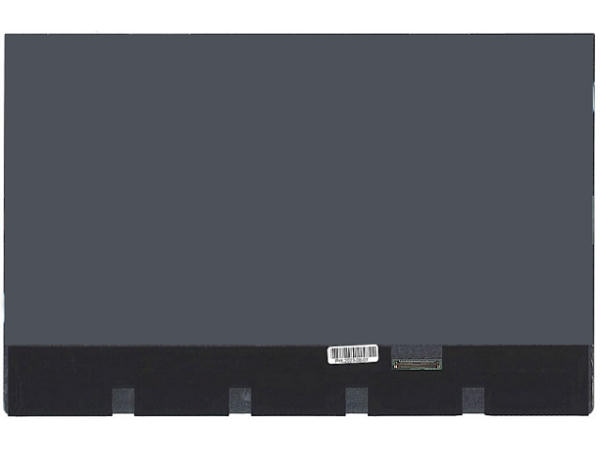
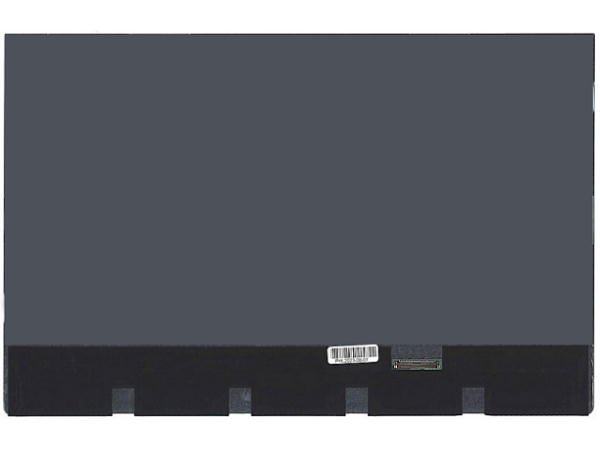
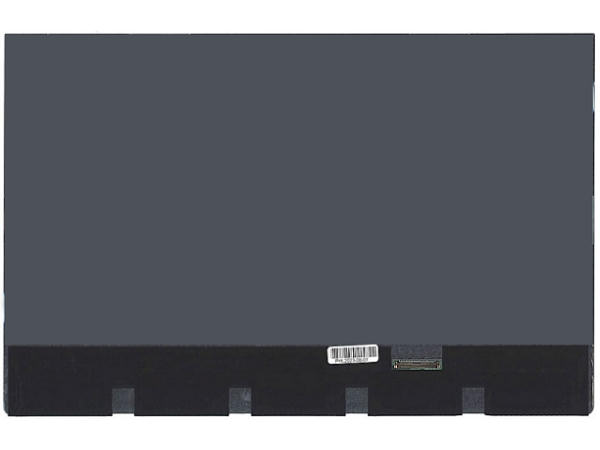
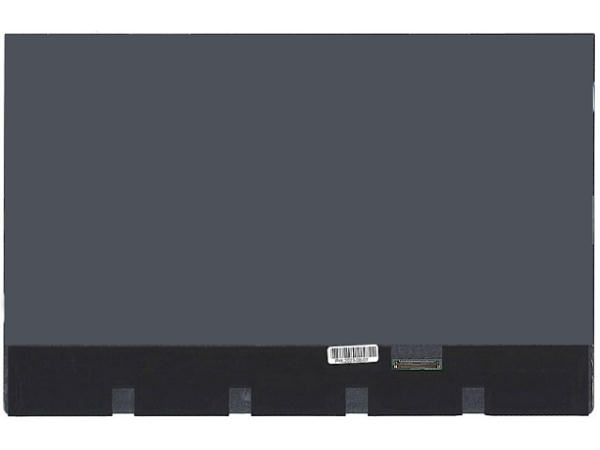
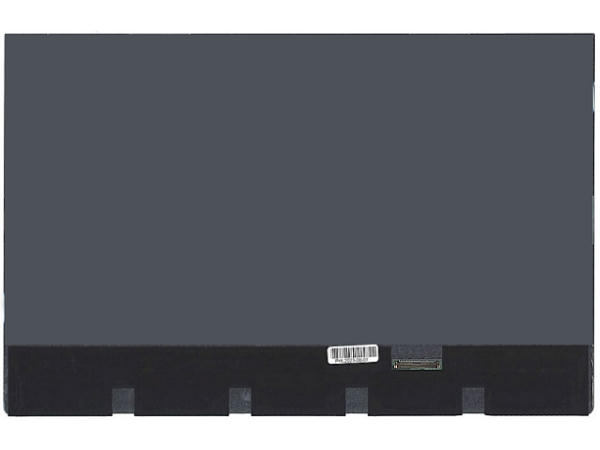
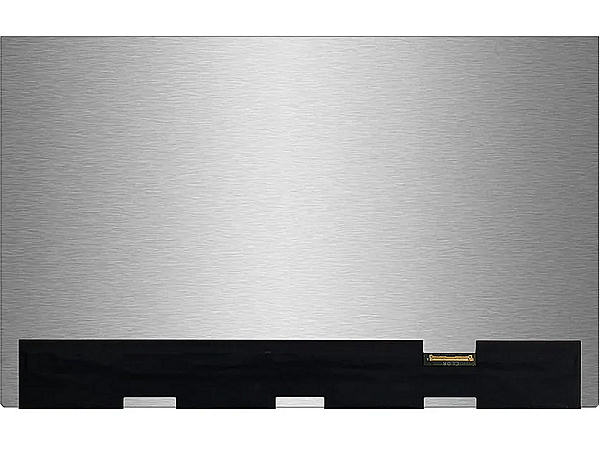
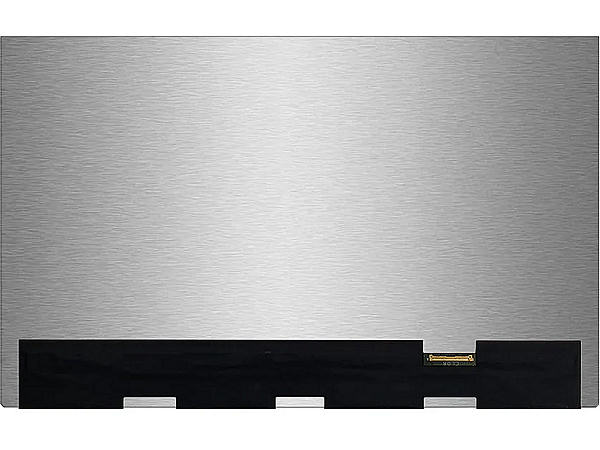
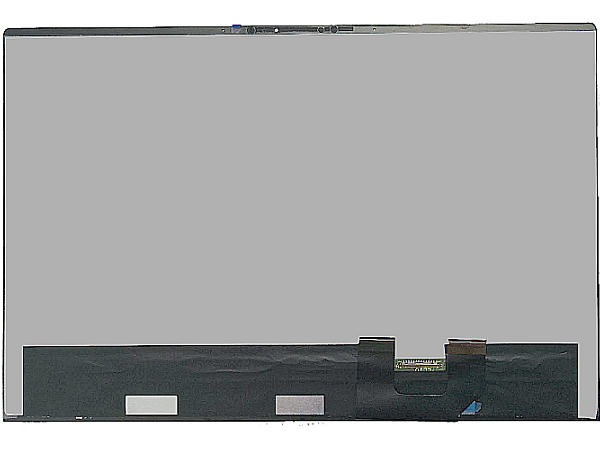
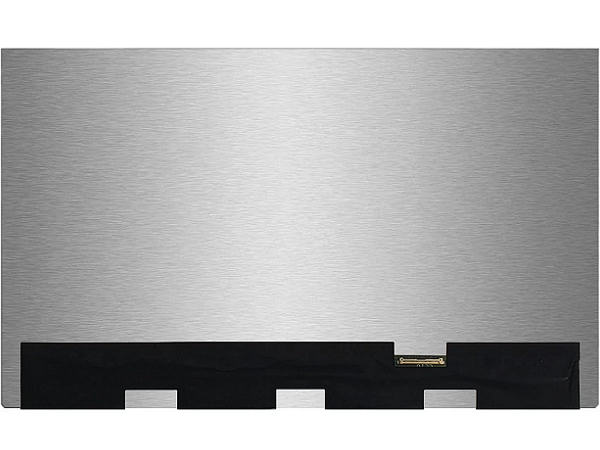
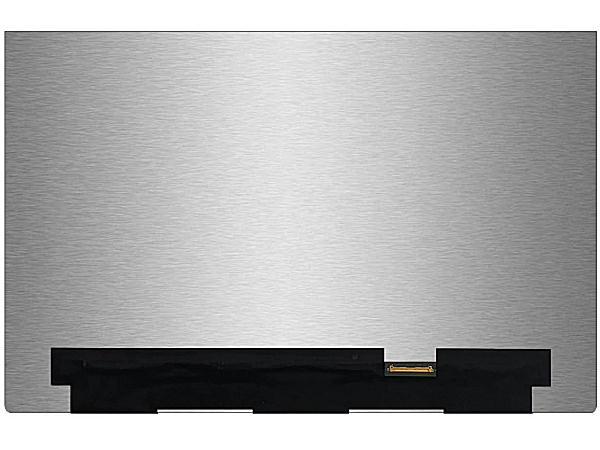
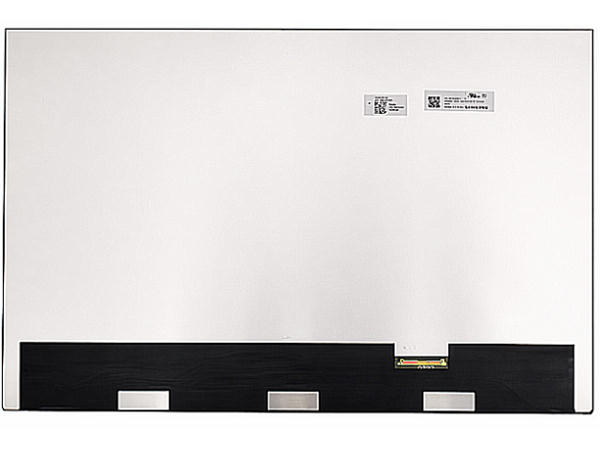
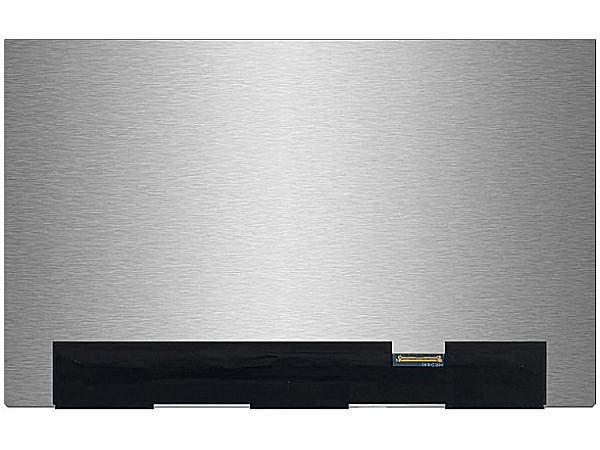
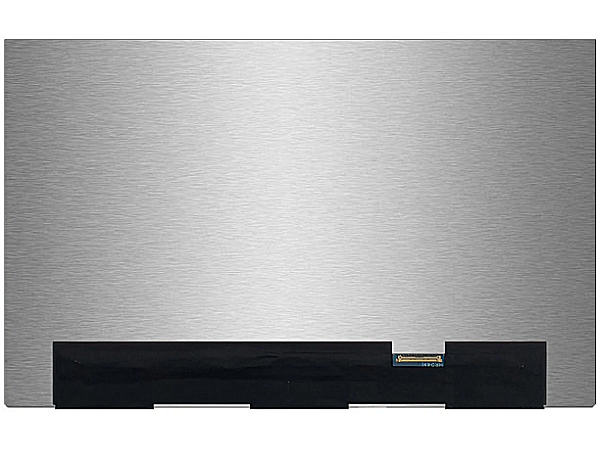
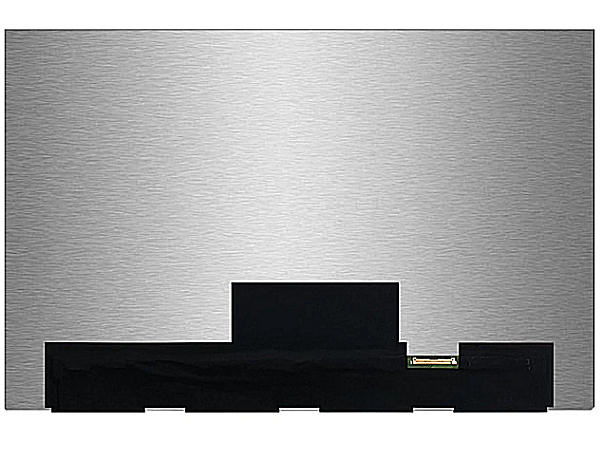
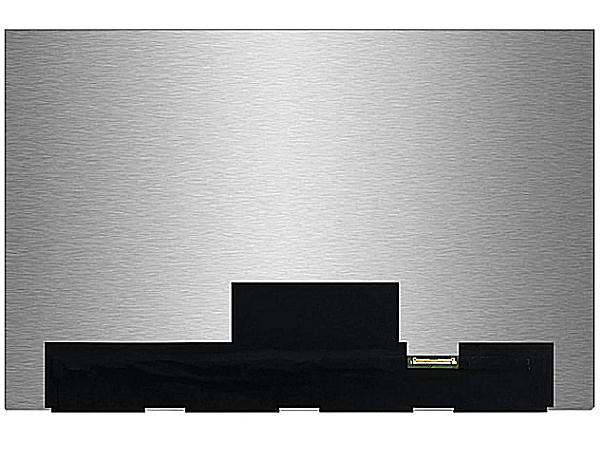
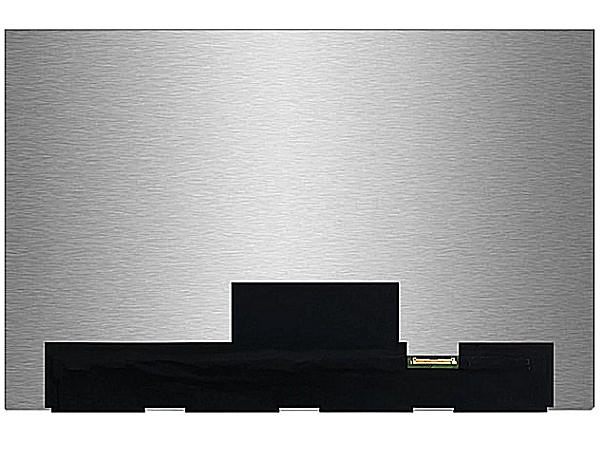
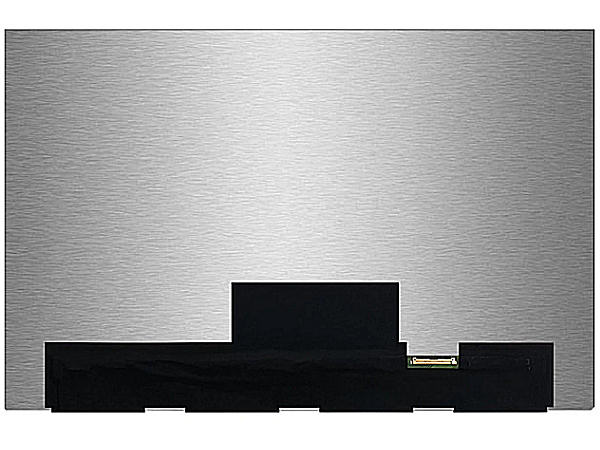
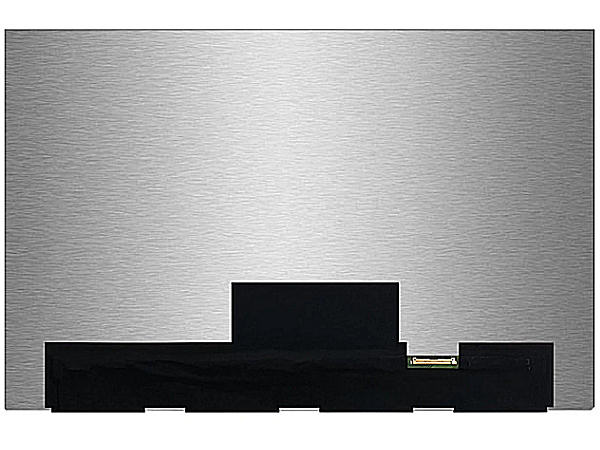
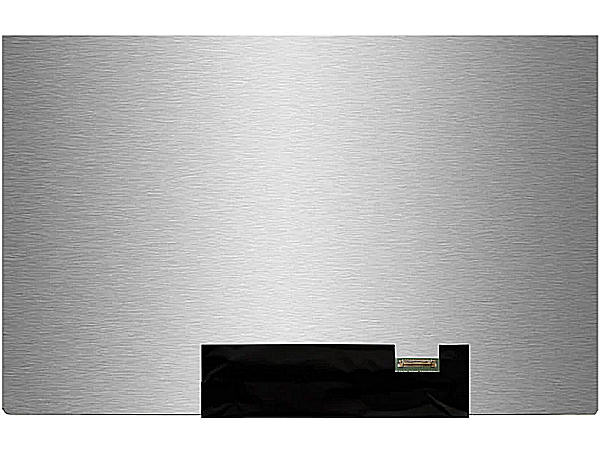
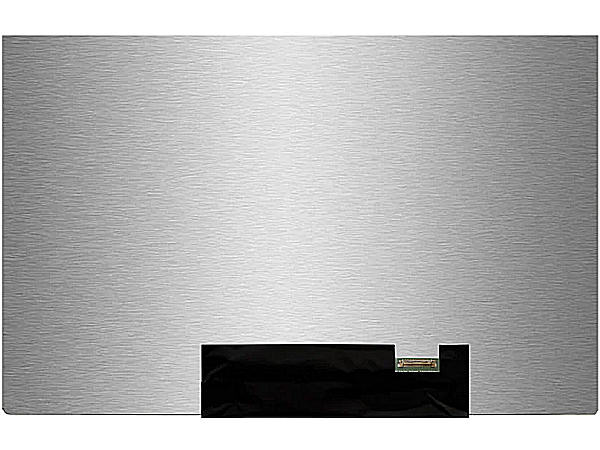
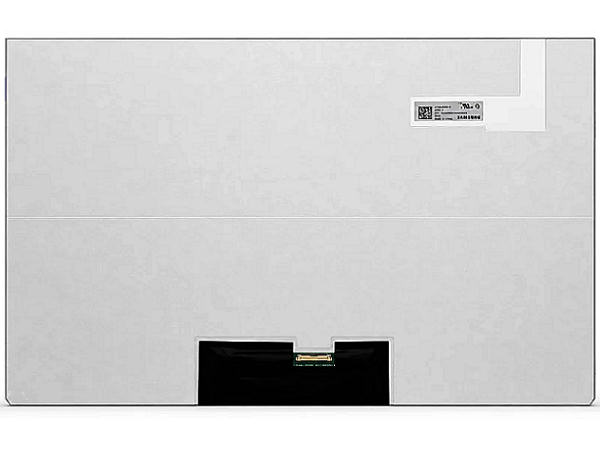
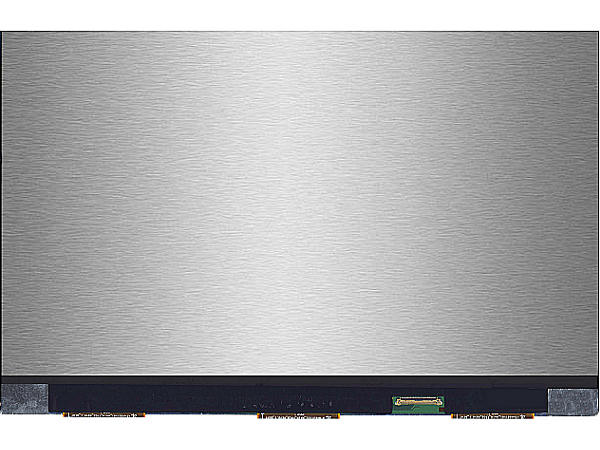
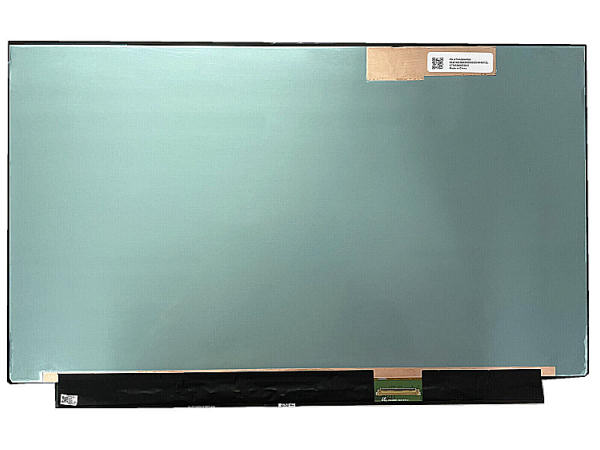
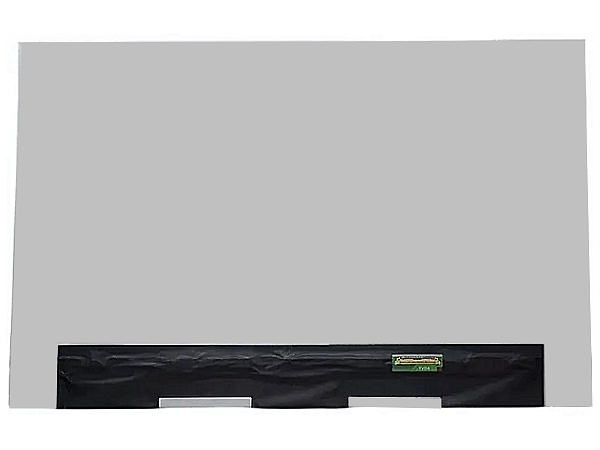
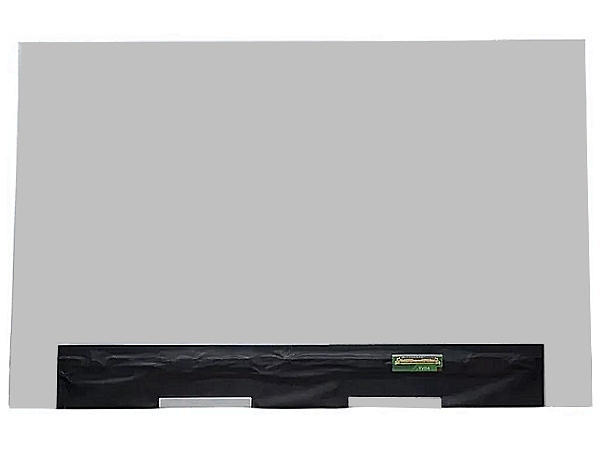
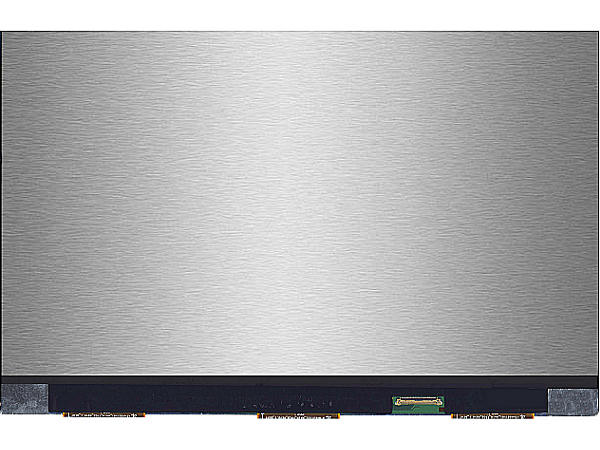
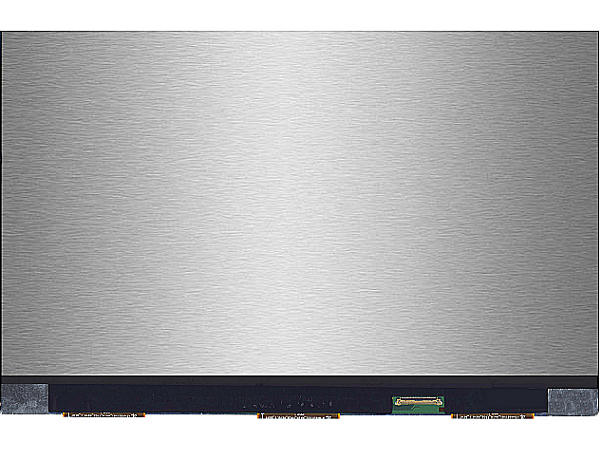
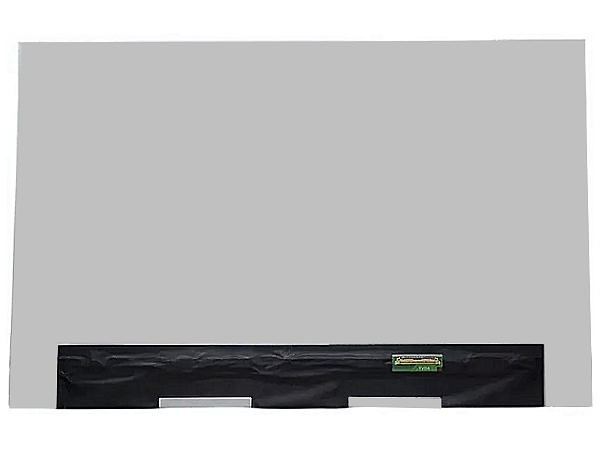
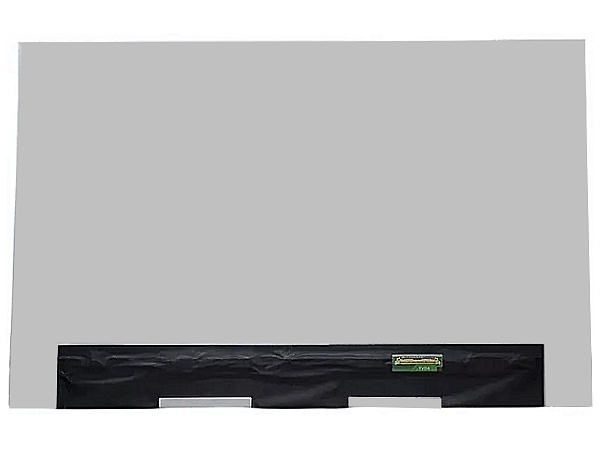
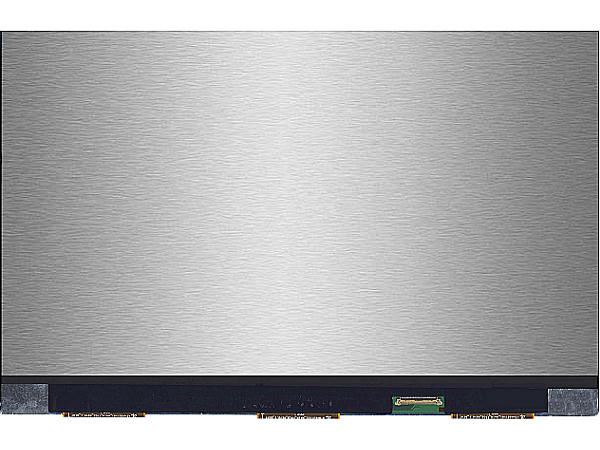
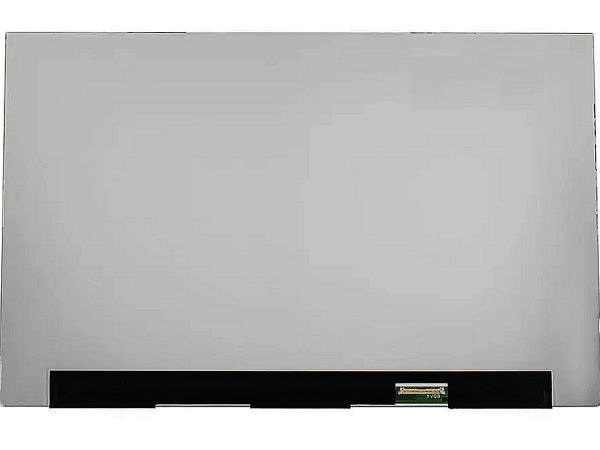

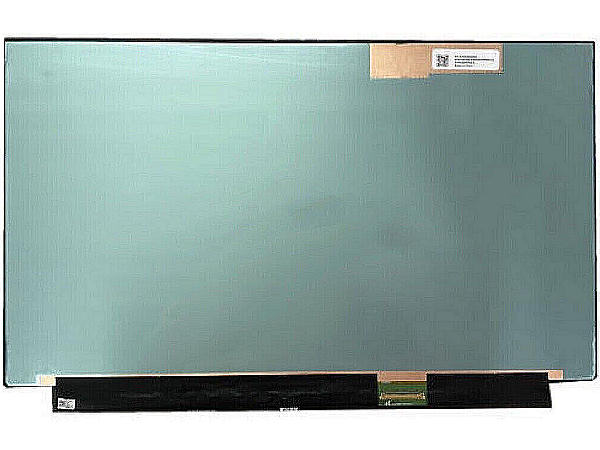
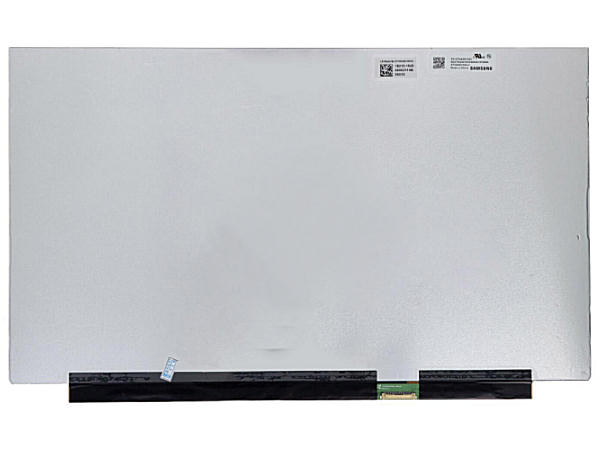
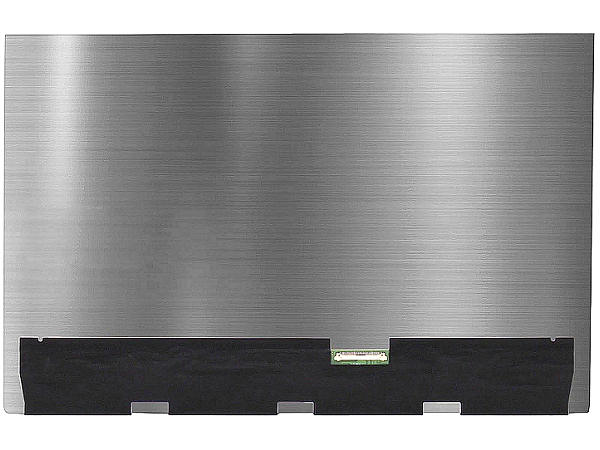
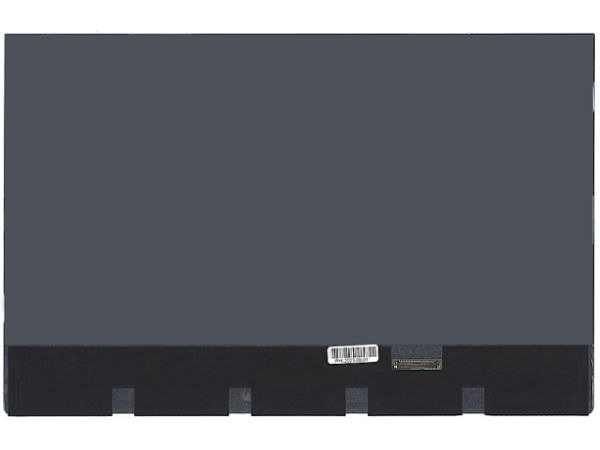
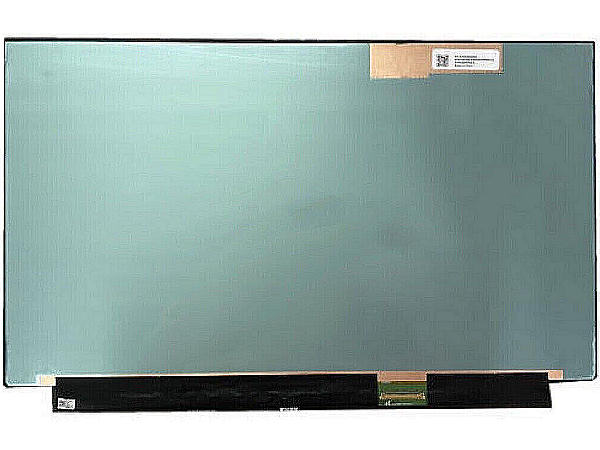
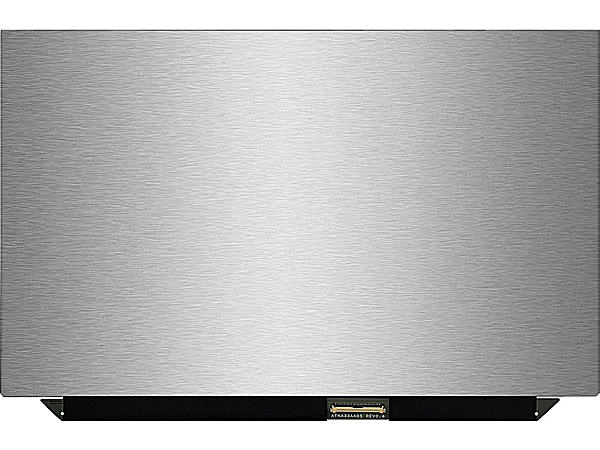
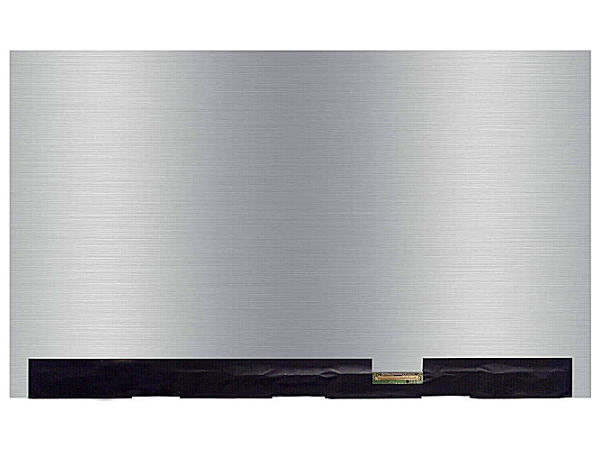
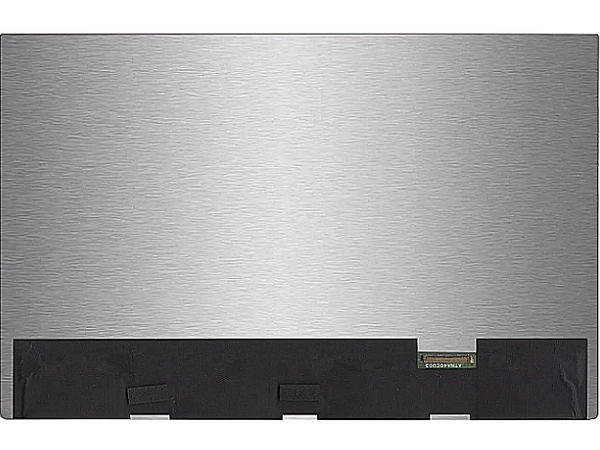
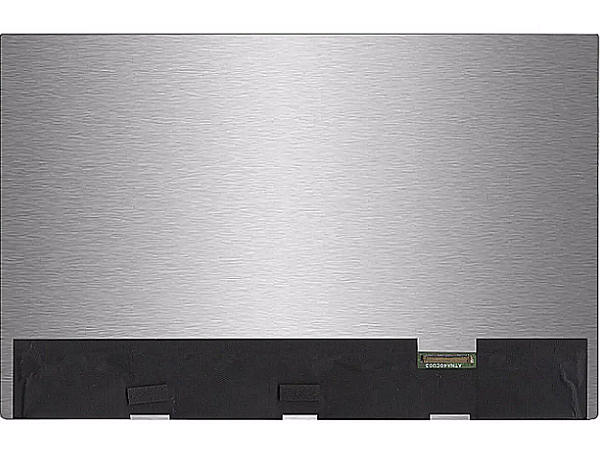
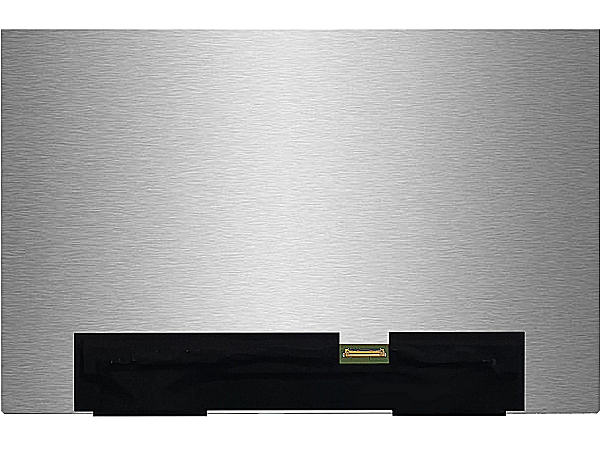
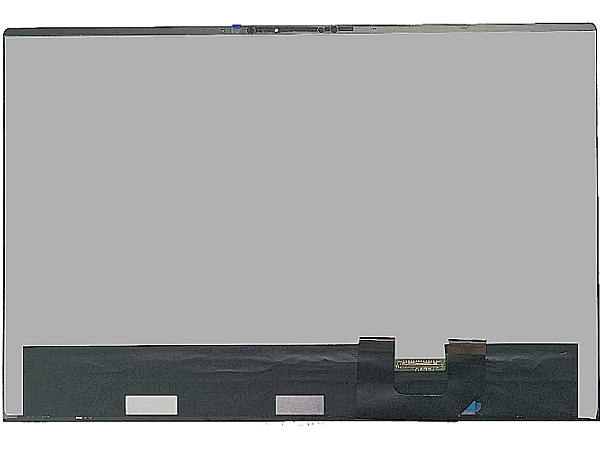
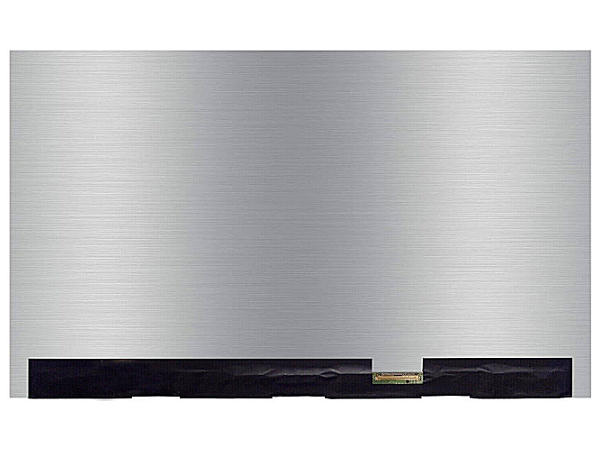
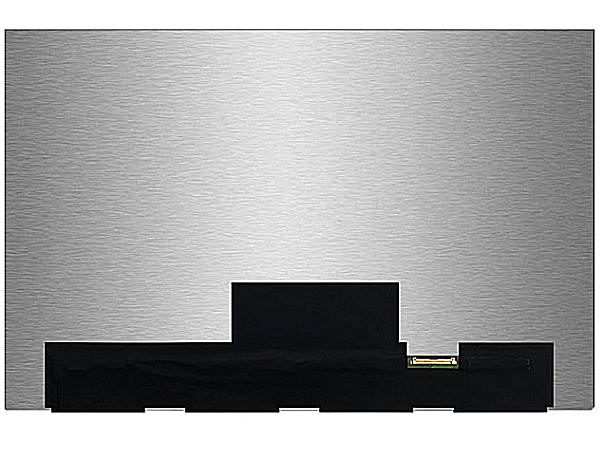
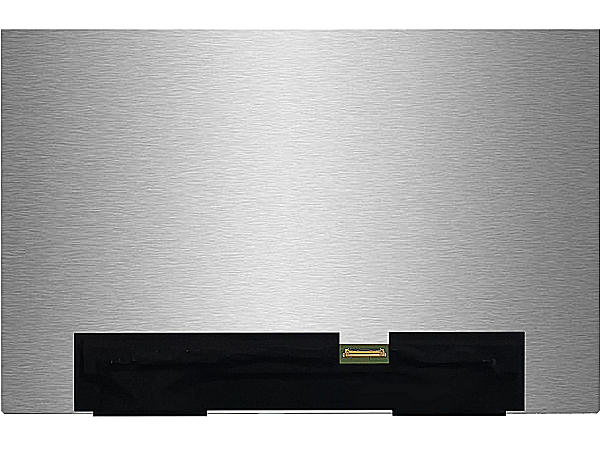
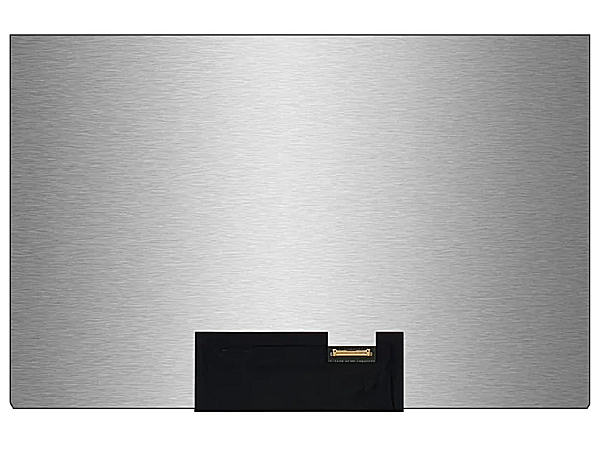
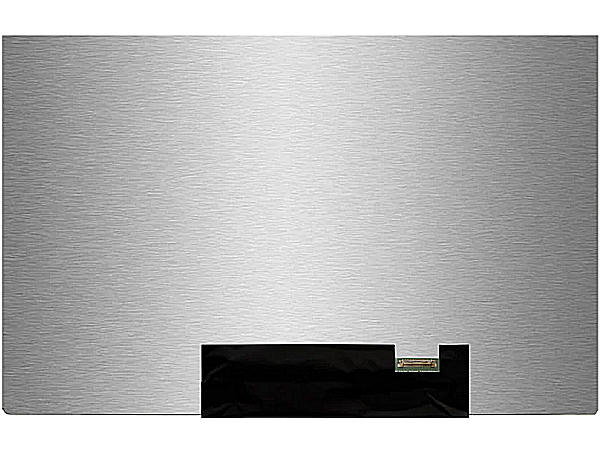
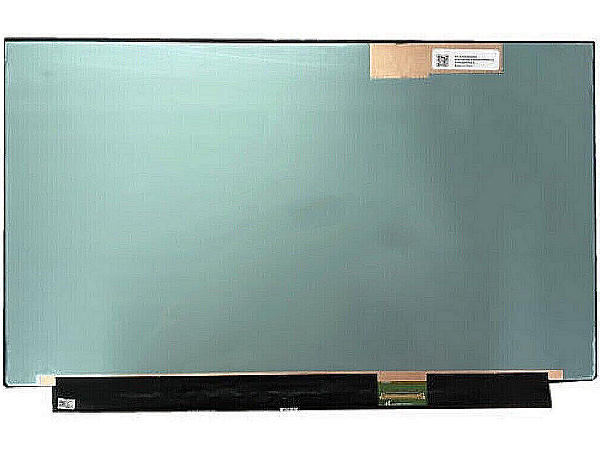
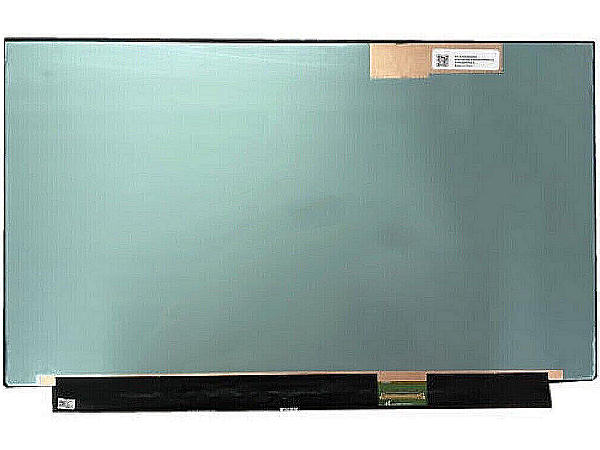
Unlike a conventional LCD backlight, an OLED laptop display controls every pixel individually. Dark pixels can switch off completely, producing deep blacks, exceptional contrast and detail that remains visible in shadow.
Our premium OLED laptop screen replacement collection is designed for customers who want to restore the original display quality of a compatible notebook—not settle for an ordinary panel.
A laptop model name alone may cover several display configurations. Match the specification of your original panel before ordering an OLED replacement screen.
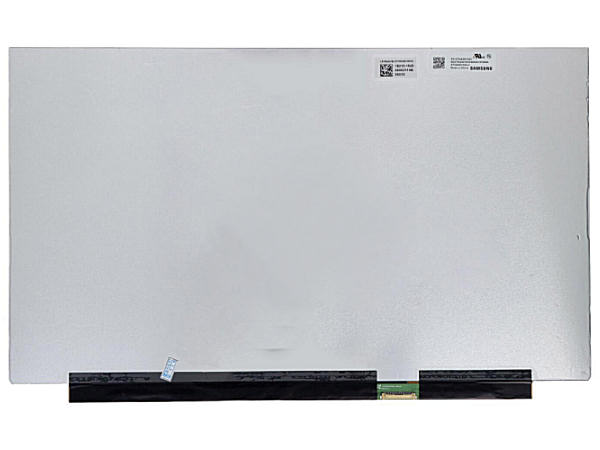
The label on the rear of your original display is the most reliable way to identify a compatible OLED laptop screen.
Confirm size, resolution, connector position, connector pins, refresh rate, mounting points and touch capability.
If anything is uncertain, use the product page to contact our screen specialists and confirm compatibility first.
Not automatically. OLED and LCD panels can require different lid assembly and fixings and often they are much thinner than LED screens. Because of this they often won't fit correctly in the device without changing the assenbly.
Disconnect power and safely remove the panel to inspect the manufacturer label on its rear. Search the complete panel code shown on that label for the closest match.
OLED pixels emit their own light, enabling true blacks, high contrast, vivid colour and very fast response. The result can be noticeably richer than a conventional backlit display.
Only when those features are included in the replacement specification and supported by your laptop. Match touch technology, resolution and refresh rate rather than relying on screen size alone.

