




Cart
£0.00
Discover premium replacement laptop screens with 100% sRGB or DCI-P3 colour gamut. Find a compatible panel for richer photos, creative work, films and games.
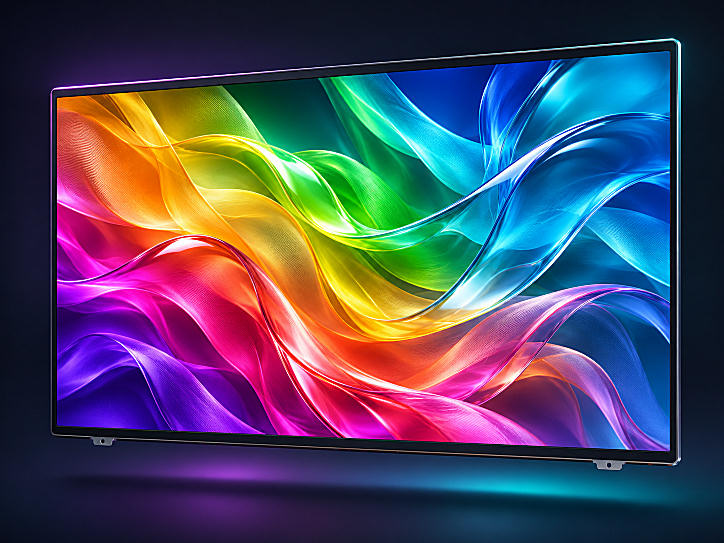
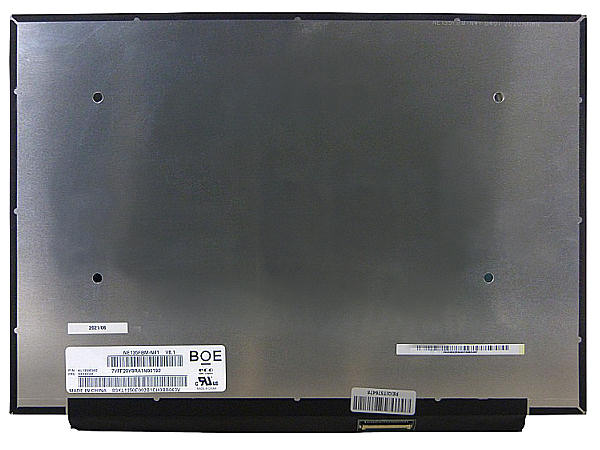
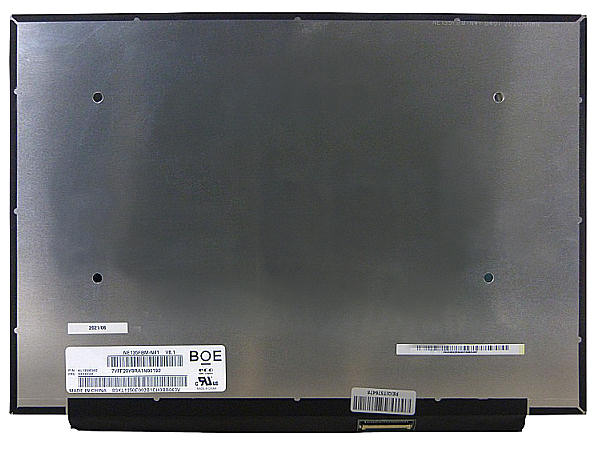
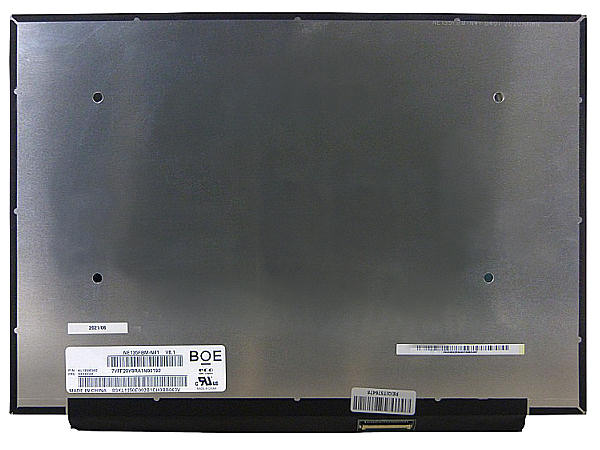
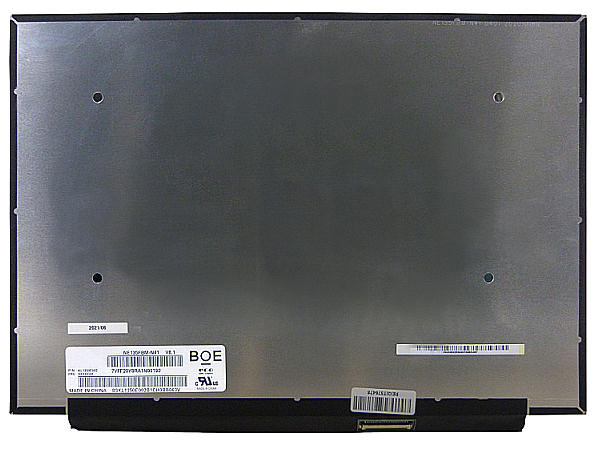
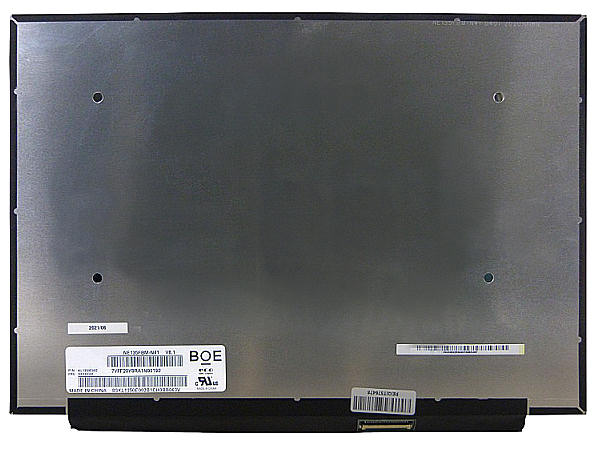
A high-gamut laptop screen can reproduce a wider range of colours than many basic panels. A 100% sRGB display covers the colour space widely used for web content and everyday creative work. DCI-P3 extends beyond sRGB for suitable video and wide-gamut workflows.
Our premium laptop screen replacement collection includes panels specified with 100% sRGB or DCI-P3 colour gamut. Compare each listing's full colour specification and choose a compatible display that preserves your original panel's colour range.
A laptop model name may cover several display configurations. Match your original panel's hardware and colour-gamut specification before ordering a premium replacement screen.
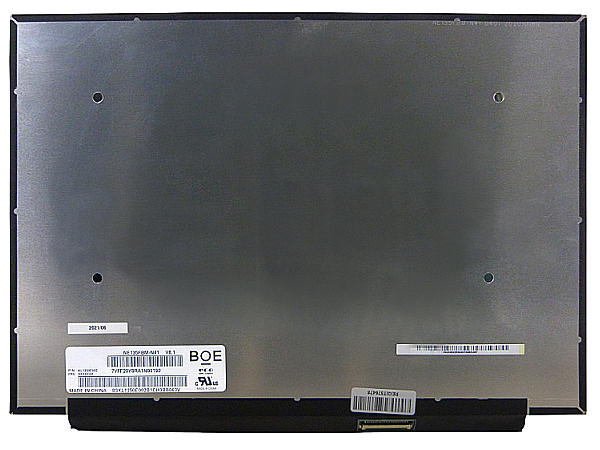
Use the complete model number on the rear of your original display to identify the correct replacement panel.
Confirm colour gamut, size, resolution, connector pins and position, refresh rate, mounting, touch support and display cable compatibility.
If anything is uncertain, use the product page to contact our screen specialists and confirm compatibility first.
Explore the colour specifications and compatibility checks that matter when choosing a premium laptop display.
Compare P3 with sRGB, explore who benefits from wide gamut and learn what to check before buying a replacement.
Read the DCI-P3 buying guide →Discover what full sRGB coverage means for photos, design and everyday viewing, with advice on choosing a compatible panel.
Read the 100% sRGB screen guide →The panel is specified to reproduce the full sRGB colour range used for much web and everyday image content. It can offer fuller colour coverage than many basic laptop screens.
DCI-P3 covers a wider colour range for suitable video and wide-gamut creative content. A 100% sRGB panel suits web and everyday creative work. Compare the stated gamut coverage and use appropriate colour management.
Sometimes, when the laptop supports a compatible panel. Check the complete panel model, size, resolution, connector, display cable, mounting and firmware requirements with our screen specialists before ordering.
Gamut describes the range of colours a screen can reproduce. Colour accuracy also depends on calibration, panel quality and colour management. HDR capability has its own brightness, contrast and signal requirements; check the individual product specification.
Start with the full model number on your original panel's rear label. Compare the complete hardware specification and stated colour gamut, or ask our screen specialists to check compatibility.
These features must be included in the replacement specification and supported by your laptop. Match touch technology, resolution and refresh rate alongside colour gamut and the other compatibility details.

